How to build a wedding run sheet suppliers can actually use
Build a wedding run sheet with clear owners, realistic buffers, wet-weather decisions and version control. A practical guide for Australian wedding vendors.
Business guides · 6 min read
In brief
- Include bump-in, handovers and pack-down, not only guest timings.
- Give each line an owner and make dependencies visible.
- Name the current version and tell affected people when it changes.
A wedding run sheet needs to answer a plain question. What happens next, who is doing it, and what must happen first? A beautiful timeline that leaves those details out will still produce phone calls at the loading dock.
Build one master schedule, nominate its owner and check it with the people doing the work. Then give each supplier the detail they need. The method below is an operational recommendation for wedding jobs, drawing on Australian council event-planning guidance. Council guidance for public events is useful here, but its permit requirements do not automatically apply to a private wedding.
Start before the guests arrive
The ceremony is rarely the first item on a working run sheet. Camden Council describes a running sheet as a production timeline that includes bump-in, bump-out, locations and event timings. Use that broader definition when you draft the wedding schedule. [1]
Confirm access with the venue before filling in supplier arrivals. Record the loading entrance, the person opening it, any lift booking and when each space becomes available. State that timings use the venue's local time, especially when crew travel interstate. Work backwards from the first guest arrival through sound check, furniture placement, floral installation and cleaning. Add pack-down and collection times at the other end.
Keep a separate list of unresolved details. A blank collection time should remain visibly unconfirmed, rather than quietly becoming whatever was left in last week's template. Ask the responsible supplier to confirm the duration of their own work.
Give each line an owner and a dependency
Use columns for start time, duration, activity, location, responsible person and notes. Where a task depends on another task, state that too. 'Florist arrives at 11 am' is less useful than an arrival time plus confirmation that the ceremony chairs will already be in position.
Name the person making the decision, not a loose group such as 'venue and planner'. Put their role and working mobile number in the contact list. Redland City Council's contact-list guidance includes names, roles, responsibilities and mobile numbers for the people delivering an event. [2]
Treat the contact list as a working document with a defined audience. Suppliers need the contacts relevant to their job. They do not need every guest's personal details or the client's full booking history.
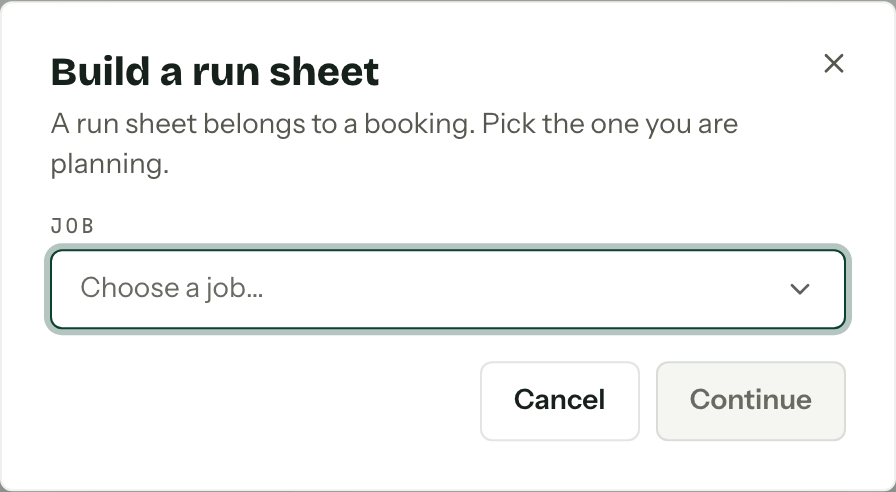
Start with the right booking
Build buffers around real constraints
A buffer should sit where a delay is likely to affect another supplier. Allow for the actual walk between locations, access restrictions and the time needed to move equipment. Ask the caterer about service timings and the photographer about travel before treating either as fixed.
Consider this hypothetical sequence. Floral installation finishes at 1.30 pm. The venue checks and resets the ceremony space by 1.45 pm. The celebrant and audio operator complete a sound check at 2 pm. Guests arrive at 2.30 pm for a 3 pm ceremony. Each interval has a purpose; these times are an example, not a standard wedding schedule.
Record which moments can move and which cannot. A venue access deadline may be fixed. A portrait session may have options. If the ceremony runs late, the coordinator should know whom to consult before moving dinner service.
Give each interval a job
1.30 pm
Floral installation finishes.
1.45 pm
The venue reset is complete.
2 pm
The celebrant and audio operator complete sound check.
2.30 pm
Guests arrive.
3 pm
The ceremony begins.
Write down the rain call before the forecast arrives
Give the wet-weather decision its own line. Record who checks conditions, who can approve the move, the decision deadline and how the change reaches suppliers. Confirm the alternative location and the time each supplier needs to reset before agreeing that deadline.
Keep the practical ceremony-location decision separate from emergency decisions. NSW Government guidance says severe weather can develop quickly and directs people to official warnings and emergency-service advice. A deadline in a run sheet must never prevent an earlier safety response. [3]
The run sheet can point to the venue's emergency arrangements and name the contact who holds them. It does not replace risk assessment, emergency planning or safe work procedures. SafeWork SA's event guidance covers hazard management and clear instructions for emergencies and extreme weather. Check the requirements that apply to your location and work. [4]
Make the current version obvious
Put the job name, event date, version number, issue time and schedule owner at the top. Nominate one editor to reconcile changes. Suppliers can propose updates, but two competing master files should never reach the crew.
Set a practical review deadline, then ask the venue and suppliers to confirm their own entries. Issue the approved version with a short list of changes. If you revise it afterwards, replace the shared file and tell affected people exactly what moved. 'Updated run sheet attached' leaves them searching for the difference.
Keep approvals and previous versions with the job. NSW Government's event-documentation guidance recommends retaining decision records and run sheets. It also advises seeking legal advice on record-retention periods, so avoid treating one filing habit as a universal rule. [5]
Distribute it for the way people work onsite
Redland City Council suggests deriving less-detailed schedules for groups that only need part of the event order. Keep those extracts tied to the master version so a shorter supplier copy does not become a competing plan. [2]
Check readability on a mobile and give crew an offline copy where reception is uncertain. Brief the people handling the first handovers before guests arrive. At the end of the job, record the timing changes that affected delivery and adjust your next template.
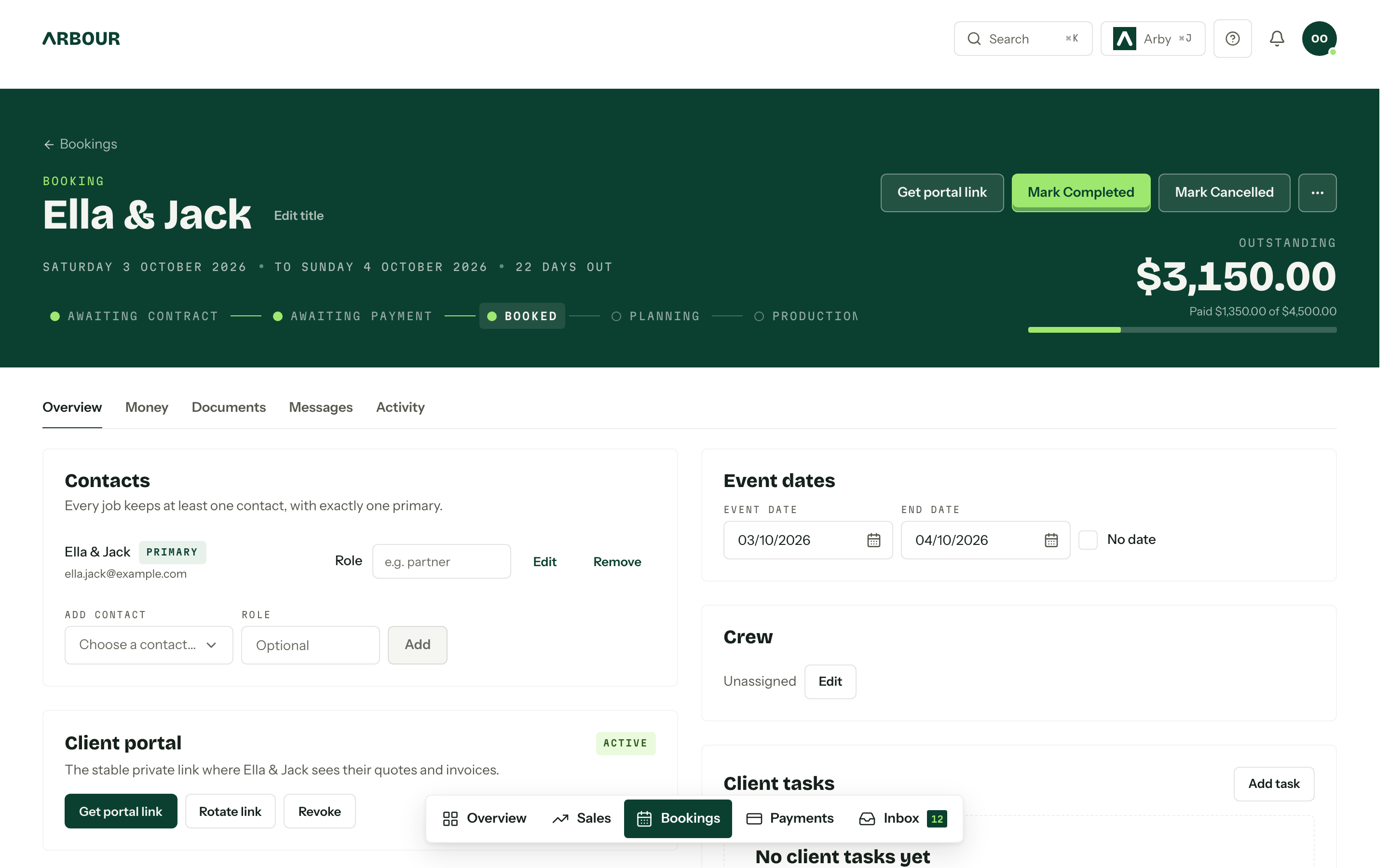
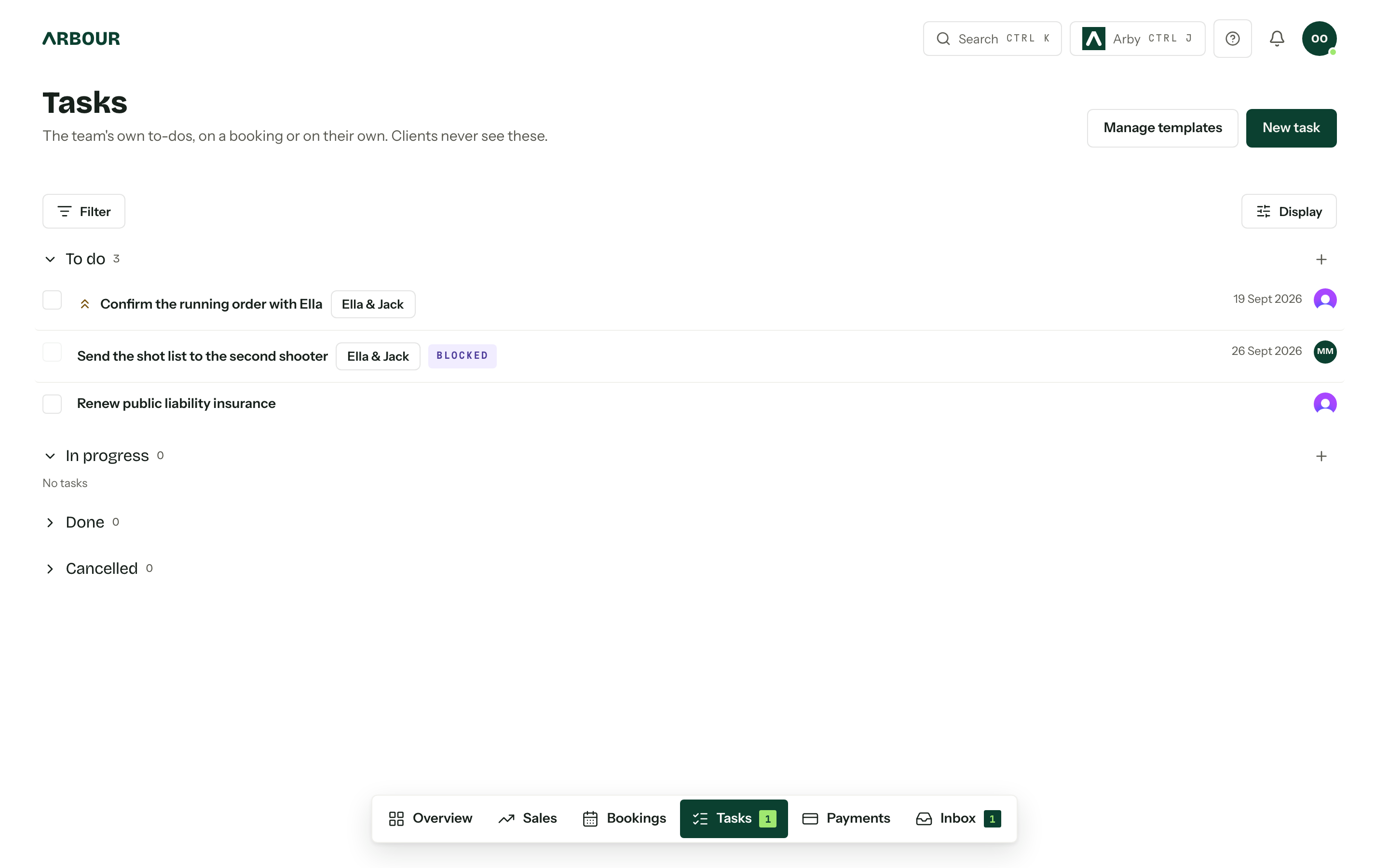
Arbour keeps run sheets with the job, alongside contacts, quotes and questionnaires. You can see the calendar and run-sheet workflow. Whichever tool holds the schedule, someone still needs to confirm the handovers and tell the crew when they change.
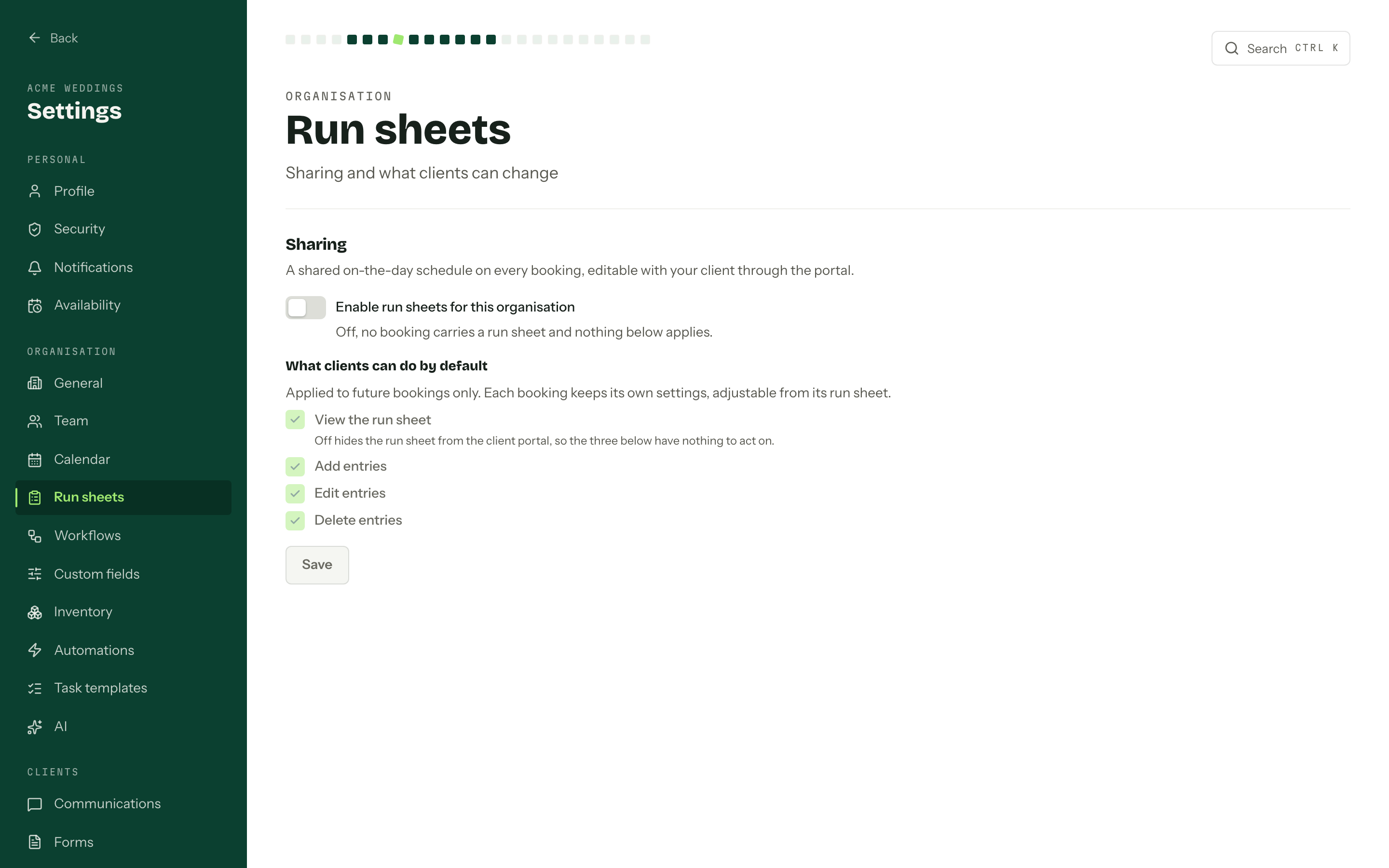
Decide what clients can change
Show full screenShow close-up: Decide what clients can change
Sources
Sources checked on 28 October 2026. Product details and guidance can change.
- 1Preparing an event plan
Camden Council
- 2Event planning tools
Redland City Council
- 3Storm and weather alerts and what to do
NSW Government
- 4Event safety
SafeWork SA
- 5Documentation for your public and outdoor event
NSW Government
Published by Arbour, which makes wedding business software. Read our editorial approach.