A wedding photography CRM workflow that keeps working after the booking
Build a wedding photography workflow for enquiries, bookings, shoot preparation, editing and delivery, with clear handovers and fewer loose ends.
Business guides · 6 min read
In brief
- Keep coverage, deliverables and the payment schedule explicit.
- Give shoot preparation and editing handovers an owner.
- Use a gallery service for photographs and the job record for administration.
A list of sold dates leaves a fair bit unanswered. Whose questionnaire is missing? Which gallery is due? Did that album proof come back? A useful wedding photography CRM workflow follows the job through delivery, with a named owner and a next action at every stage.
Keep the administration on one job record. Keep image editing, gallery delivery and image backups in the tools built for them. The connection is a clear handover, with the relevant links, dates and completion checks recorded against the job.
Capture enough to answer the enquiry
Start with the event date, locations, contact details and the coverage the client has in mind. Record how they found you if that informs your marketing decisions. Ask for the information you need to check availability and recommend the next step. The full family-photo list can wait.
Check the calendar before sending a confident yes. Include travel, an existing hold and recovery time after another booking. Assign the enquiry to a person and give it a follow-up date. An acknowledgement can confirm that the message arrived, but it should not promise availability that nobody has checked.
Make the booking specific
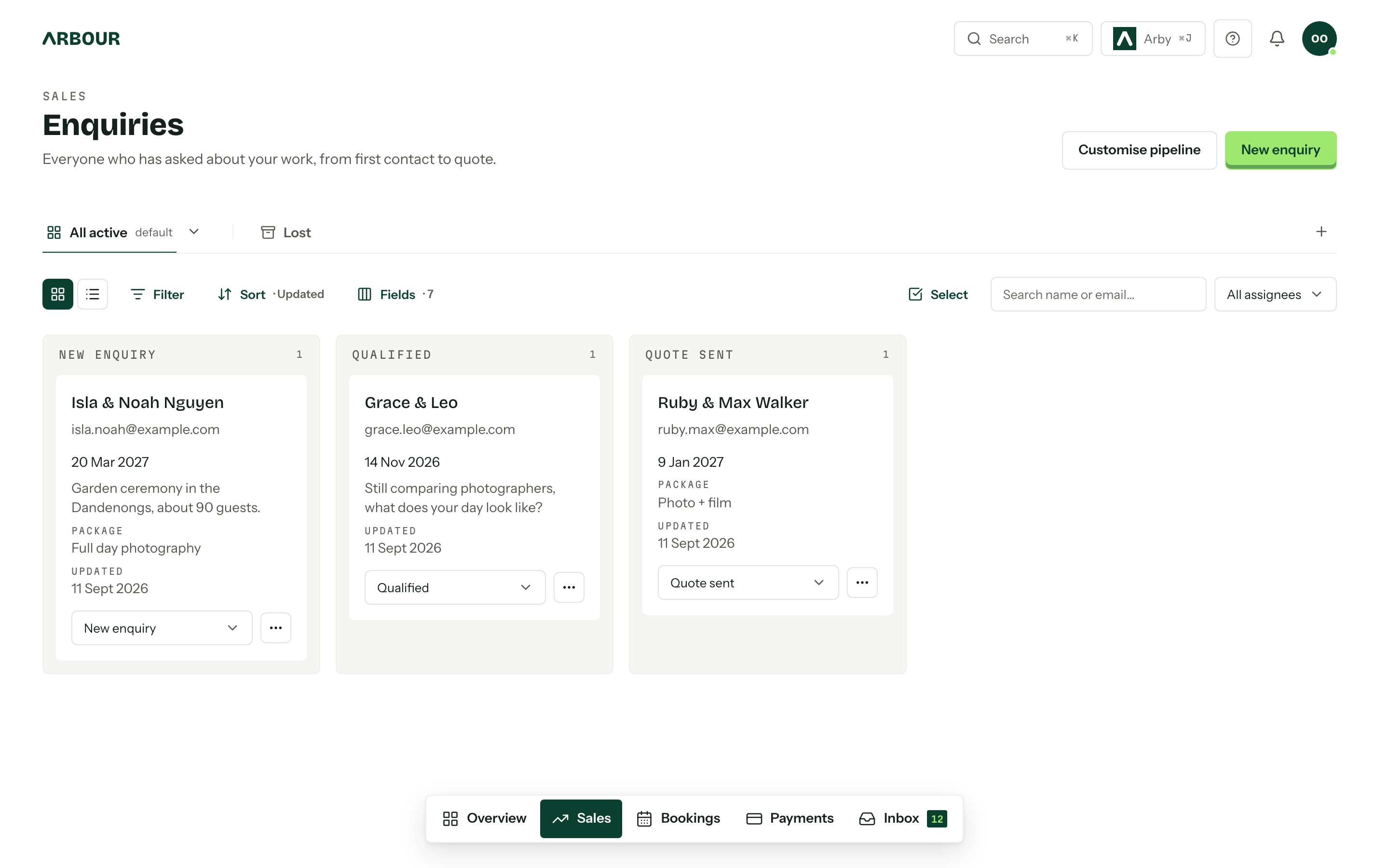
The quote should identify the coverage hours, photographer numbers, travel, deliverables and payment schedule. State whether an engagement session, album or additional editing is included. business.gov.au recommends written quotes with a clear service description, itemised costs, payment terms and an expiry date. [1]
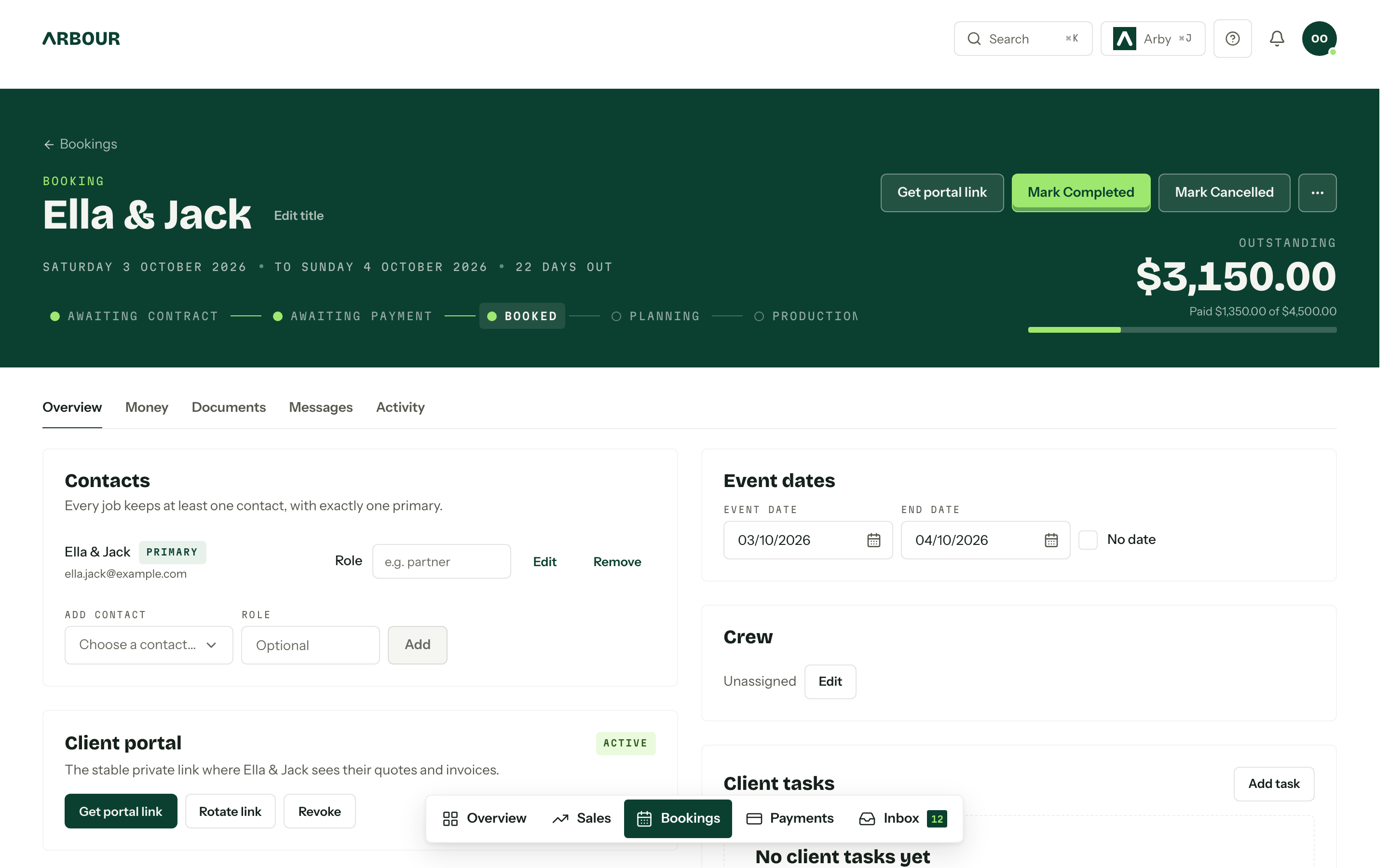
Document when your business marks a date confirmed. Your process might require the agreed contract and initial payment. An accepted quote can itself form a binding contract, as business.gov.au notes, so your status labels need to match your actual terms. [1] Have those terms checked for your business rather than borrowing another studio's wording. When the booking qualifies, move the existing job forward instead of rebuilding it in a second spreadsheet.
Arbour keeps quotes, contracts, invoices and payment plans with the job. Its sales and booking workflow shows how those records stay together. The workflow still needs your decision about when a tentative date becomes a commitment.
Put the coverage and extras on the quote
Show full screenShow close-up: Put the coverage and extras on the quote
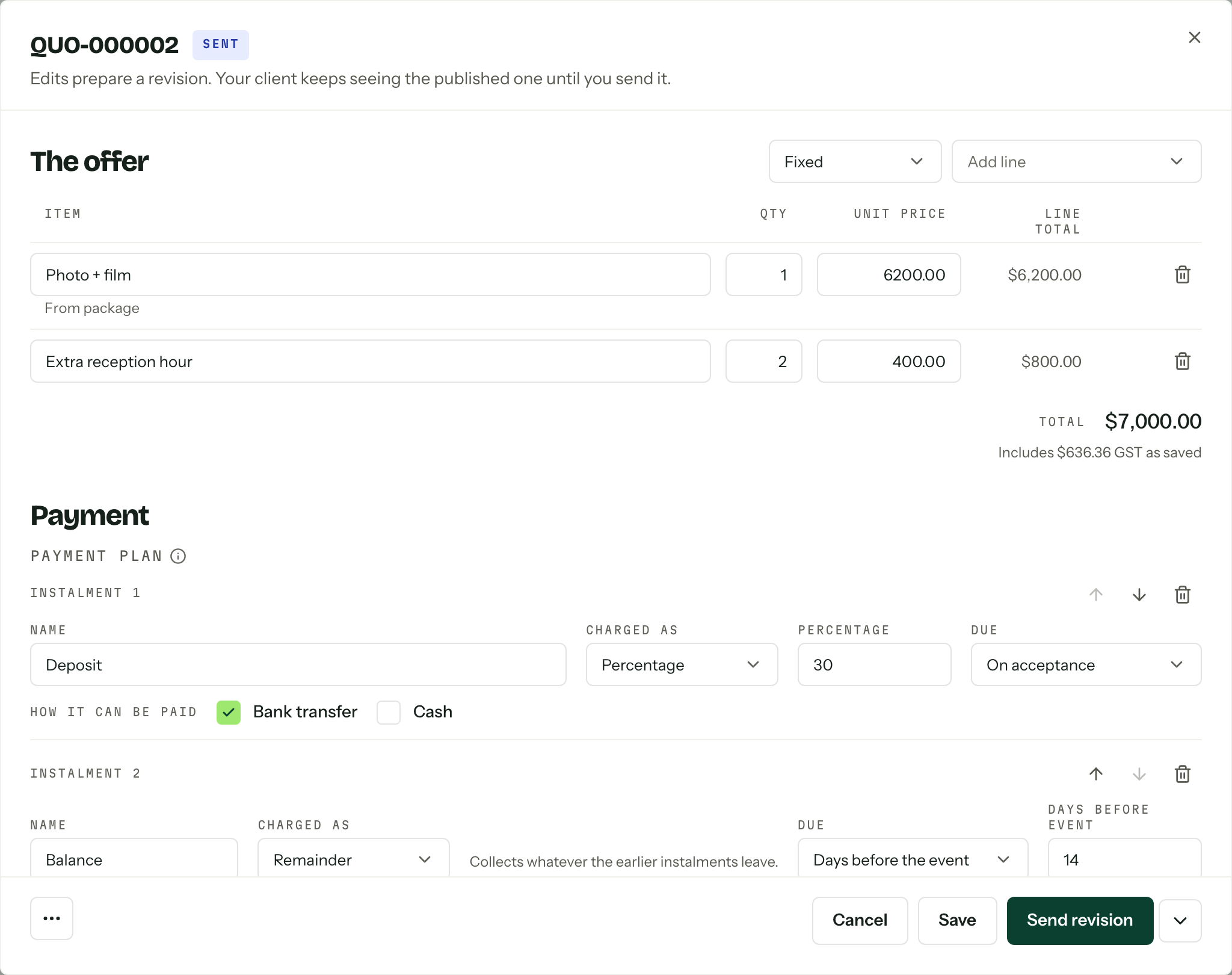
Quoted services
Quantities and prices
Payment plan
Prepare the shoot around actual decisions
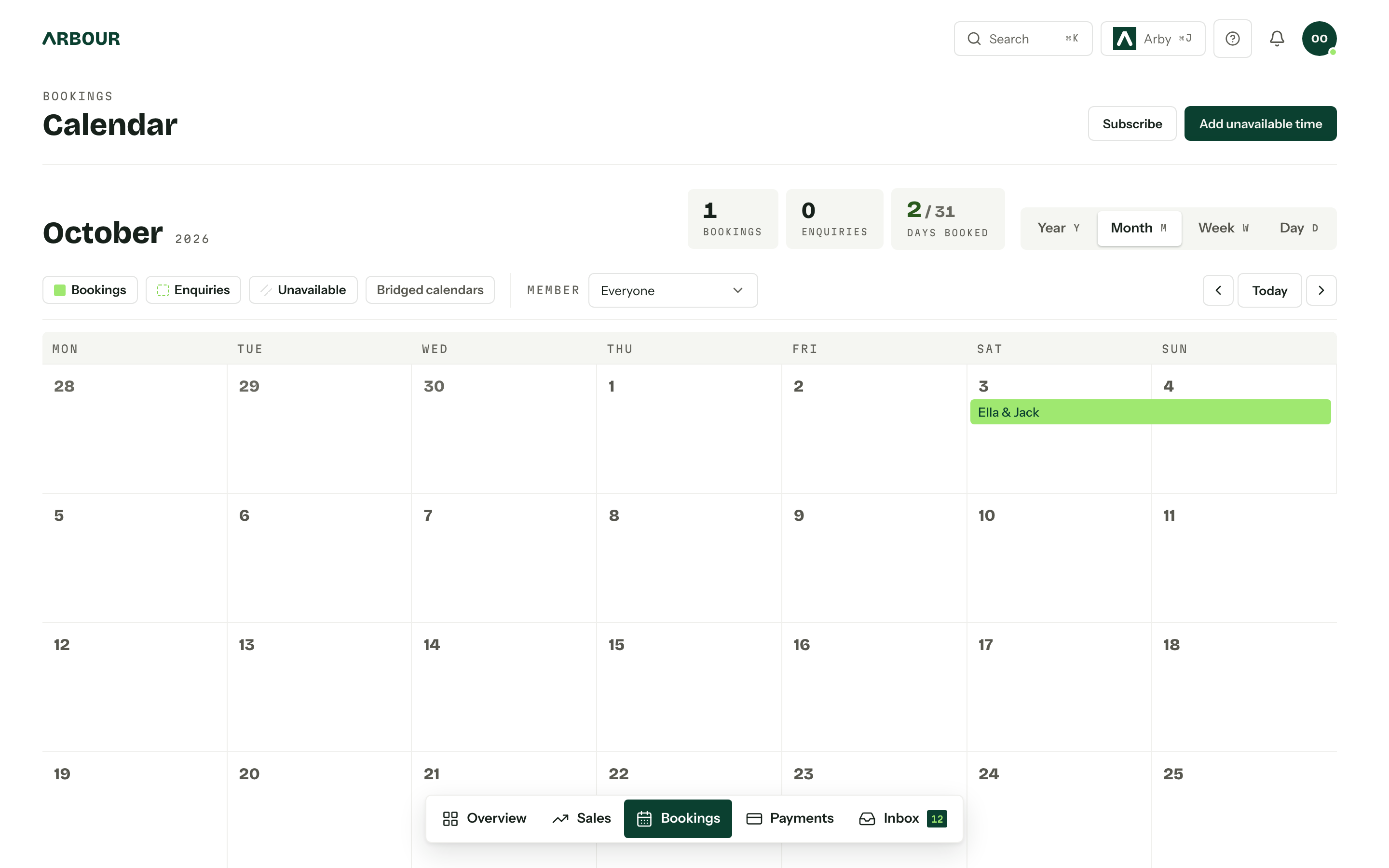
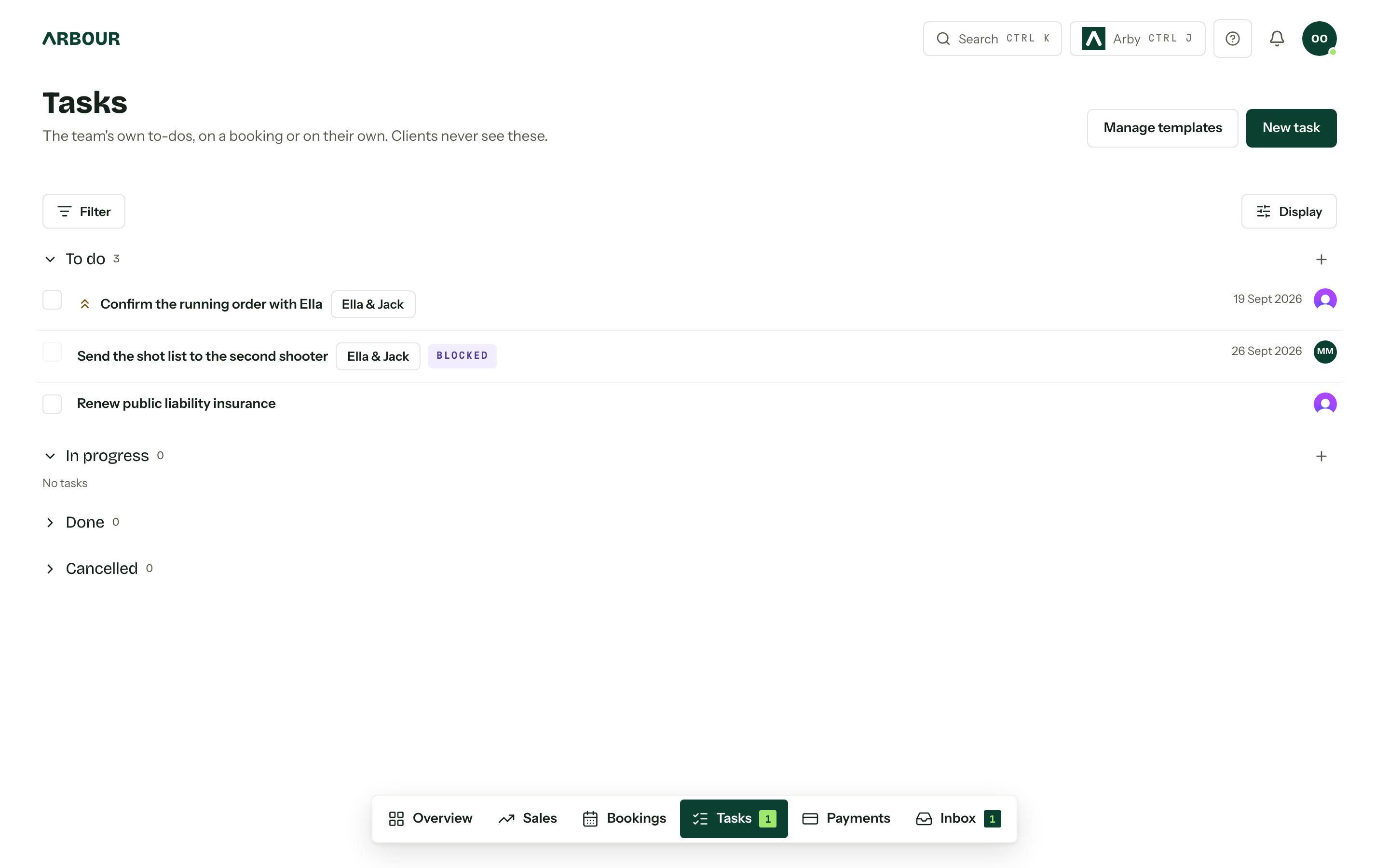
Work backwards from the event. Set deadlines for the questionnaire, planning conversation, balance review and final run sheet according to your contract and workload. Use separate fields for information you search or sort, such as ceremony location. Put the longer discussion in the job notes.
Confirm access times, parking, ceremony restrictions, family groupings and the person who can gather those groups. Record the wet-weather portrait option. Where another photographer joins you, make the brief explicit about arrival, coverage responsibilities, file naming and the image handover.
Keep publication permissions separate from the booking status. The OAIC says identifiable images can be personal information and recommends express consent for publication as good practice. Its guidance explains the obligations for organisations covered by the Privacy Act. [2] A paid booking does not tell your editor which images the client is comfortable seeing on Instagram.
Make the next preparation task visible
Show full screenShow close-up: Make the next preparation task visible
Issue one working run sheet
Give the working run sheet a version date and a clear owner. Include addresses, practical contact numbers, coverage times and travel allowances. Put the portrait plan beside the available time, so an ambitious list is visible before the day.
A second shooter needs the information required to do the job, including relevant access and safety details. They do not automatically need the client's invoice history or every private planning note. Check the permissions and the exported document before sharing it. Save a copy that remains accessible if mobile reception fails.
Track editing and backups separately
After the shoot, confirm image ingestion and backups before marking that handover complete. Record who holds the files, where the working catalogue lives and when the next editing step is due. A task marked 'editing' for six weeks does not tell anyone whether the job is waiting for culling or final review.
Adobe states that Lightroom Classic's catalogue backup contains the catalogue file, while photographs and exports need their own backups. Adobe also recommends keeping backup copies separate from working files and considering an offsite location. [3] A completed CRM task records that someone checked the backup. It does not make the backup.
Test the delivery the client will receive
Keep the promised delivery date visible while the job moves through editing. If that date needs to change, contact the client before it passes and record the revised agreement.
Upload the finished photographs to your gallery service, then test the invitation, access settings and download instructions. Pixieset, for example, provides photo downloads, password and PIN controls, proofing and download activity tracking. [4] These are gallery functions. Arbour manages the job administration; it is not the photo gallery.
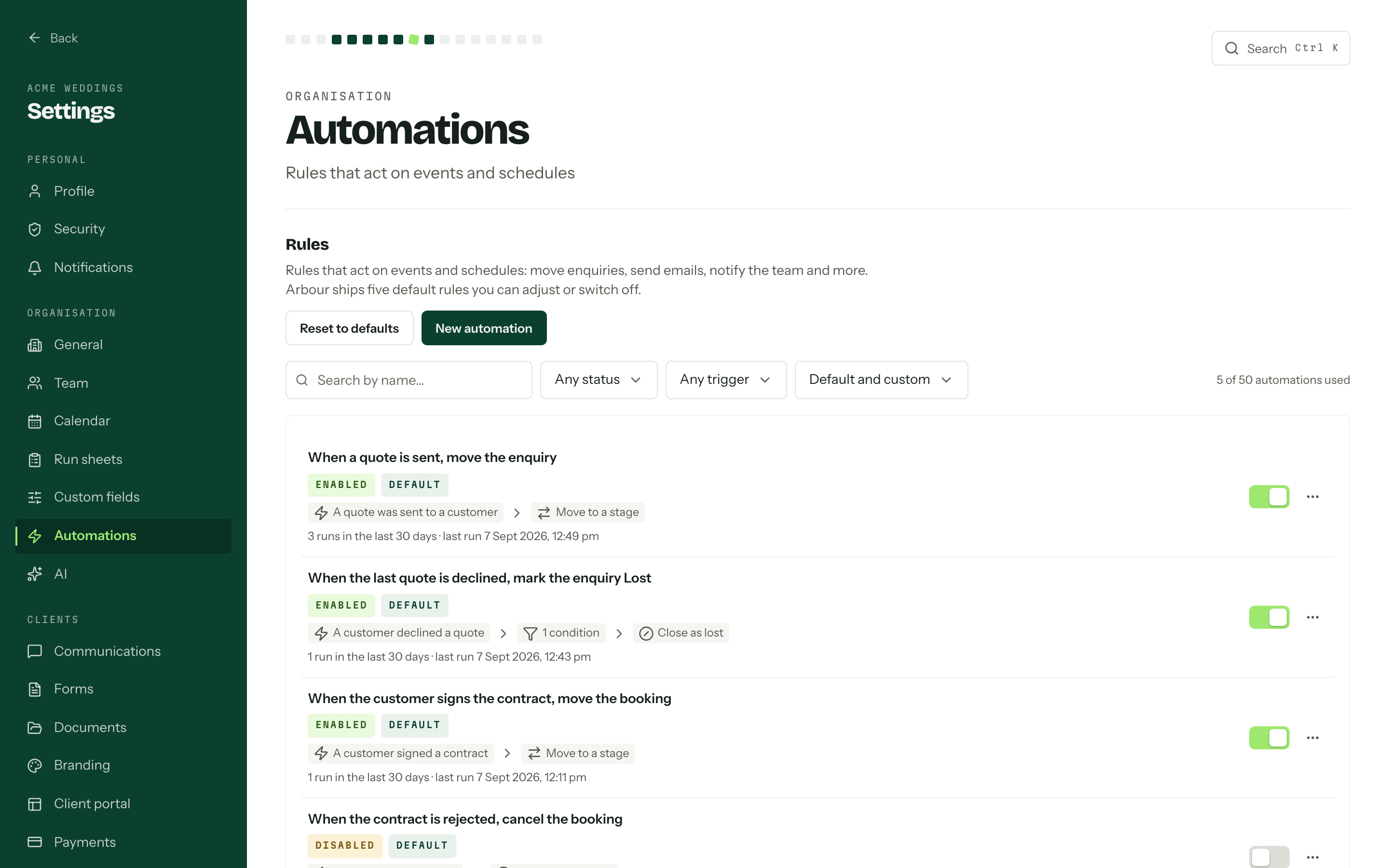
Record the gallery URL and delivery date against the job. If an album is included, create a separate selection and proof-approval sequence. Gallery delivery should not quietly close work you still owe.
Check the handovers after the shoot
Files
Confirm ingestion and separate backups.
Editing
Name the owner and the next step.
Delivery
Keep the agreed delivery date visible.
Gallery
Test the invitation and download settings.
Close the job with a usable record
Before archiving, reconcile the invoices, check that the agreed deliverables went out and record any outstanding print or album orders. Note the image-retention arrangement you gave the client and the location of the archive. Do not promise indefinite storage unless you have planned and priced it.
Review one completed job before copying this workflow across the season. Find the step that relied on memory, give it an owner and a completion check, then test it on the next booking.
Sources
Sources checked on 28 October 2026. Product details and guidance can change.
- 1Prepare quotes
business.gov.au
- 2Posting photos and videos
Office of the Australian Information Commissioner
- 3Back up a catalog
Adobe
- 4Pixieset Client Gallery
Pixieset
Published by Arbour, which makes wedding business software. Read our editorial approach.