Wedding venue booking management, from hold to handover
A practical booking workflow for Australian wedding venues, covering date holds, site visits, space allocation, client approvals and the operations handover.
Business guides · 6 min read
In brief
- Check setup, service and pack-down alongside the event itself.
- Give each hold an owner, expiry and clear conditions.
- Hand operations the approved version and name every unresolved decision.
A date can look free while the venue is already committed. The ceremony lawn is available, but the wet-weather room belongs to another booking. The reception finishes at midnight, but tomorrow's supplier needs access at six. Wedding venue booking management starts with recording what the client can use and when, before anybody promises the date.
Use one job record for the sale and its delivery details. Keep availability checks explicit, give every hold an owner, and hand operations an approved version of the event. The following workflow is a practical starting point for a venue with several spaces, shared staff or back-to-back functions.
Record the whole booking window
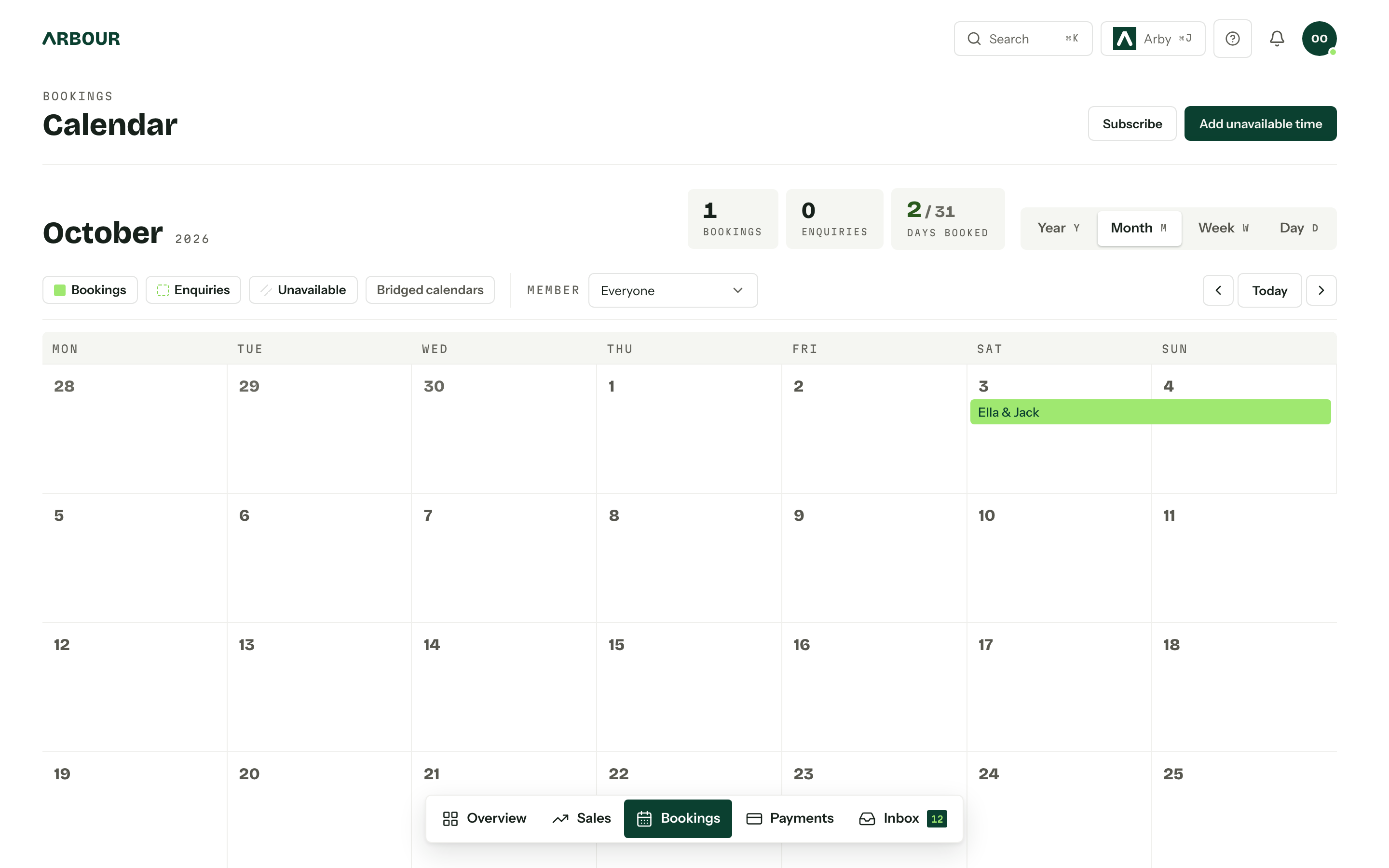
Ask for the proposed date, guest count, event format and spaces needed at enquiry. Record supplier access, setup, guest arrival, finish and pack-down separately. Camden Council's event-planning guidance includes bump-in and bump-out alongside the event dates and times. Its guidance concerns council event applications, but the same distinction is useful in a private venue's booking record. [1]
Check shared facilities before offering availability. Include the kitchen, loading area, parking, accessible entrances and the indoor alternative to an outdoor ceremony. A second event may fit the room calendar and still conflict with the first event's service needs.
Use named spaces consistently. 'Main room' becomes ambiguous when sales calls it the ballroom and operations calls it the hall. Keep a short approved list of room names and use it on quotes, calendar entries and run sheets.
Check the dates around the event
Show full screenShow close-up: Check the dates around the event
Give every hold a decision date
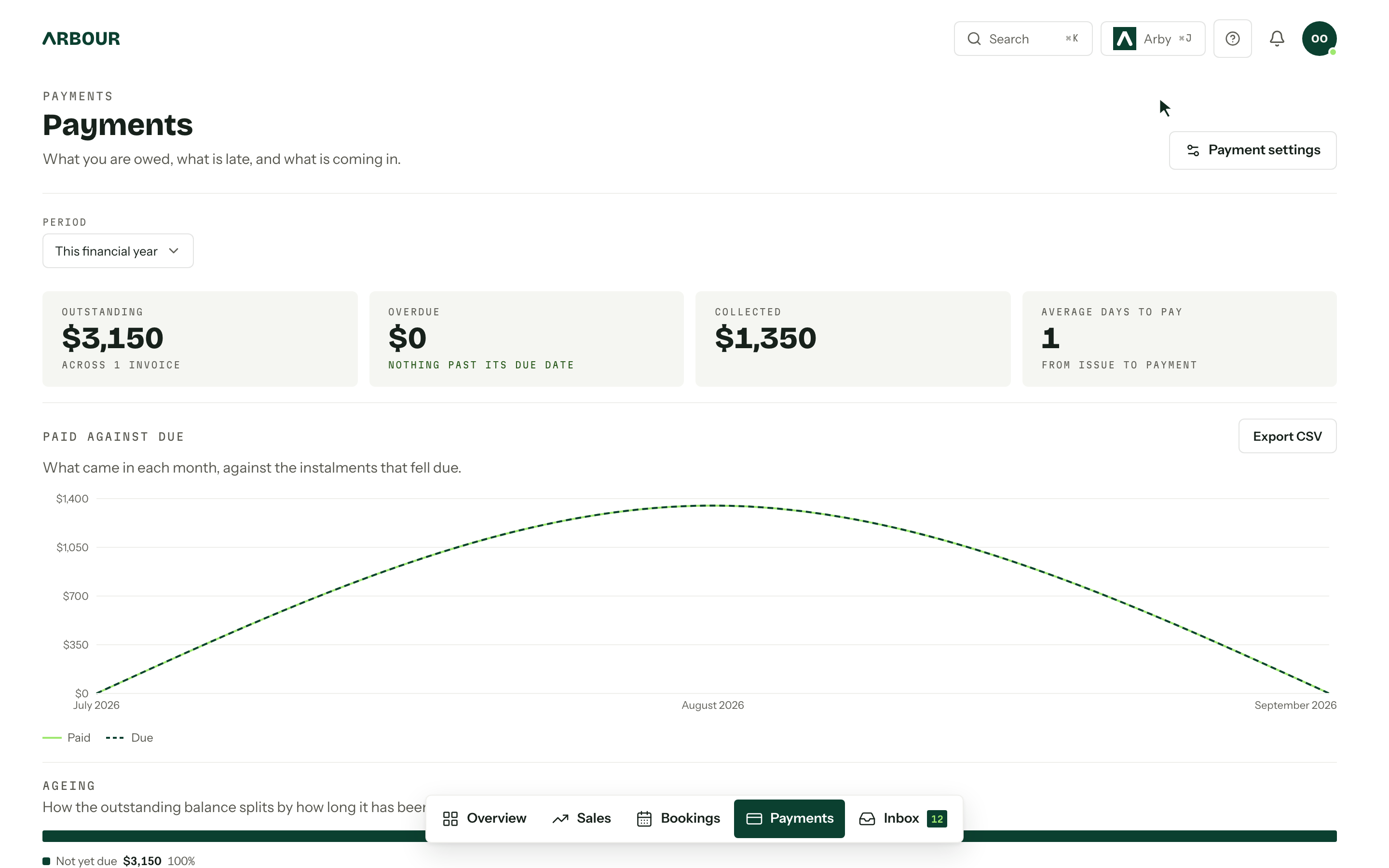
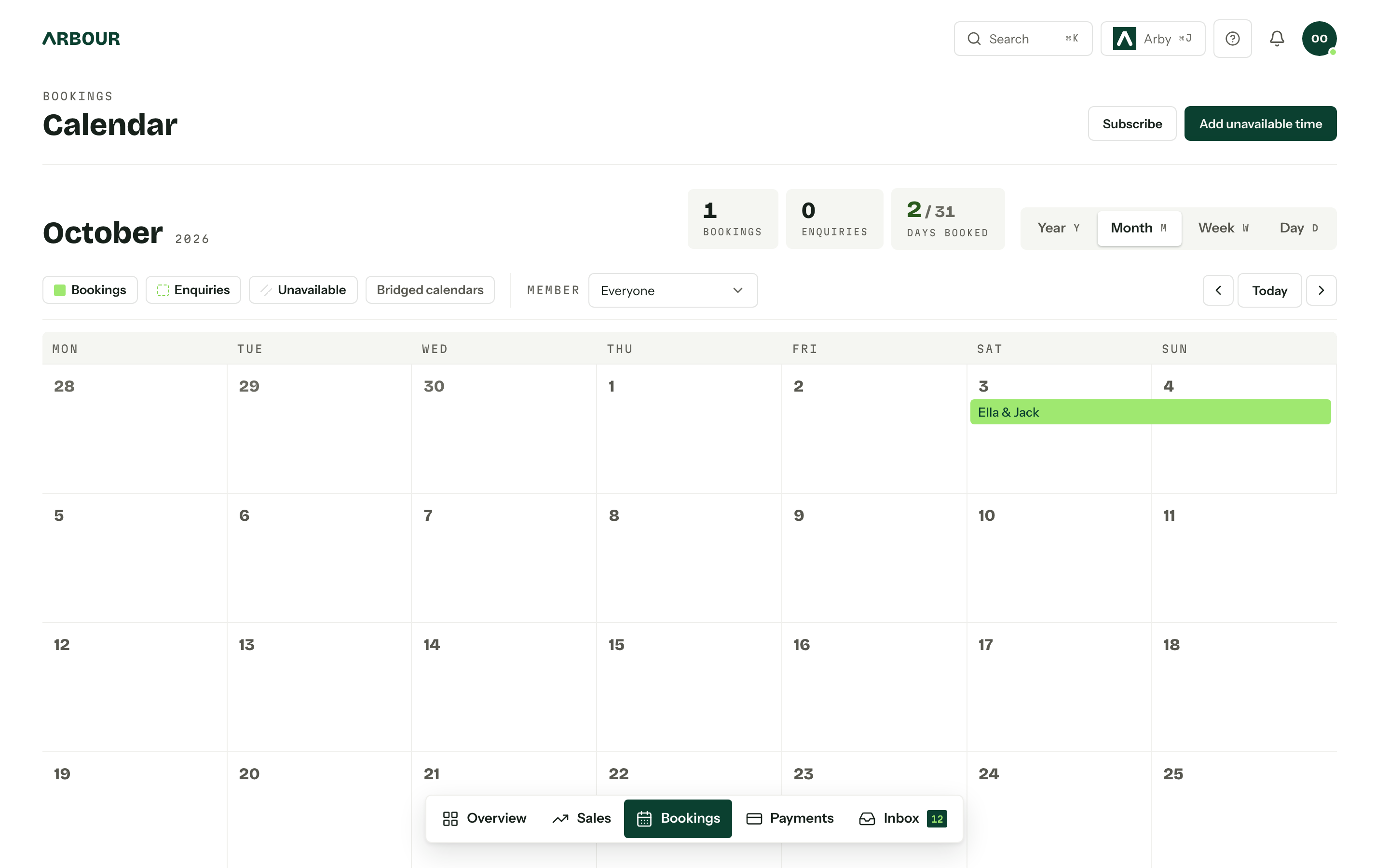
Write down what a hold means in your business. Record its start, expiry, owner and conditions, then tell the client those conditions in writing. Separate an enquiry, a tentative hold and a confirmed booking in the pipeline. A coloured calendar block alone does not explain which promises have been made.
Set an internal reminder before expiry so the booking owner can check for replies or payment. If another client asks about the date, review the original agreement before offering it elsewhere. Have a person approve extensions and releases until your process has proved reliable.
Get your booking terms reviewed for the jurisdictions where you operate. Consumer Affairs Victoria advises businesses to disclose deposit and cancellation conditions before customers book and to use fair terms. Its tourism guidance includes functions such as weddings. Recording a status in software does not decide the client's contractual rights. [2]
Use site visits to resolve the difficult details
Send the coordinator into each site visit with the current proposal and a short list of unanswered questions. Walk the actual guest route, the supplier route and the rain plan. Record decisions against the job while everyone still remembers which doorway they meant.
Ask clients about access requirements rather than making assumptions. NSW Government guidance recommends planning accessibility early, providing clear information about venue facilities and briefing staff. Check that the proposed furniture layout preserves accessible paths, including when equipment or temporary structures arrive. [3]
After the visit, send a written decision record. Separate agreed changes from options still awaiting a price or approval. A larger guest count may affect layout, staffing and catering together. Give one person responsibility for checking those dependencies before confirming the change.
Keep client approvals tied to the right version
Store the accepted scope with the booking, then record later variations with their dates and approvals. Keep the current floor plan easy to identify. An old attachment in an email thread should not be the document the duty manager finds first.
Agree a process for final guest numbers, menu decisions, supplier details and room layout. Use deadlines that fit your venue's purchasing and rostering needs. If a client misses a deadline, assign a follow-up rather than silently assuming the previous number is final.
Check payment status alongside operational readiness. An invoice marked sent and a payment received are different facts. Give the team a clear escalation path for anything unresolved before the event.
Carry an agreed change into the handover
Record
Keep the requested variation with the job.
Agree
Confirm the scope, price and required approval.
Update
Identify the current plan and issue date.
Brief
Tell operations and affected suppliers what changed.
Hand operations an approved event
Hold a handover between the booking owner and the person running the shift. Review the approved plan, supplier contacts, key timings, access needs and outstanding decisions. Give each open item an owner and a due time. NSW Government's Event Starter Guide includes a site plan, supplier contacts, a run sheet and a production schedule in its event documentation. These are useful handover documents for a private venue too. [4]
Make the handover specific enough that operations can act without calling sales. Include who can approve an on-the-day change and where the latest instructions live. Reissue material changes with a version date and tell the affected suppliers what changed.
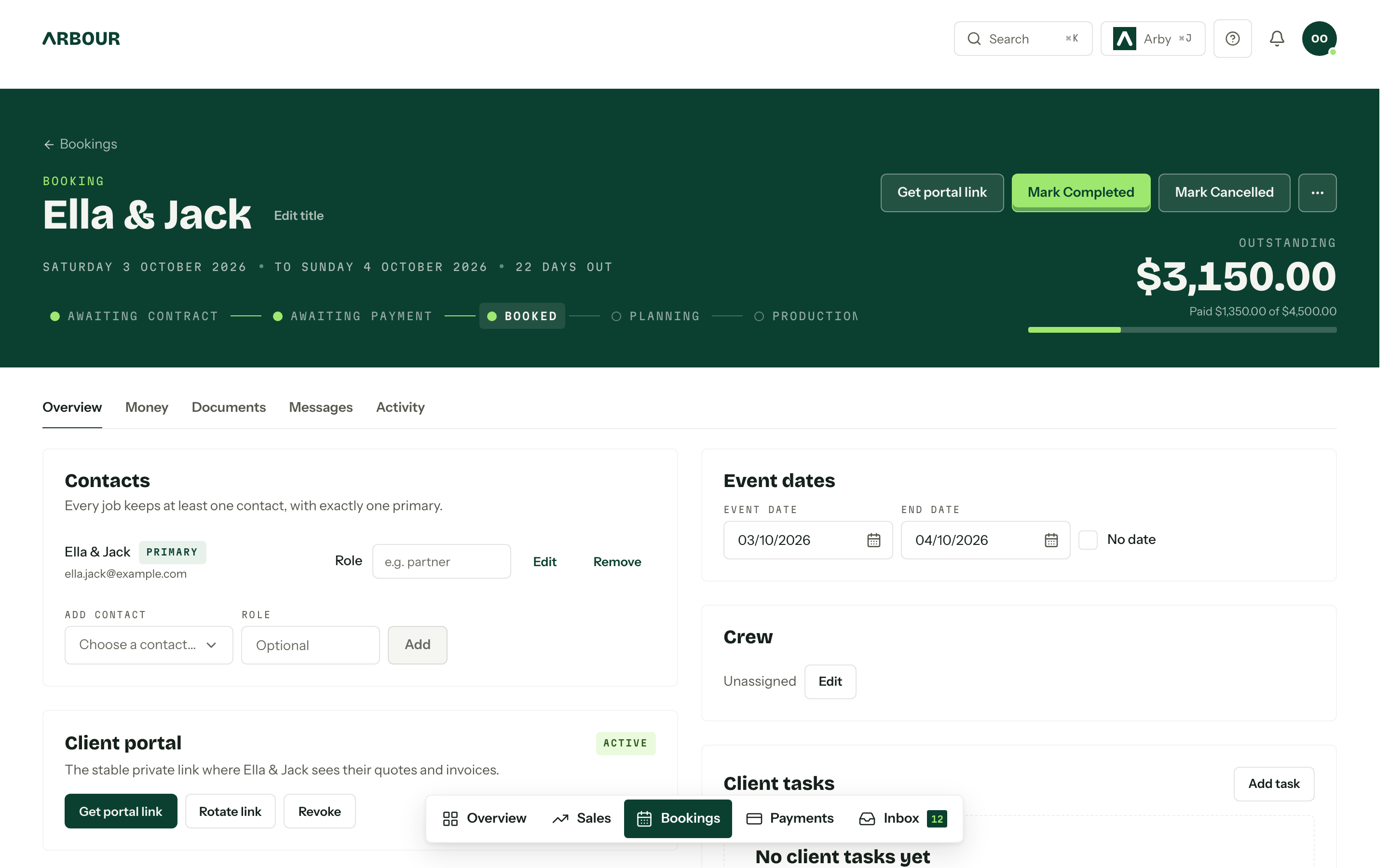
Arbour keeps the calendar, crew, questionnaires and run sheets on the job alongside the sales record. See the delivery workflow. That gives the team one place to find booking information. Continue to verify room allocation and shared-resource conflicts through your venue's own availability process.
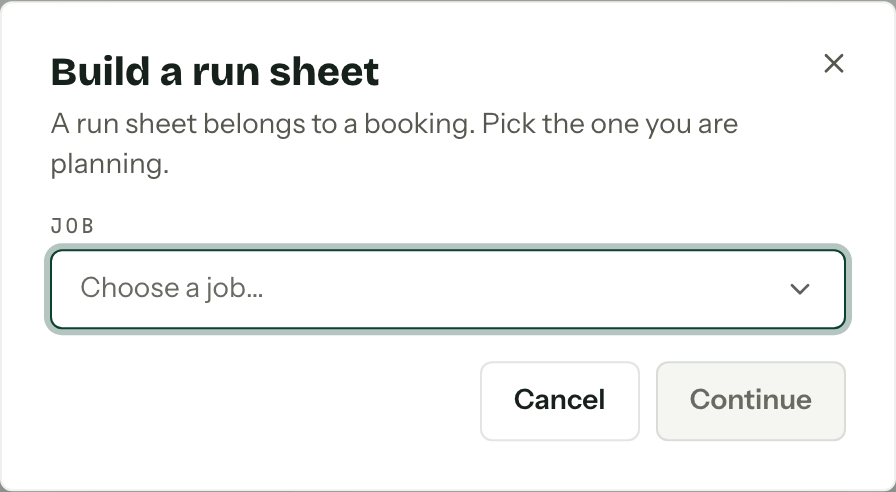
Start the schedule against the right booking
Close the job with the next shift in mind
Before closing the booking, record damage, missing hire items, approved extras and unresolved supplier matters. Check pack-down against the next event's access time. Pass anything affecting the next shift to its manager directly.
Review one recent booking with sales and operations. Find the point where someone had to ask for information that should already have been recorded. Fix that field, handover step or approval rule before adding more automation.
Sources
Sources checked on 28 October 2026. Product details and guidance can change.
- 1Preparing an event plan
Camden Council
- 2When customers cancel - guidance for tourism businesses
Consumer Affairs Victoria
- 3Accessibility when planning an event
NSW Government
- 4Documentation for your public and outdoor event
NSW Government
Published by Arbour, which makes wedding business software. Read our editorial approach.