Wedding planner client management without the approval chase
A practical workflow for Australian wedding planners to control scope, record client approvals and coordinate suppliers before the final run sheet goes out.
Business guides · 6 min read
In brief
- Give clients a short list of decisions, deadlines and consequences.
- Record the agreed change before sending new supplier instructions.
- Share the information each person needs for their part of the job.
A client approves the floor plan by email. Their partner requests another table by text. The venue still has last Tuesday's version. None of those messages is difficult on its own. The work is deciding which instruction now applies, who agreed to it and which suppliers need to know.
Wedding planner client management works better when each decision has an owner, an approval record and a deadline. Your CRM should hold that history against the job. The working routine matters as much as the software. Here is a practical way to organise it.
Define what you are managing before you book it
Write the scope in terms another planner could deliver. Full planning, partial planning and coordination mean different things between businesses. State which supplier searches, meetings, site visits and event-day hours the fee includes. Record who books and pays each supplier, and who can approve changes on the client's behalf.
Business.gov.au's guide for contractors recommends documenting the work, payment arrangements and the process for changing a contract. Those are useful questions for a planning service agreement too. The guide also explains that agreed changes can have legal effect without a formal new document. A tidy CRM record does not replace an appropriate contract or legal advice. [1]
Give each enquiry a named next action. Ask for the event date, location, service required and the client's next decision before sending a proposal. Keep the answer on the job so another person can pick up the conversation.
Give clients a short list of decisions
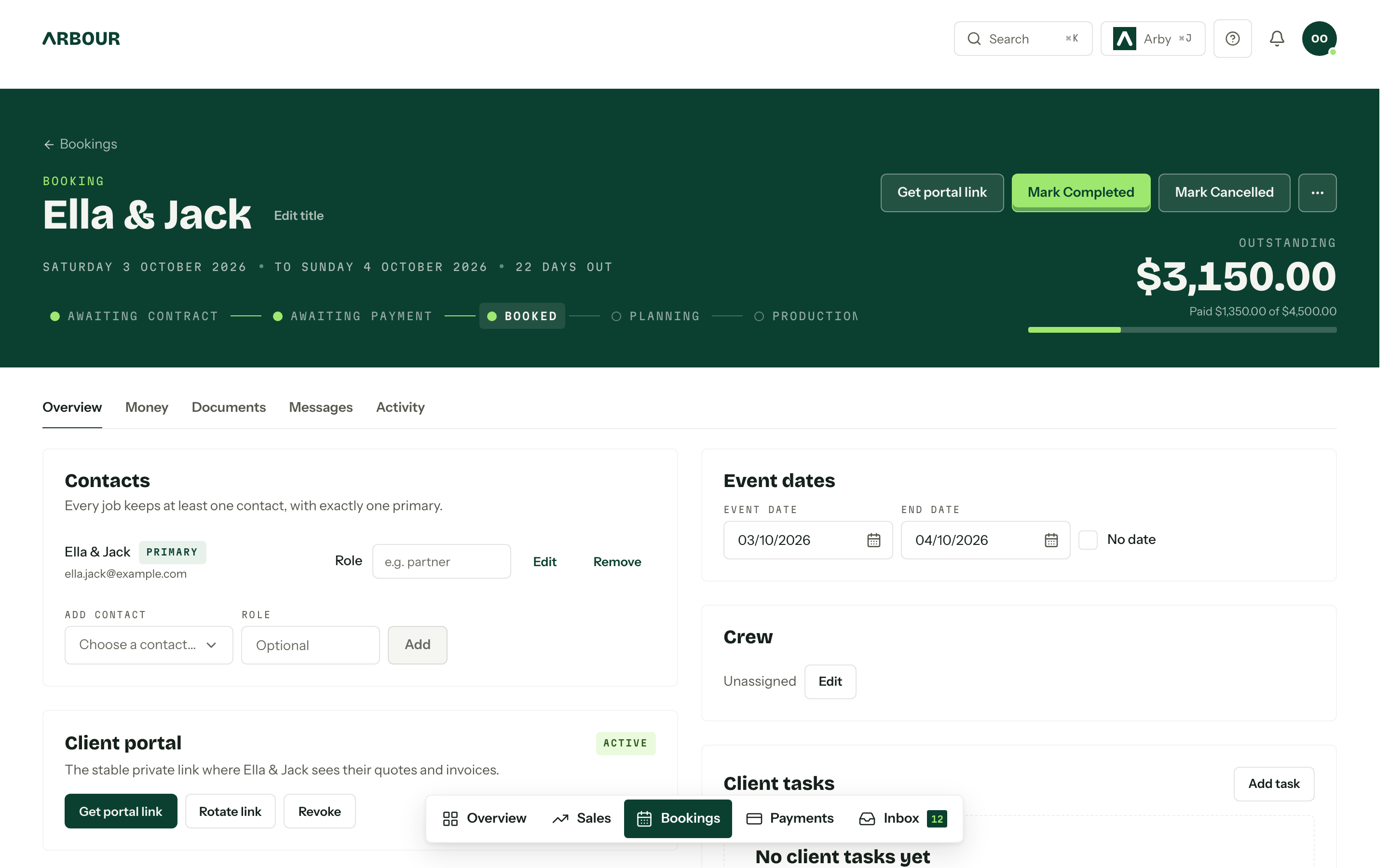
A client does not need your whole production checklist. They need to know what requires their decision, what it will cost and when the answer is due. Separate those decisions from tasks your team can complete without asking them.
For each approval, record the item, document version, person deciding and response deadline. Show the consequence of a late answer in plain language. A menu deadline may affect the caterer's final order. A late layout change may need the venue to check access and capacity again. Confirm those dependencies with the supplier rather than guessing.
Send one consolidated update at an agreed interval. Put overdue decisions first, then the next deadlines. Keep suggestions clearly separate from approved instructions. A client opening the update on their phone should not have to reconstruct the last month of emails.
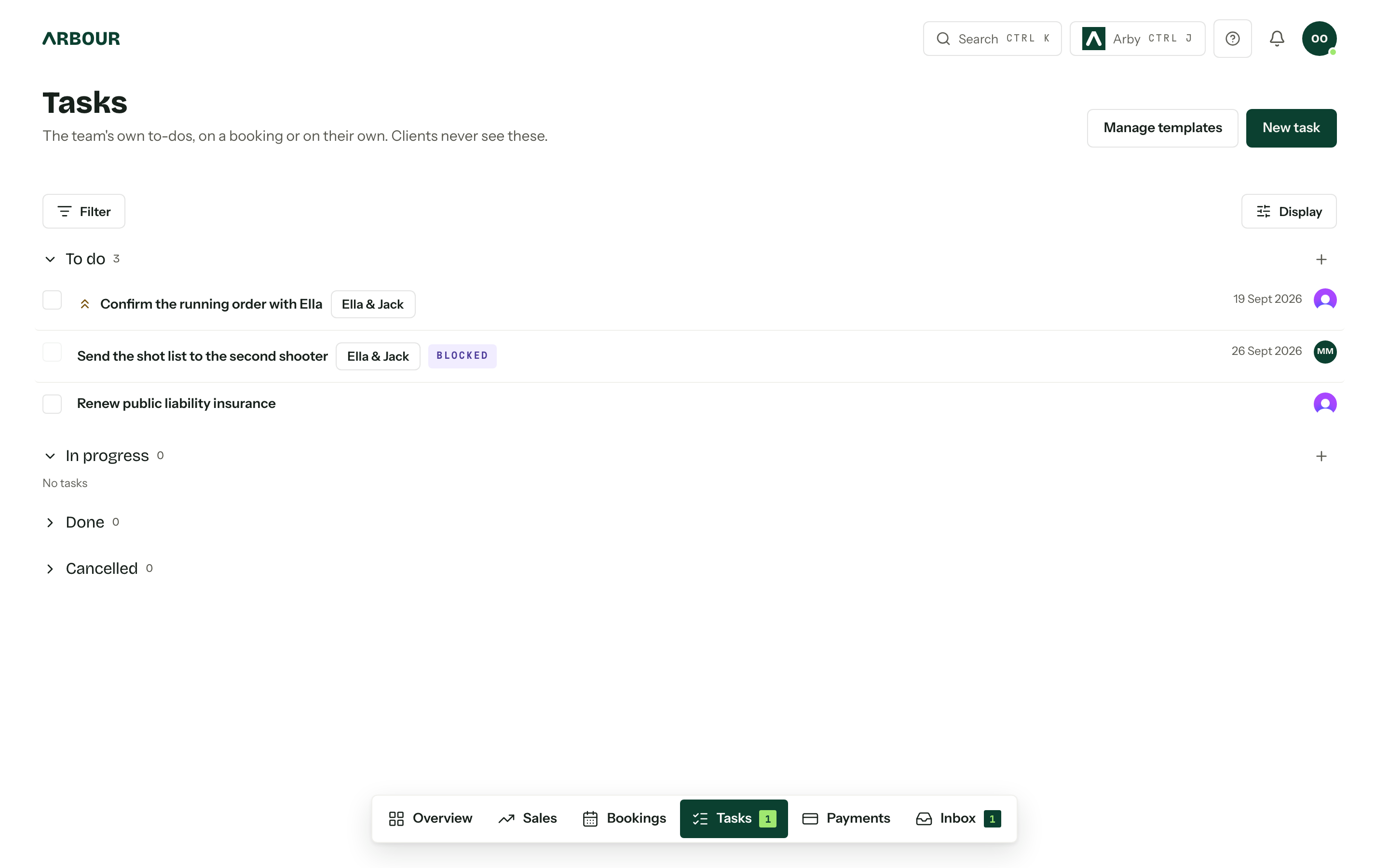
Keep an owner and a deadline beside the task
Show full screenShow close-up: Keep an owner and a deadline beside the task
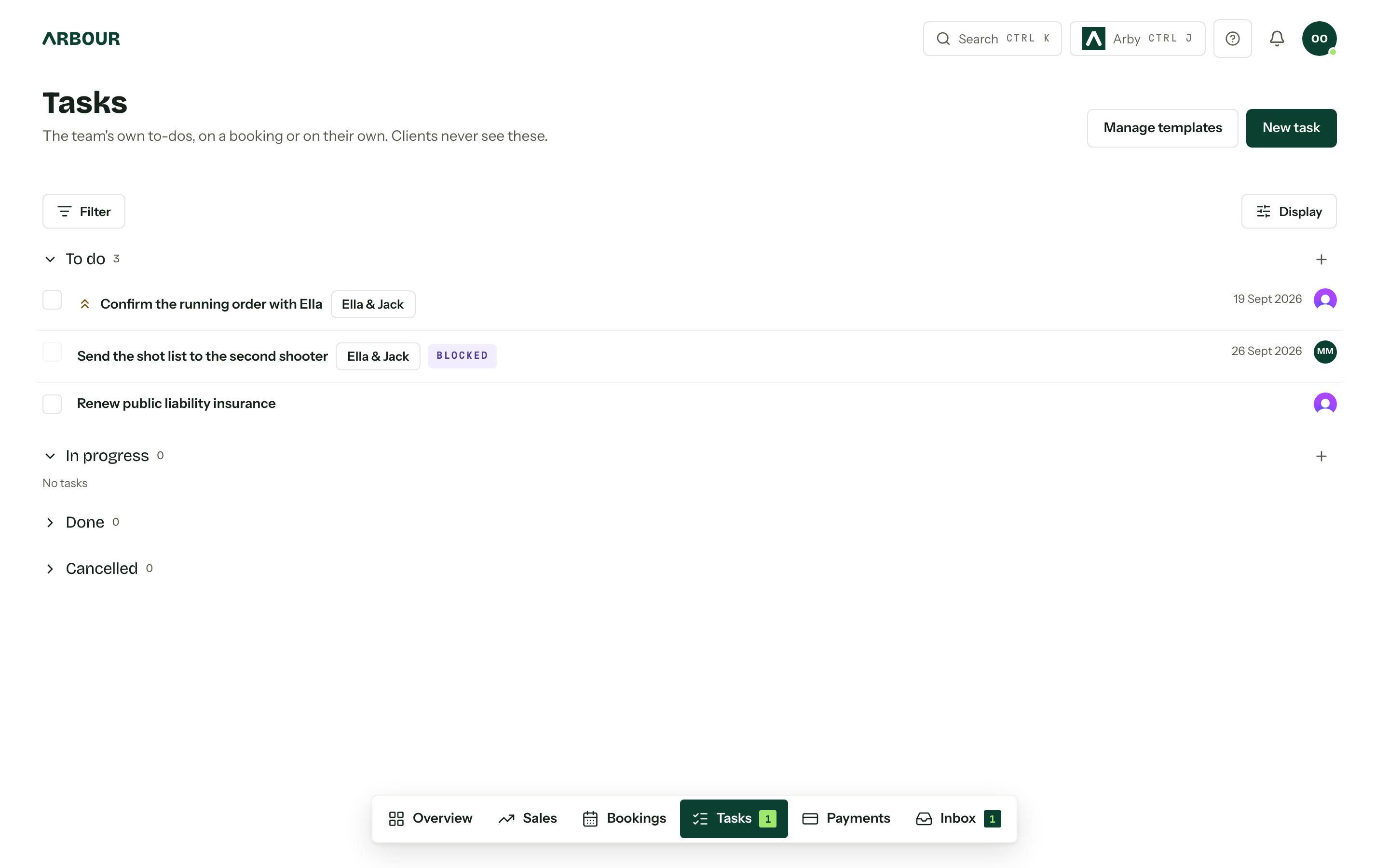
Record changes before issuing new instructions
Suppose a client asks to move the ceremony outdoors. Treat that as a request while you check the venue's approval, furniture movement, sound requirements and wet-weather decision time. The example is a workflow, not a promise that every change can wait for paperwork.
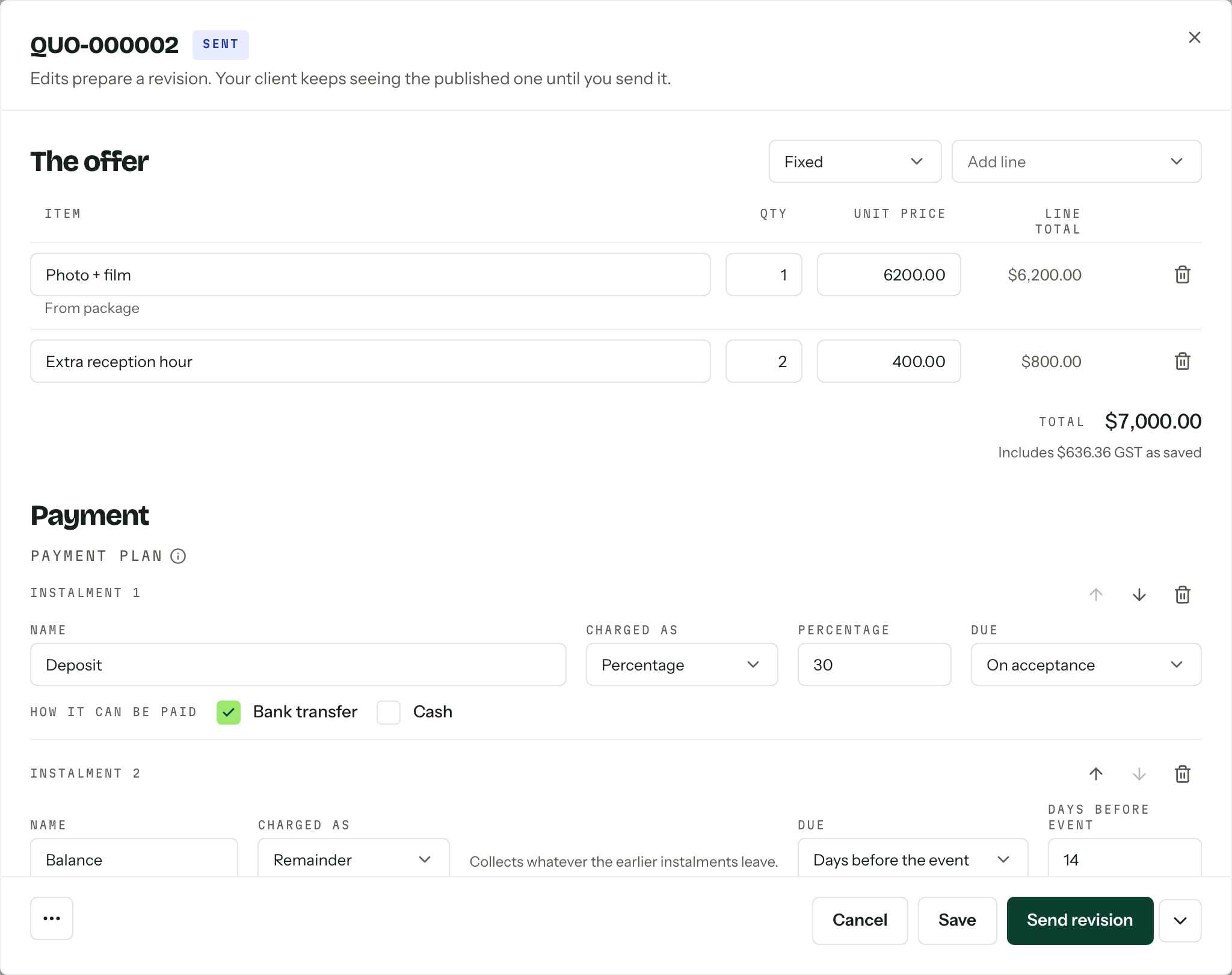
Record the proposed change, affected documents, additional cost and any decision still outstanding. Follow the variation process in your contract and obtain the required agreement. Business.gov.au advises keeping changes in writing and recording both parties' agreement. Do not assume that calling a message provisional removes any legal effect. [1]
Once agreed, update the job and tell the affected suppliers what changed. Name the current file and withdraw the superseded version from circulation. Keep the earlier approval as history rather than overwriting it.
Keep requests separate from agreed instructions
Request
Record the proposed change.
Check
Confirm affected suppliers, documents and cost.
Agree
Obtain the required approval.
Issue
Publish the current version and tell affected suppliers.
Coordinate suppliers without confusing their responsibilities
Create a supplier register with the business contact, event-day contact, booked service, arrival time and unresolved dependencies. Record who holds each contract. Your coordination role does not automatically give you authority to change another supplier's booking.
NSW's Event Starter Guide recommends including key contacts, a production schedule, run sheet and site plan in an event plan. It addresses public and outdoor events, so adapt its documentation habits to the wedding rather than treating every listed requirement as mandatory for every job. [2]
Ask suppliers to confirm the details that affect others. The florist's installation window depends on venue access. The band's soundcheck may affect speeches or photography. Keep those confirmations with the job, then issue each supplier the information they need through an agreed channel. They do not all need an account in your internal system.
Share only the information each person needs
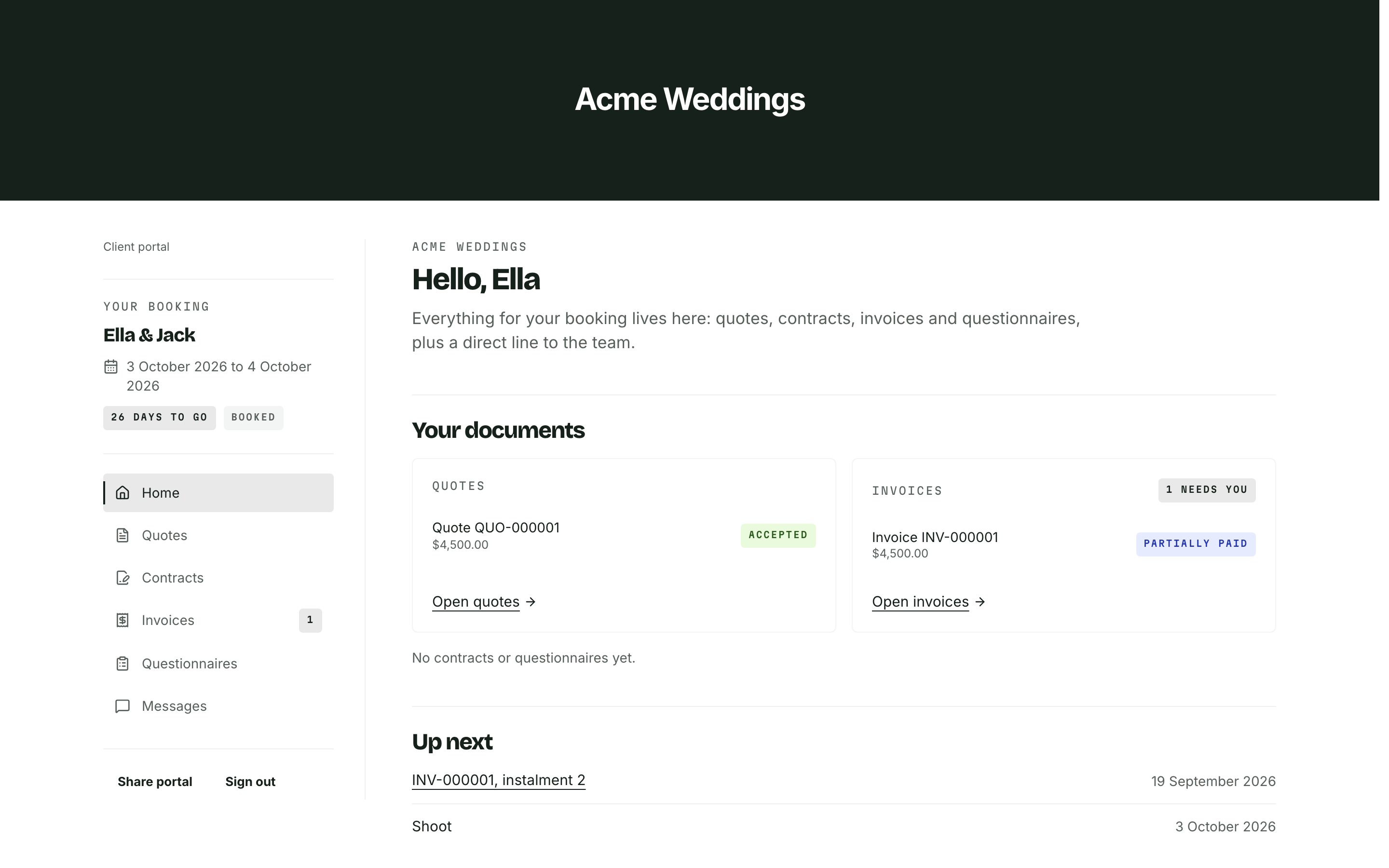
A seating plan, dietary list and client invoice serve different purposes. Avoid forwarding an entire planning folder when a supplier needs one schedule. Check recipients and access before sending, especially when documents contain guest details or private family arrangements.
The OAIC explains that most businesses with annual turnover of $3 million or less are outside the Privacy Act, but exceptions apply. Check its small-business guidance rather than assuming your turnover settles the question. Limit collection and sharing as a working practice regardless of which rules apply to your business. [4]
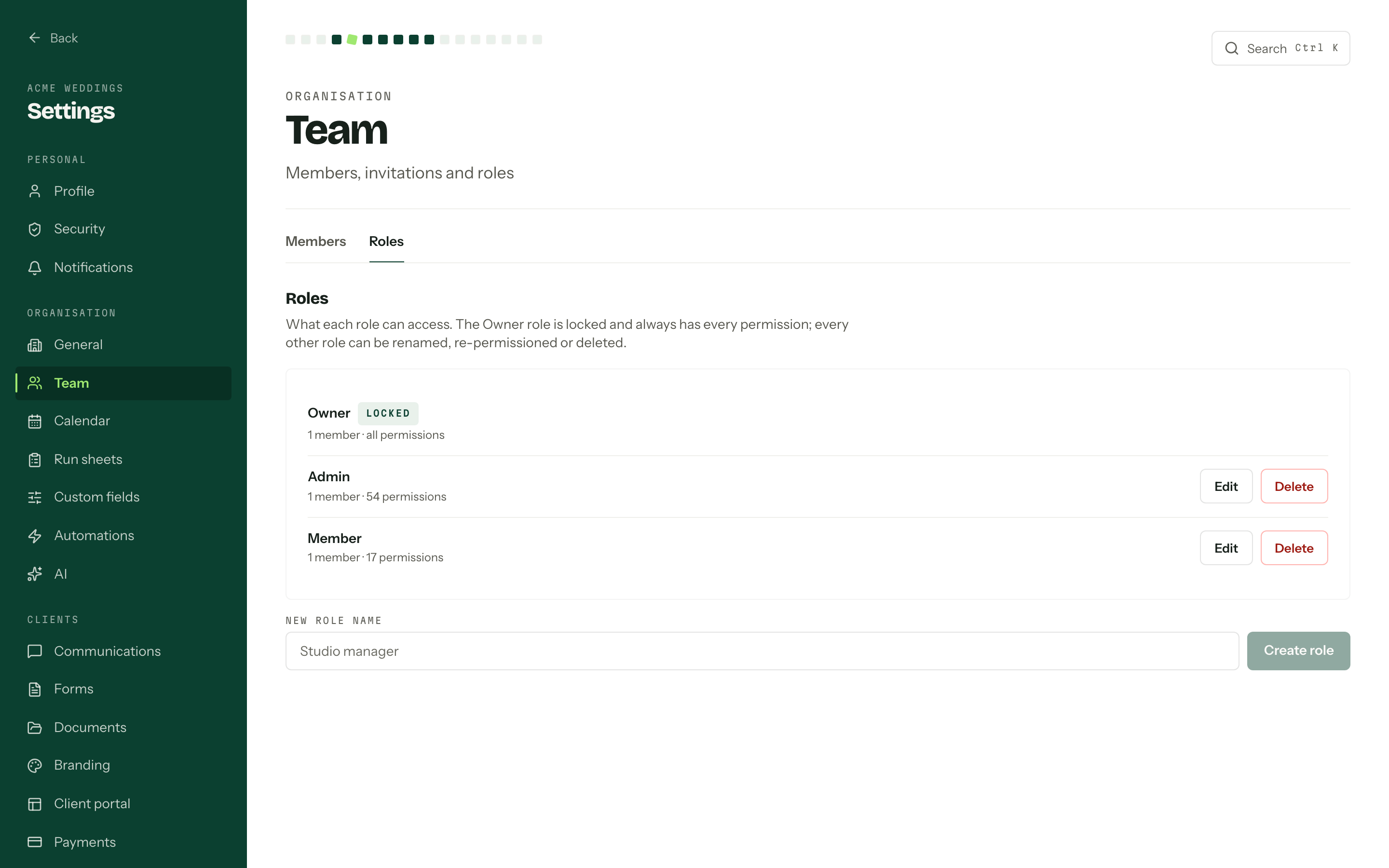
In Arbour, contacts link to jobs and roles control what your team can see. The client portal supports quotes, contracts and invoices. Keep supplier distribution and any broader approval process explicit instead of assuming the portal grants every supplier shared planning access. See Arbour's sales and delivery workflow.
Check the team's access before sharing
Show full screenShow close-up: Check the team's access before sharing
Close planning with a briefing, then manage exceptions
Before issuing the final run sheet, reconcile it against approved timing, supplier confirmations and the venue's instructions. Give the document a version and issue date. Name the person who makes event-day decisions and the contact route for urgent changes.
NSW's guidance recommends a pre-event briefing so staff and contractors understand their roles, communication arrangements and relevant plans. It also recommends keeping essential documents accessible on the day. [3] Ask each supplier to acknowledge the details that affect their work rather than relying on a distribution email alone.
After the event, close outstanding supplier questions and record which decisions caused rework. Use that record to revise the next job's approval deadlines. A useful improvement is specific, such as asking the venue to confirm access before booking the installation crew.
Sources
Sources checked on 28 October 2026. Product details and guidance can change.
- 1Prepare a contract
business.gov.au
- 2Documentation for your public and outdoor event
NSW Government
- 3Lead-up and on the day
NSW Government
- 4Small business
Office of the Australian Information Commissioner
Published by Arbour, which makes wedding business software. Read our editorial approach.