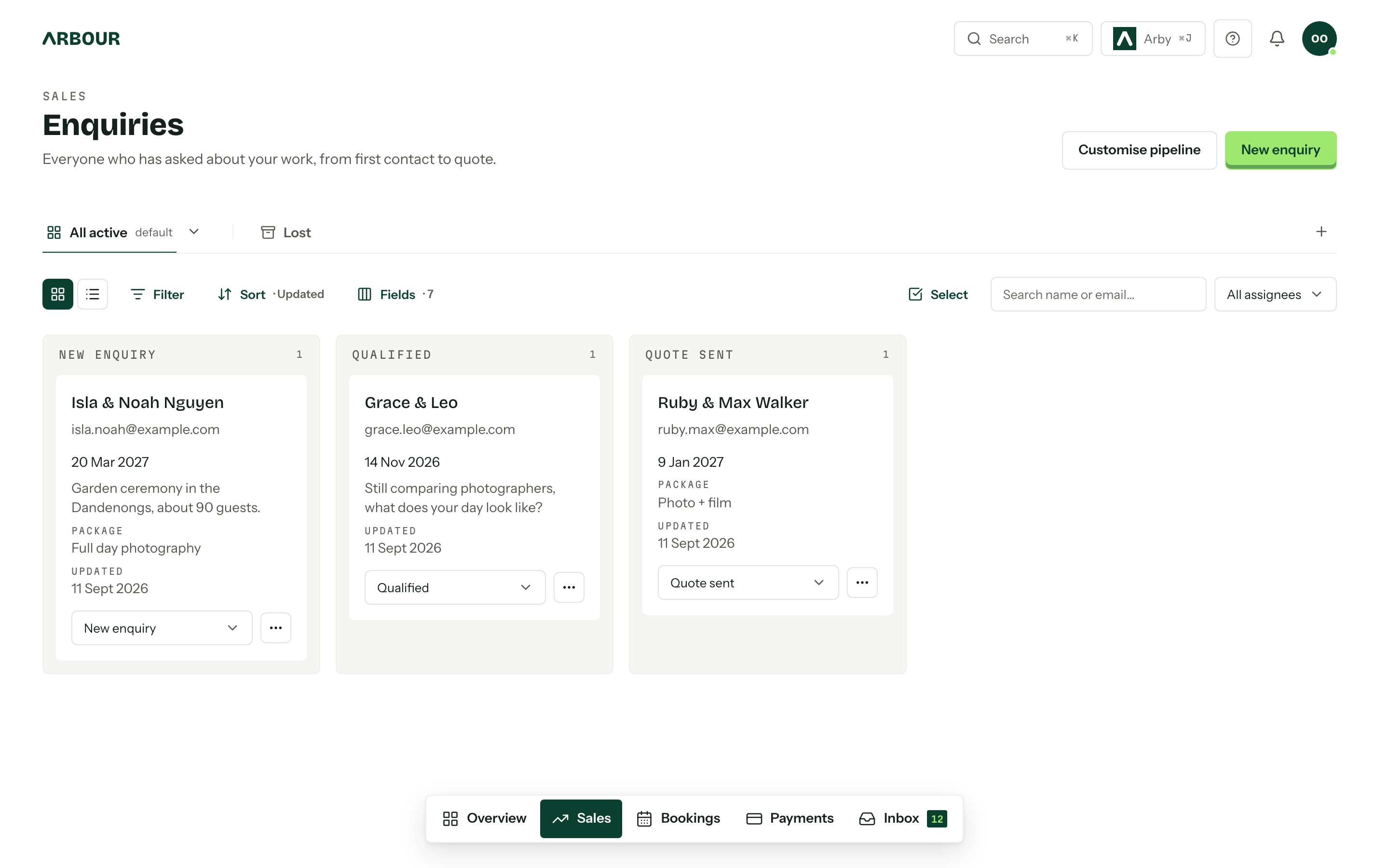
Wedding business automation that survives a busy season
Build useful wedding business automations with clear triggers, sensible conditions and checks for changed dates, client replies and marketing consent.
Business guides · 6 min read
In brief
- Write the trigger, conditions and action before configuring a rule.
- Test changed dates, replies, missing fields and duplicate triggers.
- Give failed actions and sensitive exceptions a person to review them.
The best first automation is usually an internal one. Move an enquiry after you send a quote. Remind yourself to check final numbers. Give the team a nudge before a booking needs attention. These jobs repeat, have a clear result and are easy to inspect when something goes wrong.
Client emails need more care. A reminder written in July may arrive after a postponement in October. A follow-up can land while you are already discussing a revised package. Start with one routine, write down its exceptions and test those exceptions before the next Saturday fills up.
Write the rule before opening the builder
Describe what starts the rule, which records qualify and what should happen. For example, when a quote is sent, move the enquiry to the quoted stage. Then ask what happens if you send a revised quote to a job that has already progressed further. A valid trigger does not always mean the action is appropriate.
Keep the purpose beside the rule. 'Move enquiries after sending quotes' tells a colleague more than 'Workflow 7'. Record who owns it and which stage names, templates or dates it depends on. If nobody can explain the condition, keep that step manual until someone can.
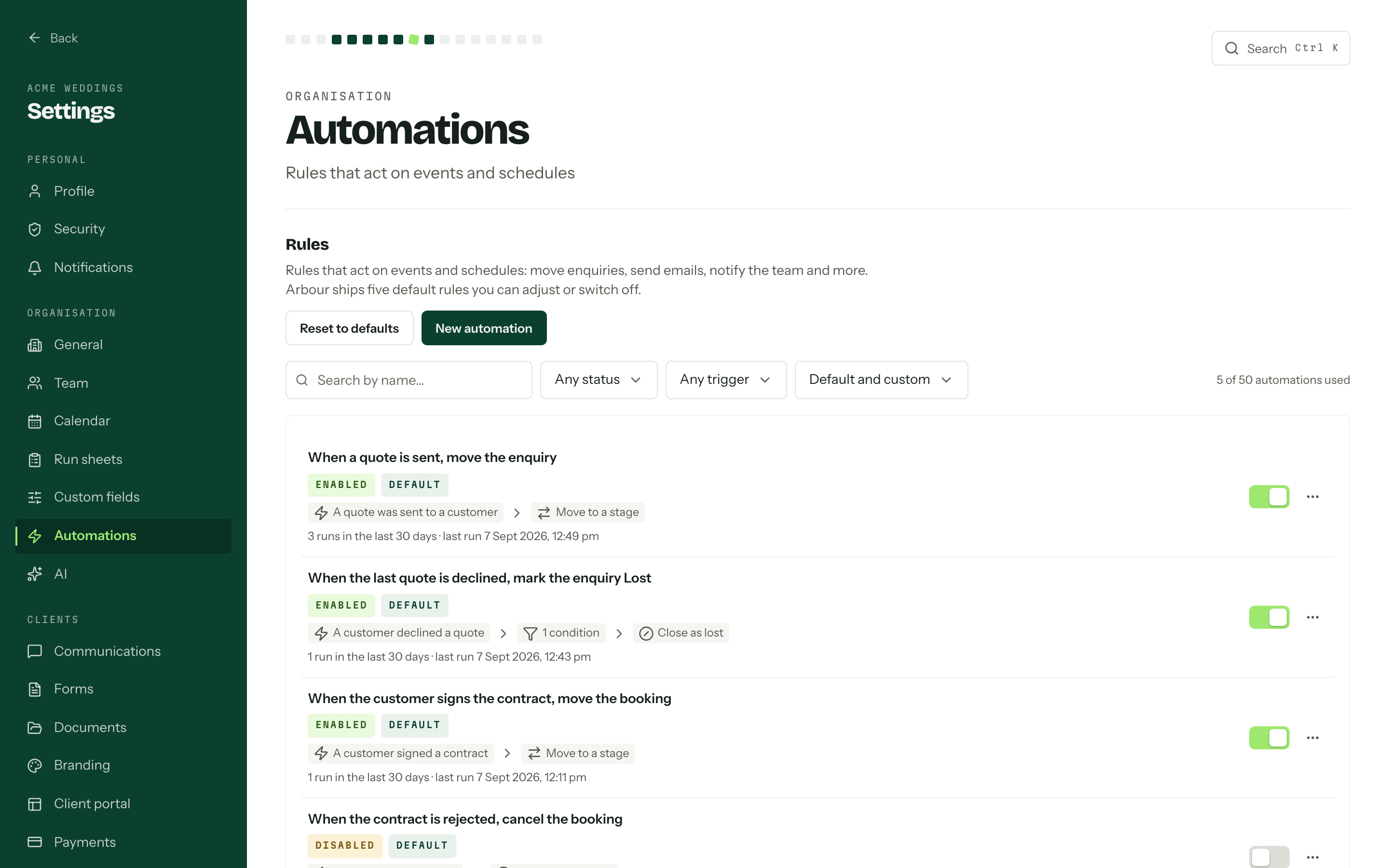
Arbour organises automations around triggers, conditions and actions. Its actions include moving a stage, emailing the client, nudging the team, calling a webhook and waiting. Use the product overview to check how the job record fits your existing process.
Read the rule before enabling it
Show full screenShow close-up: Read the rule before enabling it
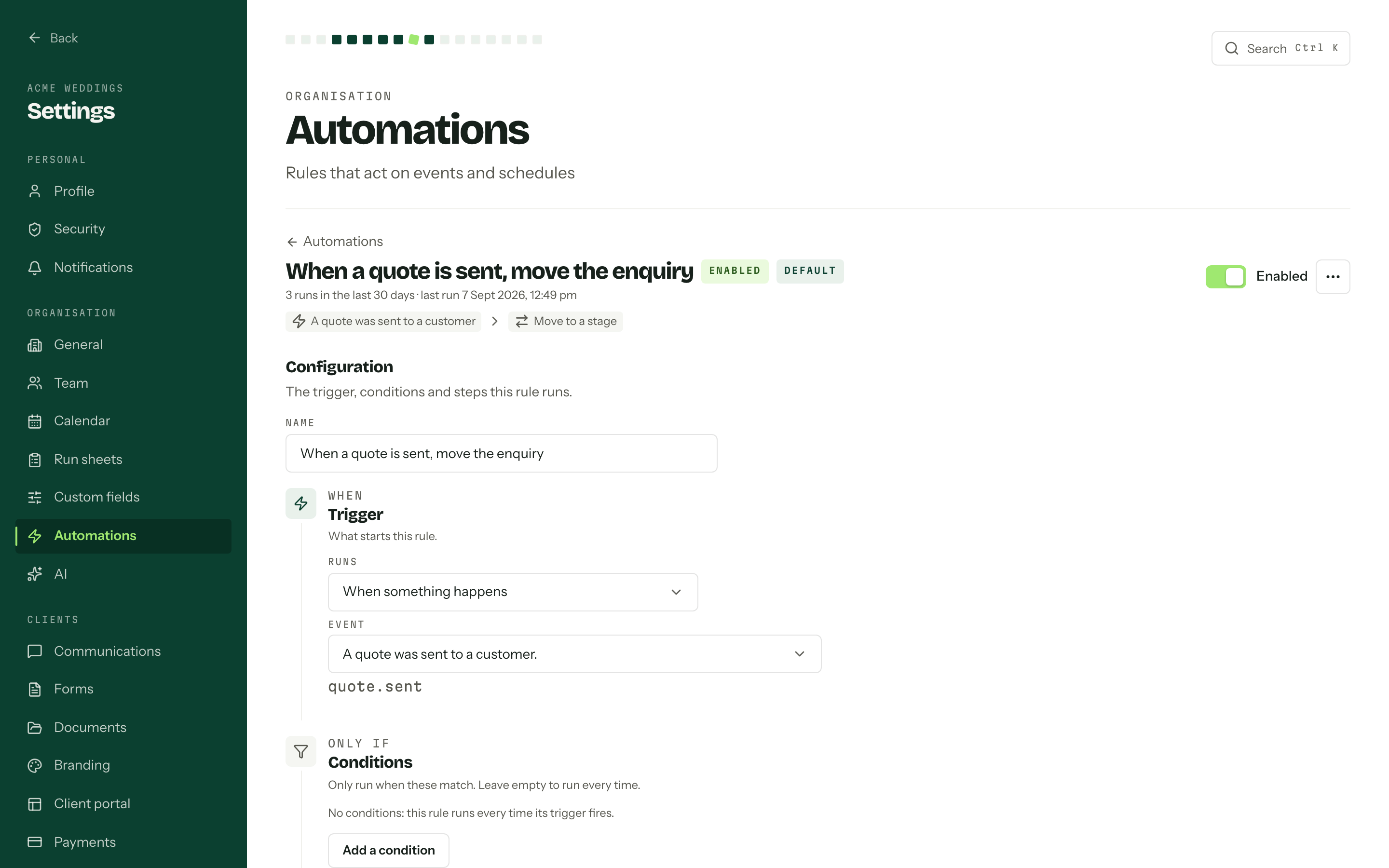
Rule name and action summary
Trigger and conditions
Separate an acknowledgement from a considered reply
An automatic acknowledgement can confirm that an enquiry arrived and say when a person will reply. It should not promise availability before you have checked the date, travel and crew. Business.gov.au recommends publishing your expected response time, including through an automated responder, when you cannot answer promptly. [1]
Use a promise you can keep across a working weekend. If you are shooting on Saturday, tell the sender when you will be back at the desk. Then assign responsibility for the actual reply. An acknowledgement should never make the enquiry disappear from the work someone still needs to do.
For follow-ups after a quote, decide how you will check for a recent reply before sending. If the software cannot check that condition, make the automation an internal reminder to review the conversation. That is still useful automation.
Work backwards from the current event date
A date-relative reminder suits work such as requesting final numbers or reviewing the run sheet. Arbour supports automations around the event date. Choose the lead time from your actual supplier deadline, then leave room for the client to answer and for you to check the response.
Document what a date change should do. Should the old reminder disappear? Should the new date schedule another one? What if the new deadline has already passed? Test the product's behaviour rather than assuming every delayed action recalculates.
Keep the reminder specific to the recipient's job. A venue may need final catering numbers while a photographer needs family combinations. Review the fields that feed each template so a commercial shoot does not receive wedding ceremony instructions.
Test the jobs that break the usual sequence
A successful demonstration only proves the ordinary case. Microsoft's Power Automate guidance recommends testing flow behaviour even after its configuration checker reports no problems. The same principle is useful when checking a CRM rule, although the testing controls differ between products. [2]
Create clearly labelled test records with your own email address. Check the message, destination, stage change and timing after each run. Test these cases before enabling client-facing actions.
- An enquiry receives a revised quote after moving to a later stage.
- The event date changes after a reminder has been scheduled.
- A client replies during a waiting period.
- A required field or recipient address is missing.
- The triggering event happens twice.
Test the exceptions deliberately
| Test case | Inspect |
|---|---|
| Revised quote | The enquiry's current stage |
| Changed event date | Old and new reminder schedules |
| Client replies while waiting | Pending follow-up actions |
| Missing recipient address | Failure and recovery process |
| The trigger happens twice | Repeated messages or stage changes |
Scroll across to compare.
Keep marketing consent separate from booking admin
Do not add every enquirer to a promotional sequence. ACMA says commercial electronic messages require consent, accurate sender identification and a working unsubscribe method. Keep evidence of who consented, when and how. These requirements still matter when a platform sends the message for you. [3]
ACMA also warns that a mostly factual message can become commercial when it includes promotional content. Its examples include service messages and automated welcome sequences. Adding an album upgrade offer to a booking reminder deserves a fresh review of the message's purpose and consent requirements. [4]
A useful operational rule is to keep necessary job communications focused on that job and manage promotional campaigns separately. If the distinction is unclear, check ACMA's guidance before enabling the sequence.
Give exceptions an owner and a review date
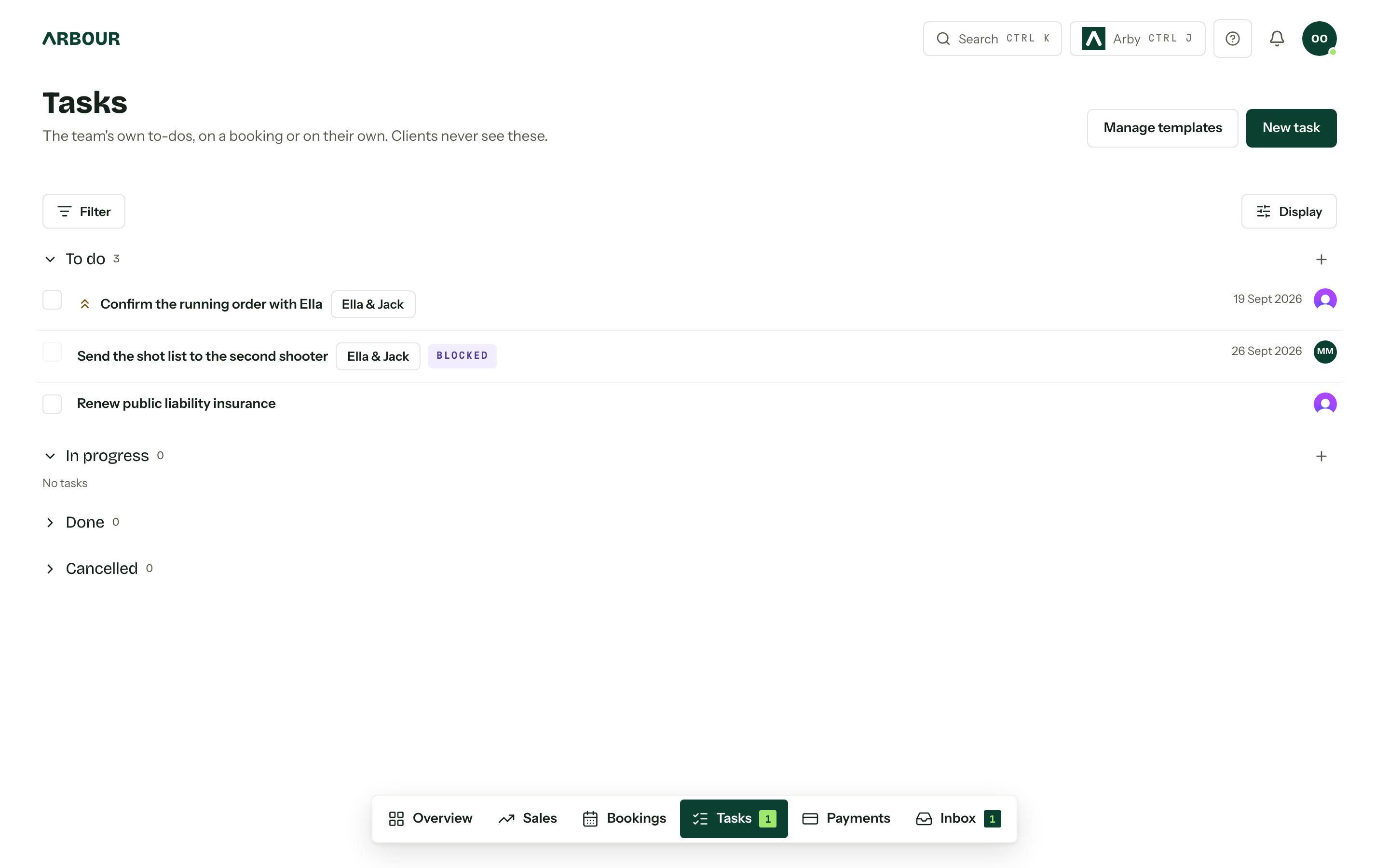
A postponement, cancellation or payment dispute needs a person to review pending messages. Decide who does that and how they stop affected actions in the software you use. Check both the main rule and any action already waiting to run. Turning off future triggers may not cancel work already scheduled.
After a busy weekend, sample the messages that went out and inspect failed or skipped actions where your system exposes them. Give failed actions a manual recovery step, such as checking the address before resending a questionnaire. Verify whether the original message reached the client before sending a replacement. Review rules again when you rename stages, replace templates or change packages. Keep a short change record so the next person can see why the sequence behaves differently.
Begin with the quote-stage move and one internal preparation reminder. Add client-facing steps after those behave as intended. Leave discounts, refunds and sensitive conversations for a person who has read the job.
Assign the recovery work
Show full screenShow close-up: Assign the recovery work
Sources
Sources checked on 28 October 2026. Product details and guidance can change.
- 1Communicate with customers
Australian Government business.gov.au
- 2Test cloud flows
Microsoft Learn
- 3Avoid sending spam
Australian Communications and Media Authority
- 4Telemarketing and e-marketing - common issues and mistakes
Australian Communications and Media Authority
Published by Arbour, which makes wedding business software. Read our editorial approach.