Wedding enquiry follow-up that gives clients an answer
Build a wedding enquiry follow-up process with clear response times, useful replies and sensible reminders, while keeping marketing consent separate.
Business guides · 6 min read
In brief
- Publish a response window you can keep during a working weekend.
- Give each enquiry an owner and one useful next action.
- Keep enquiry handling separate from marketing consent.
A couple asks whether you are free on 14 November. They need an answer about the date, an idea of the price and a way to take the next step. A beautiful brochure that answers none of those questions creates another email.
A useful wedding enquiry follow-up process gives every enquiry an owner, records what the person needs and sets the next action. It also knows when to stop. The workflow below is a practical starting point for a small vendor business, rather than a claim that one response time or email sequence guarantees bookings.
Set a response promise you can keep
Publish your usual response window on the enquiry form and repeat it in the acknowledgement. Business.gov.au recommends prompt email replies and publishing your expected turnaround when it takes longer. Its general 24-hour suggestion is customer-service guidance, not a measured wedding conversion benchmark. [1]
Write the promise around your working week. If you photograph weddings Friday to Sunday, say when you return to the inbox and name a backup contact for booked clients with an urgent event-day problem. Do not promise an instant personal reply while you are at a ceremony.
An acknowledgement can be brief. For example, 'Thanks for sending through your date and venue. I am on a shoot today and will reply by Tuesday afternoon. This message confirms your enquiry has arrived, rather than reserving the date.' Only use that wording when it matches your actual booking policy.
Make the first reply useful on its own
Check availability before sending a sales template. Read what the person has already supplied. Asking for their venue again tells them the form did not save either of you any time.
Answer the question they asked, then explain what you need to prepare an accurate quote. A florist may need installation locations and guest-table numbers. A videographer may need coverage hours and ceremony timing. Ask only what changes availability, scope or price at this stage.
Use one next step. Offer a specific consultation time, request the missing information or send the relevant quote. A reply containing a brochure, calendar link, questionnaire and several different invitations leaves the client to work out your process.
If you are unavailable, say so. Offer a referral only with the other vendor's permission, and let the enquirer decide whether to make contact. Passing their details on is a separate decision.
Make the first reply useful
Check
Confirm date, location and practical availability.
Read
Use the details the enquirer already supplied.
Answer
Respond to the question they asked.
Next step
Give one action that moves the enquiry forward.
Give the enquiry an owner and a next action
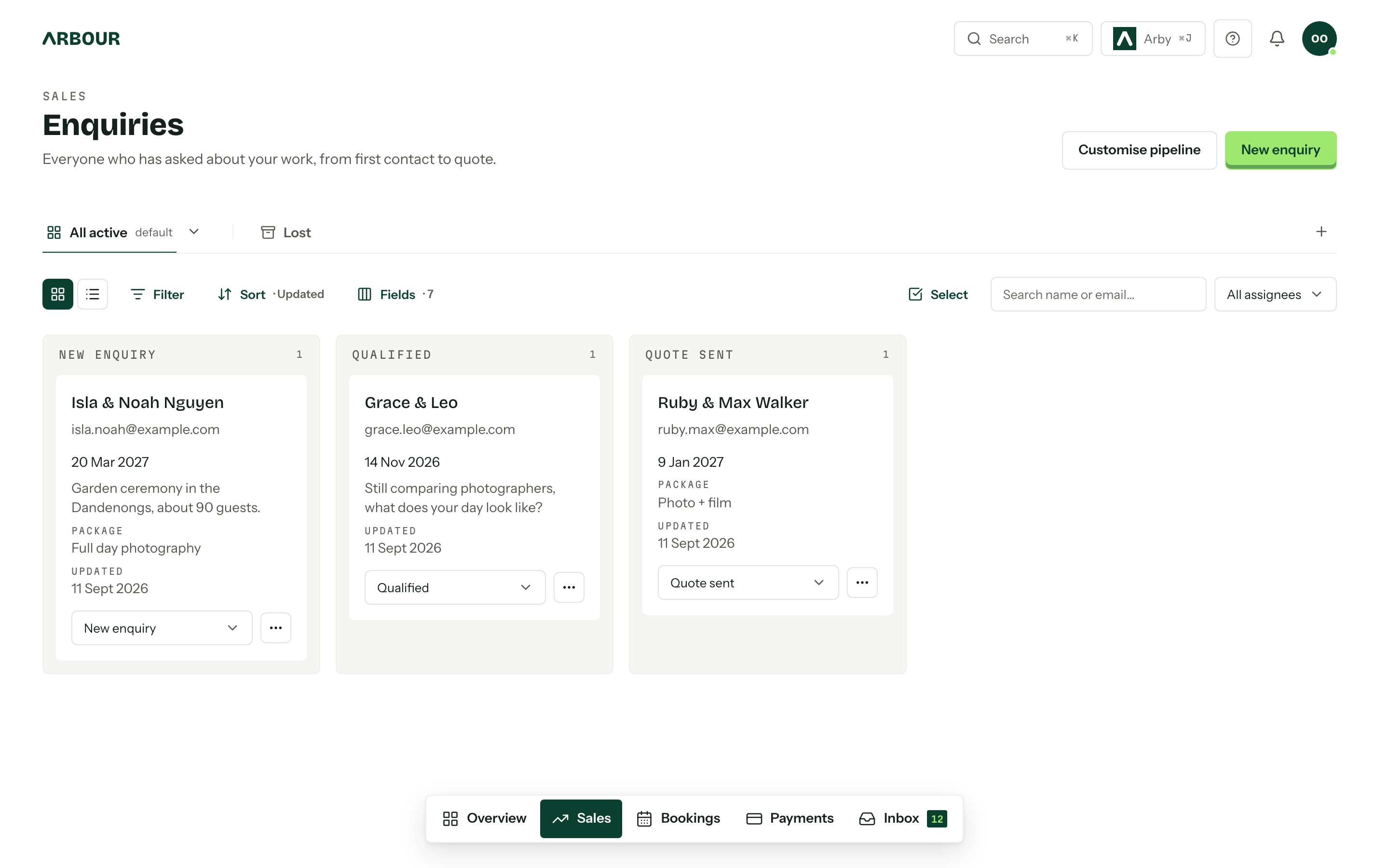
Keep the enquiry with the contact and job record. Record the event date, source, last meaningful reply and the person responsible for the next action. Use stages that describe what happened, such as 'Enquiry received', 'Quote sent' and 'Waiting for client'.
Record a promised callback after a phone conversation. Business.gov.au recommends logging phone interactions, including the date and matters discussed, so the next conversation has context. [1]
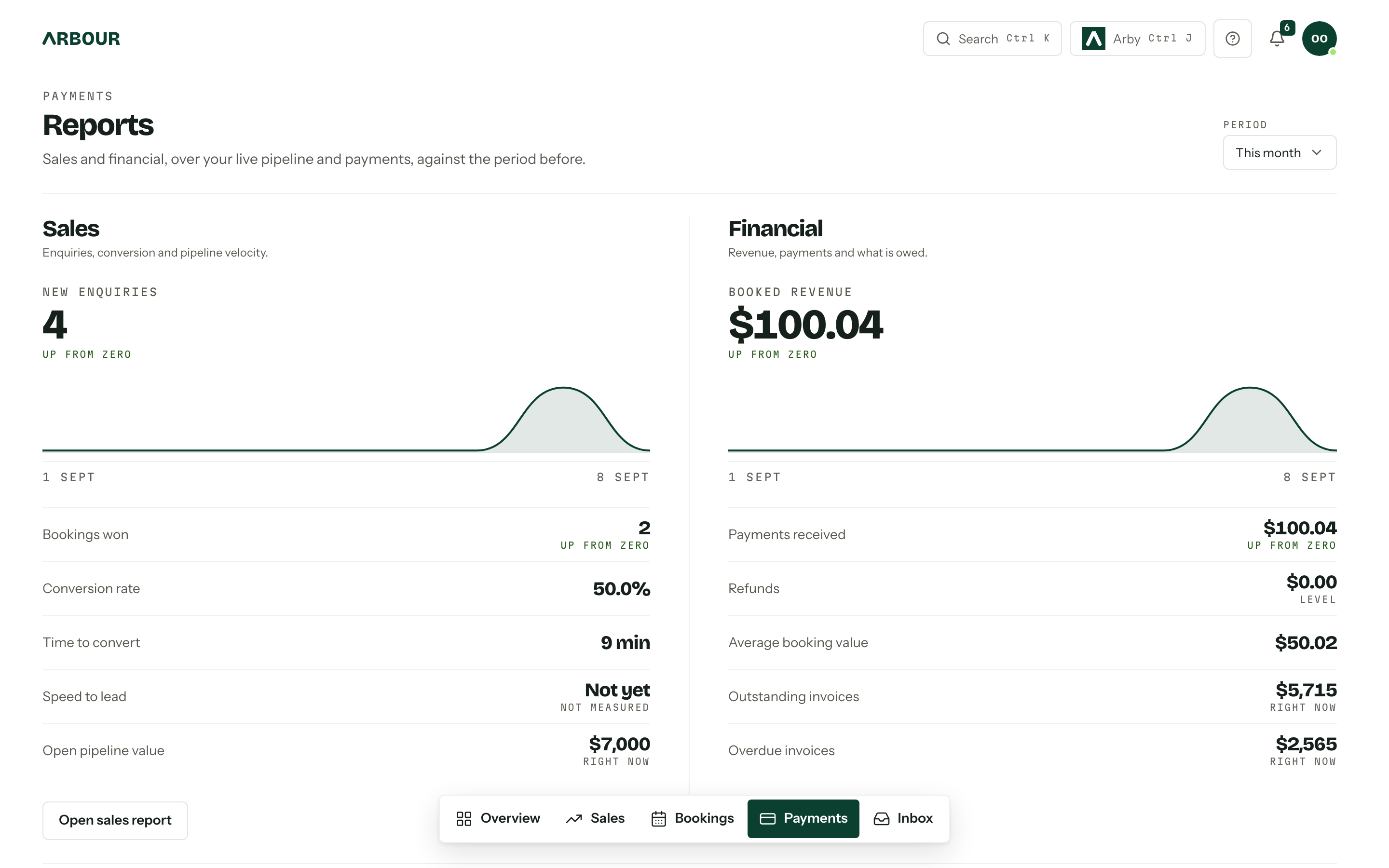
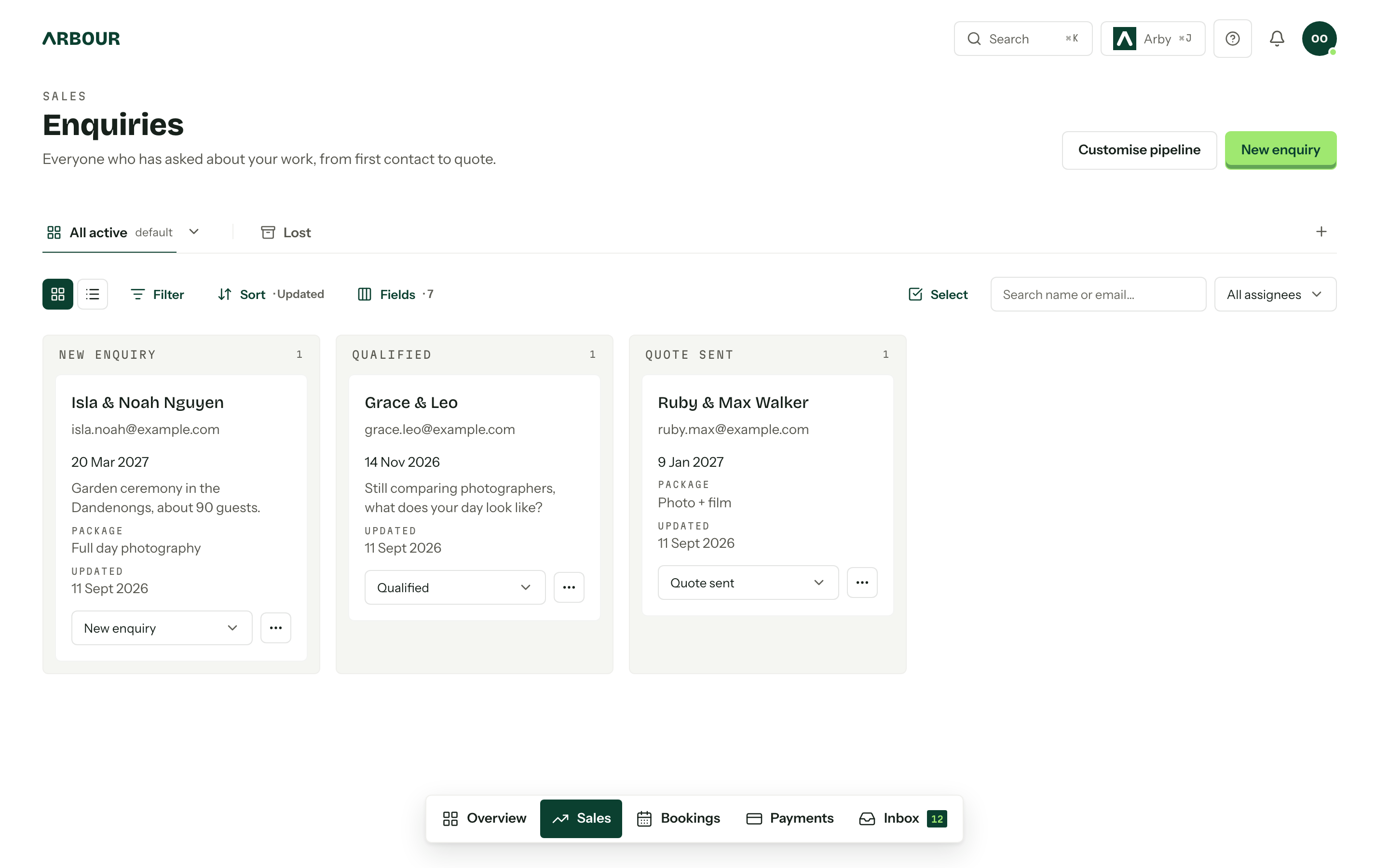
Arbour keeps contacts, the pipeline, connected mailbox and email templates together. Its overview counts enquiries without a reply. Use that record to track the conversation, then check the enquiry workflow against the way your business handles new work. Software still needs someone to check that the answer is correct.
Keep the conversation with the enquiry
Show full screenShow close-up: Keep the conversation with the enquiry
Follow up when there is something useful to resolve
Choose follow-up dates around the conversation. If the client says they are visiting the venue next Wednesday, agree to check in afterwards. If they ask for a quote before a planning meeting, make that deadline the next action. A fixed sequence should not ignore what they told you.
For an unanswered quote, a useful message might ask, 'Did the coverage hours match the day you are planning? I can revise the finish time if dinner speeches are running later.' It addresses a decision. 'Just checking in again' does not.
Before sending any follow-up that promotes your services, check the consent basis and applicable spam requirements. A personal-looking message can still be commercial. ACMA warns that promotional content can bring even a mostly factual message within the spam rules. [2]
Pause scheduled messages when someone replies. Close the enquiry when they decline or ask you to stop, and record the reason if they offer one. Silence is a reason to review the record, rather than permission to send an endless sequence.
Keep enquiry handling separate from a mailing list
Do not automatically subscribe every enquirer to newsletters or seasonal promotions. ACMA specifically identifies adding people to marketing lists after a simple email enquiry as a possible breach of consent requirements. The fact that someone asked about one date does not settle permission for later campaigns. [2]
ACMA says marketing messages need consent, sender identification and contact details, and an easy unsubscribe. Keep evidence of express consent, including when and how it was given. An electronic message asking for marketing consent is itself a marketing message. [3]
Use a separate, clear marketing choice where appropriate. Store that preference separately from the job stage. When someone withdraws marketing consent, apply that change to the systems that send campaigns. ACMA requires unsubscribe requests to take effect within five working days. Check the official guidance when designing your own process. [3]
Review the queue before adding more reminders
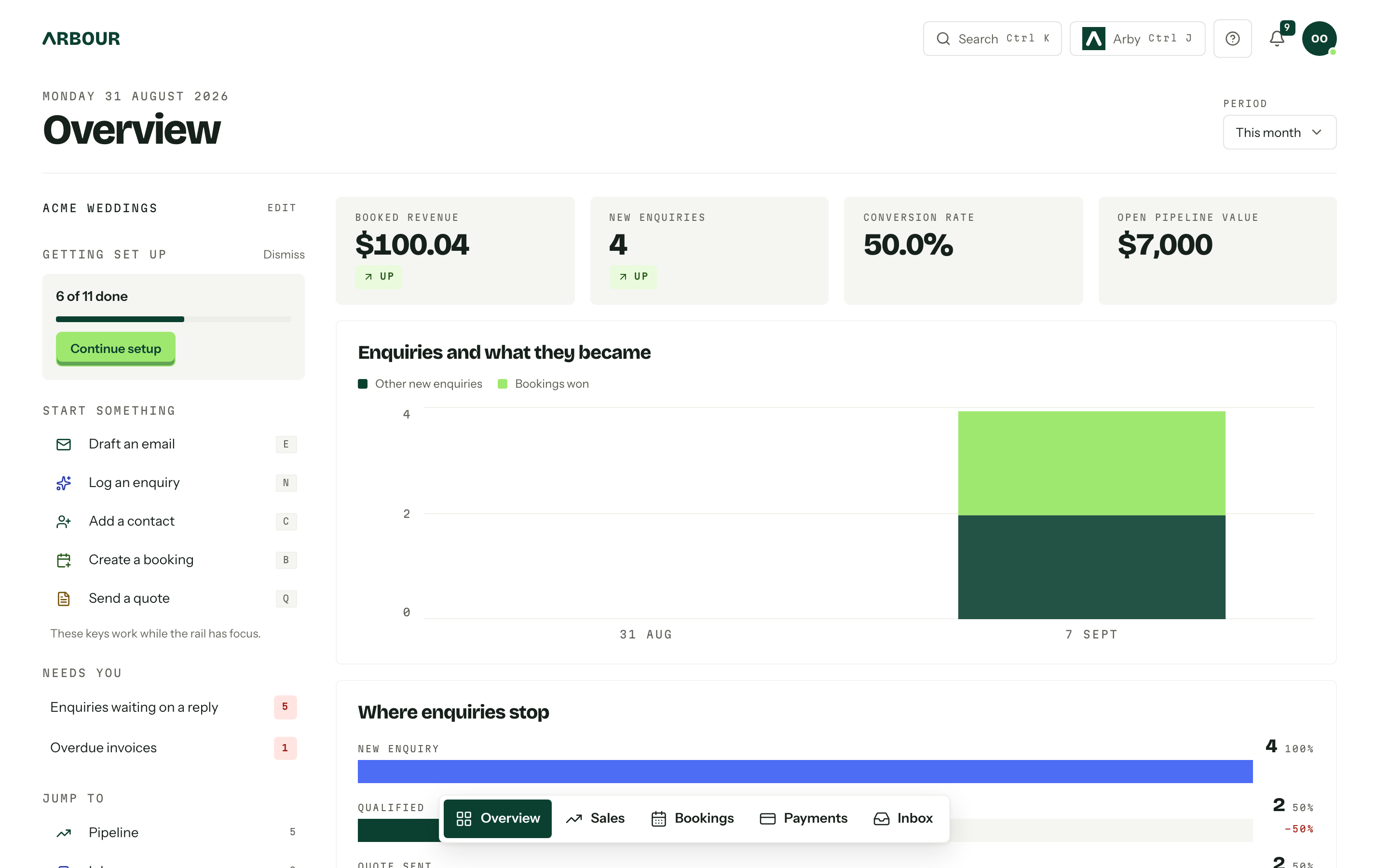
Each week, inspect enquiries without an owner, replies past your published window and quotes with no agreed next action. Count useful replies separately from automated acknowledgements. Otherwise the quickest email in the system can hide the longest wait. Send a test enquiry through your website too, and check that it reaches the person who owns the inbox.
Review lost enquiries by reason, including unavailable dates, scope mismatch and no response. A full Saturday calendar needs a different decision from an inbox nobody checked. Fix the missing answer before adding another reminder.
Review what still needs a person
Sources
Sources checked on 28 October 2026. Product details and guidance can change.
- 1Communicate with customers
business.gov.au
- 2Telemarketing and e-marketing: common issues and mistakes
Australian Communications and Media Authority
- 3Avoid sending spam
Australian Communications and Media Authority
Published by Arbour, which makes wedding business software. Read our editorial approach.