AI for wedding businesses: useful tasks and sensible limits
Use AI in your wedding business for drafts and record searches, with practical checks for client privacy, accuracy, permissions and human review.
Industry research · 6 min read
In brief
- Start with public information or blank templates for drafting.
- Check names, dates, amounts and promises against the original record.
- Reading records and changing them need different controls.
AI can help a wedding business with ordinary desk work. A first draft of a venue FAQ, a clearer questionnaire or a search through booking records can be useful. The harder question is what information the tool needs, what it can change and who checks its answer.
Start with a task you can inspect. Keep the original records, give someone responsibility for the result and measure the time spent correcting it. A fast draft that needs a full rewrite has not saved the afternoon.
Choose one task you can check
Drafting public information is a sensible first experiment. Give a tool your published package details and ask it to shorten an FAQ answer. Compare the result with the source. Did it invent an inclusion, turn an optional extra into a promise or remove an important limit?
Another useful exercise is improving a blank questionnaire. Ask for clearer wording for a load-in question, without providing a real client's answers. You still decide which questions belong in the form. These are suggested trial tasks, not measured claims about time savings.
Business.gov.au advises businesses to check AI output before using or sharing it, including its accuracy, relevance and language. That review needs to be part of the task, rather than something squeezed in after sending. [1]
Keep client information out of casual prompts
Wedding records can contain home addresses, family circumstances, photographs and health or religious information. A whole email thread often includes far more than the sentence you want rewritten. Removing a name alone may leave enough detail to identify someone.
The Office of the Australian Information Commissioner recommends, as best practice, keeping personal information, particularly sensitive information, out of publicly available generative AI tools. Its guidance also calls for checking the intended use, access arrangements and privacy risks before choosing a product. [2]
For a draft, use invented details or a blank template. Before approving a tool for real records, check its retention settings, model-training terms, subprocessors and deletion process. Record what you checked. A paid account needs the same questions as a free one.
Choose the input before writing the prompt
| Start with | Keep out of casual prompts |
|---|---|
| Published package descriptions | Real client questionnaire answers |
| Blank questionnaire templates | Whole client email threads |
| Invented details for a trial | Identity documents and private circumstances |
Scroll across to compare.
Check your privacy position
Australian privacy obligations depend on the business and its activities. The OAIC says most small businesses with annual turnover of $3 million or less are not covered by the Privacy Act, but exceptions apply. Use its small-business checklist or seek advice about your circumstances. [3]
For businesses covered by the Australian Privacy Principles, the OAIC's AI guidance explains that using personal information for a secondary purpose needs a permitted basis. It also recommends clear privacy notices and identifying customer-facing AI tools as AI. An updated privacy policy alone does not settle every consent question. [2]
Regardless of that legal assessment, decide what your staff may upload and explain relevant uses to clients. A celebrant's client identity documents and a florist's published package descriptions deserve different handling. A publicly visible address can still be personal information. Check the actual contents before sharing.
Check answers against the job record
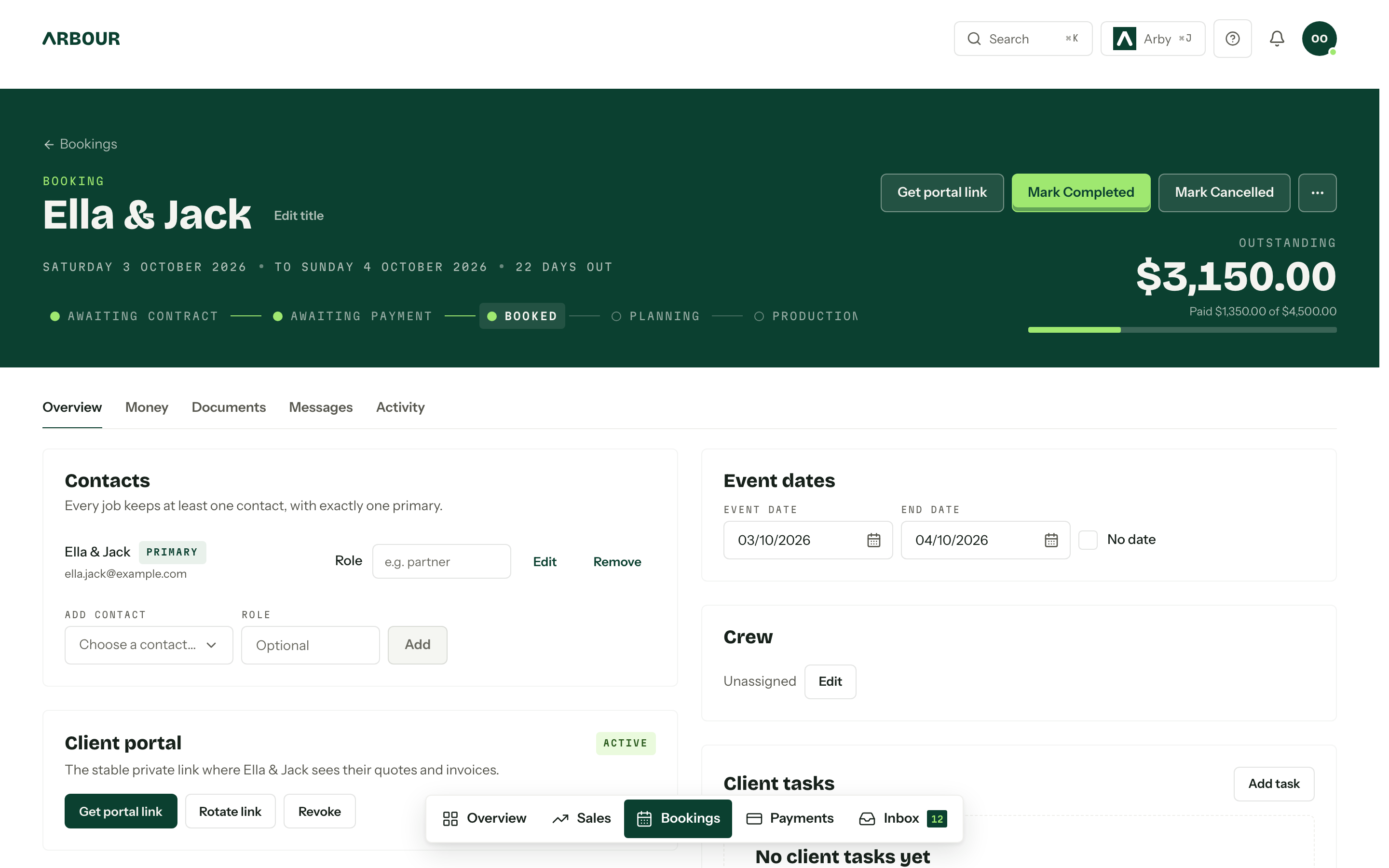
A plausible answer can still name the wrong date or omit a changed access time. For anything that affects delivery or money, open the original record before acting. Check the latest approved version, not an earlier email that happens to be easier to find.
Keep a clear review step for client messages. The sender checks names, dates, amounts, inclusions and promises. An AI draft should never invent a refund decision, confirm an unverified date or explain a contract clause as though it were legal advice.
The Australian Cyber Security Centre's small-business AI guidance recommends verifying generated outputs, keeping human oversight for important decisions and training staff in responsible use. Put those responsibilities beside the actual workflow, including who takes over when the tool is unavailable. [4]
Check the answer against the booking
Show full screenShow close-up: Check the answer against the booking
Contacts
Event dates
Crew
Payment status
Separate answers from actions
Searching records and changing records need different controls. A tool that reports overdue invoices has a smaller task than one that can send reminders or alter payment plans. Ask what it can read, what it can write and whose permissions it follows before connecting it to your business.
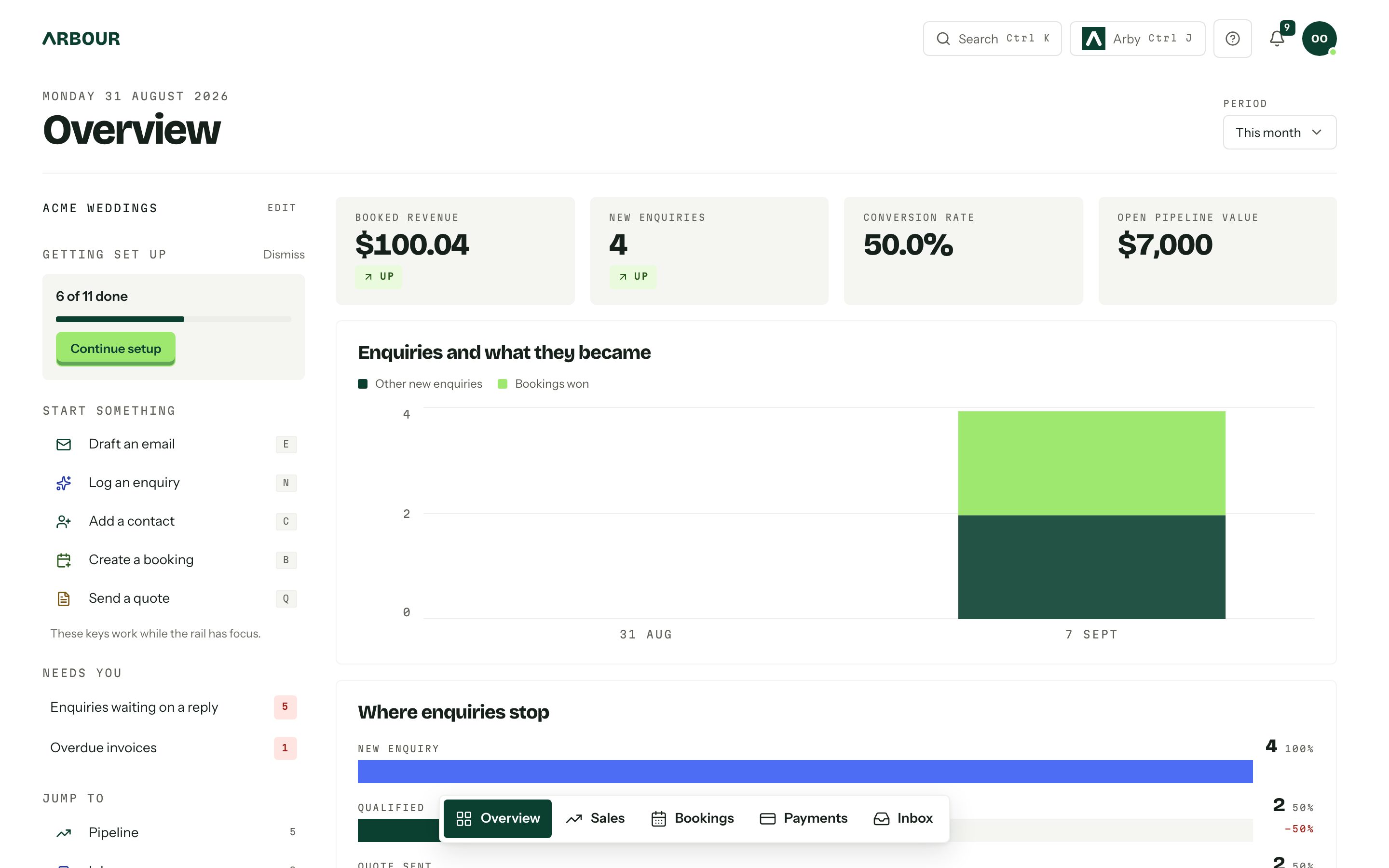
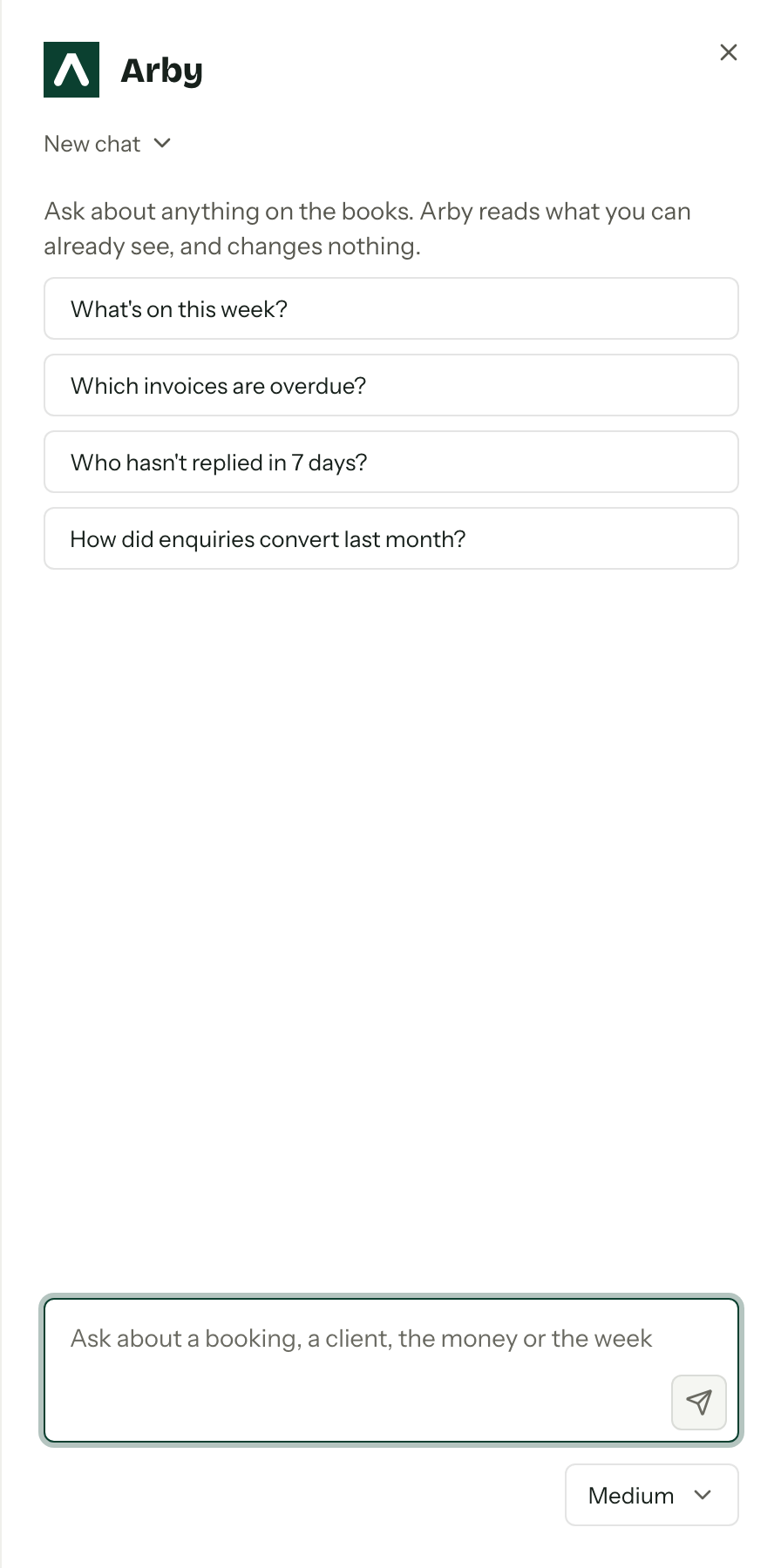
In Arbour, Arby can answer questions such as who is booked in March or which invoices are overdue. It reads only what the user's role can already see and changes nothing. That is its stated scope. It does not replace checking the booking before contacting a client.
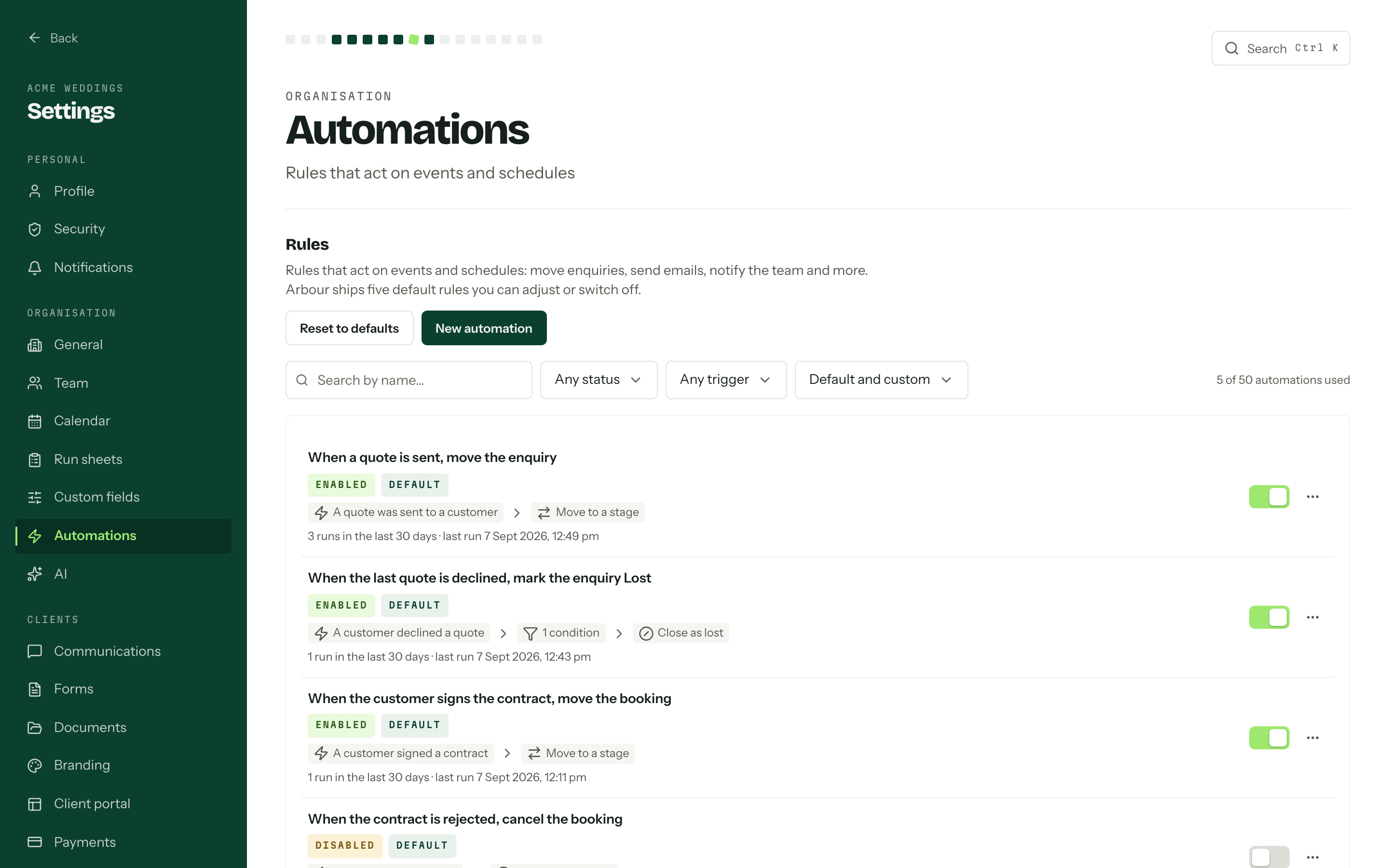
See how Arbour keeps sales and delivery on one job record, then test the assistant with a question whose answer you already know. Check access using the relevant staff role, rather than assuming an administrator's view represents everyone.
An answer is different from an action
Show full screenShow close-up: An answer is different from an action
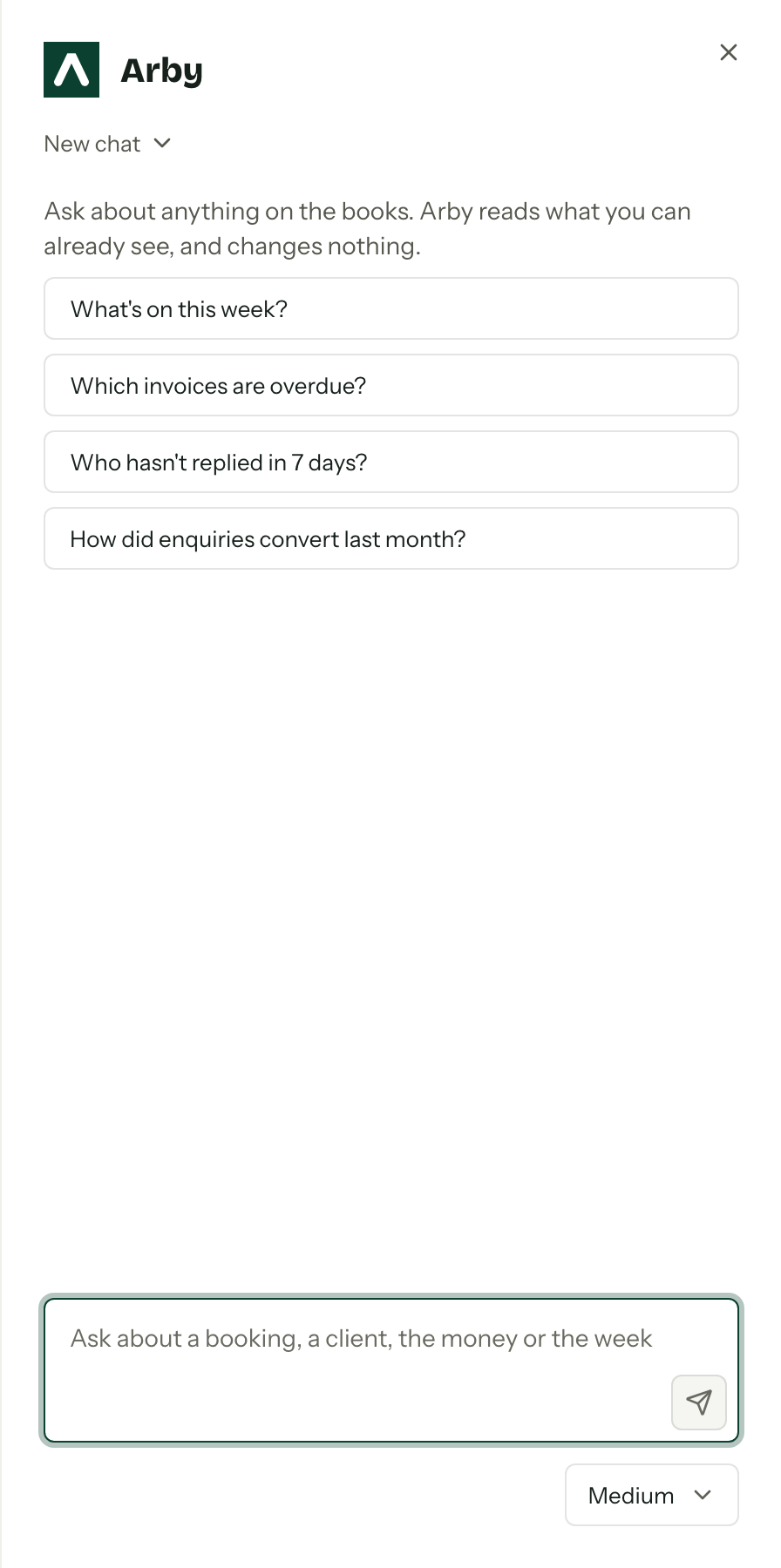
Selected screen detail
Run a small, measured trial
Choose a fortnight of one repeatable task. Write down the approved inputs, the reviewer and what a usable result looks like. Track total minutes, including checking and correction, alongside errors and rejected drafts. Compare that with doing the same work without AI.
The National AI Centre's foundations guidance recommends a named accountable person, an AI policy and human oversight suited to the use and its risks. It also calls for ways to intervene and keep critical work going if an AI system fails. A small studio can express those decisions in a short working document. [5]
At the end of the trial, keep the task only if the checked result is useful. Retest when the tool or workflow changes. Your next run sheet still needs the right bump-in time, however convincing the paragraph sounds.
Sources
Sources checked on 28 October 2026. Product details and guidance can change.
- 1Artificial intelligence (AI)
business.gov.au
- 2Guidance on privacy and the use of commercially available AI products
Office of the Australian Information Commissioner
- 3Small business
Office of the Australian Information Commissioner
- 4Artificial intelligence for small business
Australian Signals Directorate's Australian Cyber Security Centre
- 5Guidance for AI adoption: foundations
National AI Centre
Published by Arbour, which makes wedding business software. Read our editorial approach.