Arbour vs Studio Ninja for Australian wedding vendors
Compare Arbour and Studio Ninja for Australian wedding work, including client portals, team permissions, accounting, delivery workflows and migration.
Software comparisons · 6 min read
In brief
- Studio Ninja's photography integrations may already suit your delivery work.
- Test team permissions and accounting sync before moving your book.
- Use the same sample booking in both trials.
Studio Ninja is a sensible option for a photography or videography business that wants enquiries, bookings and client paperwork in a photography-focused system. Arbour is worth trialling when the work also needs a shared run sheet, crew coordination or restricted team access, particularly across different wedding vendor categories.
The overlap is substantial. Both keep client work and booking administration together. Choosing between them means checking how each handles your actual jobs, including what happens after the deposit arrives. Arbour publishes this comparison and makes one of the products. The Studio Ninja details below come from its own documentation, checked on 28 October 2026.
Start with the work you deliver
Studio Ninja describes its product as purpose-built for photographers and videographers. Its published tools include job tracking, automated workflows, online booking and mobile apps for iOS and Android. It also lists photography integrations such as ShootProof, Pic-Time and Fundy. Those connections deserve attention if they already form part of your studio's delivery process. [1]
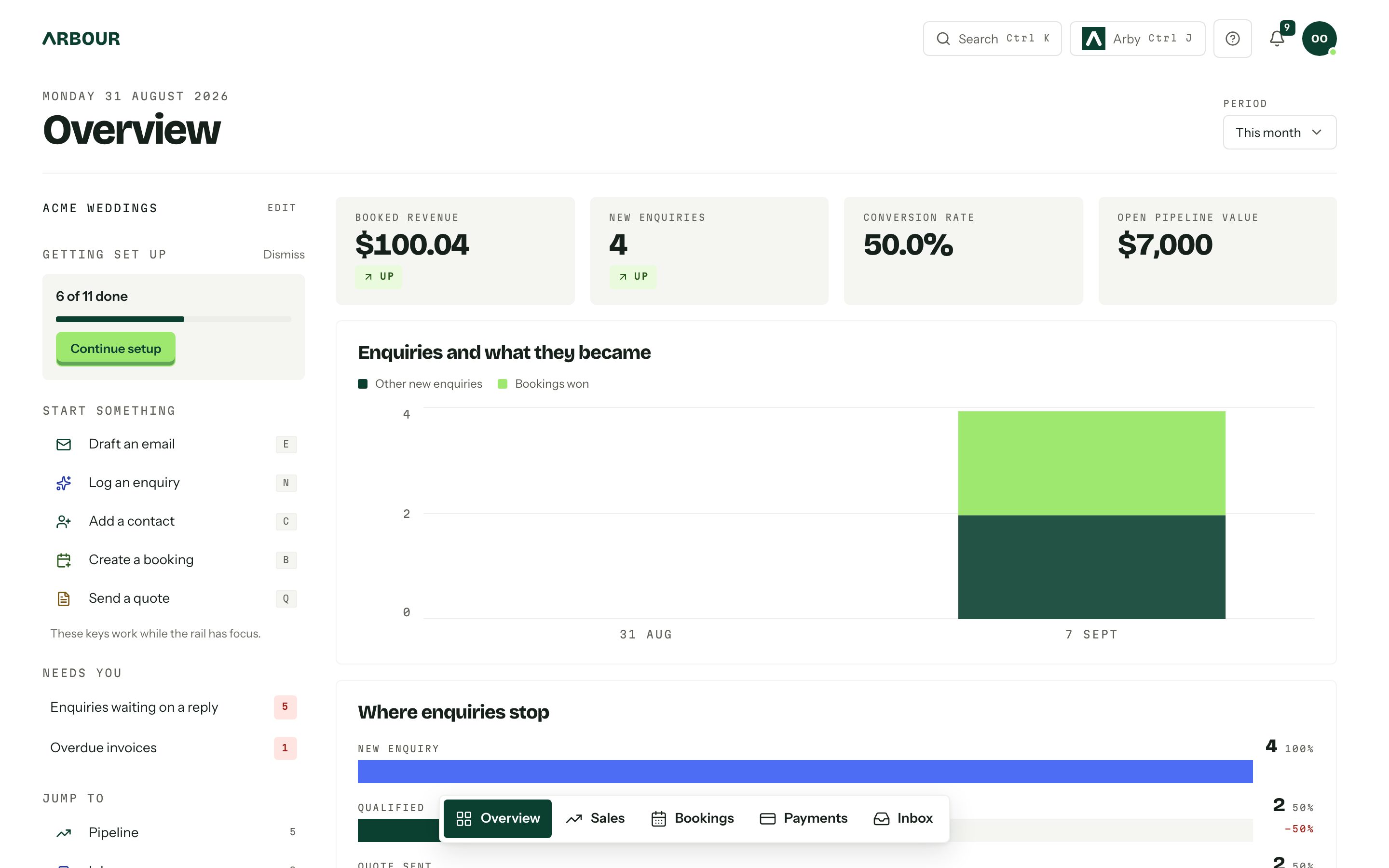
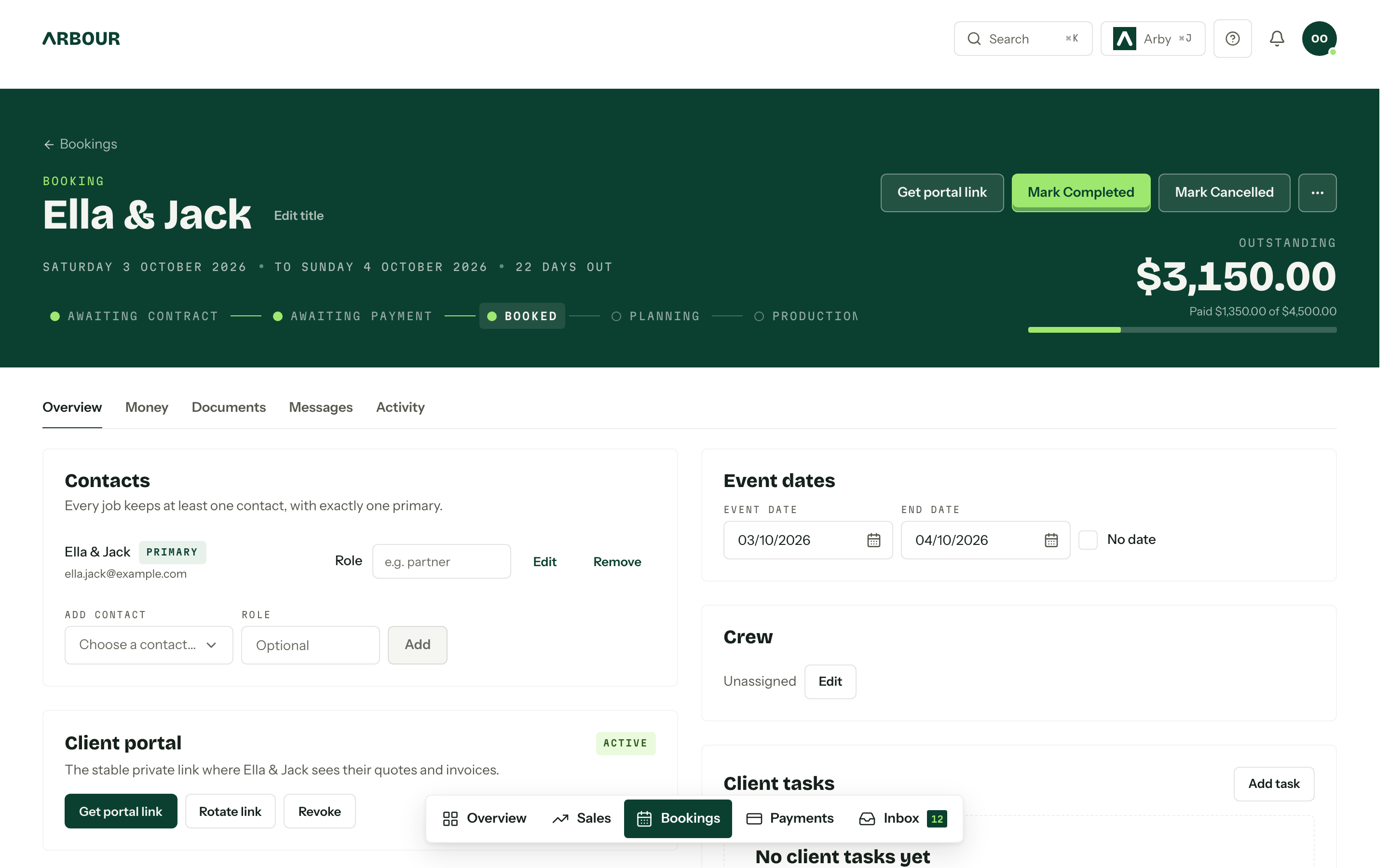
Arbour serves the wider wedding vendor list, including venues, celebrants, florists, caterers and entertainment businesses. Contacts and jobs are its core records. Custom fields adapt those records to your work, and the same job carries the enquiry, quote, contract, invoice and run sheet. A corporate event can sit alongside wedding work with the same job and contact labels.
Write down what your team needs during delivery. A photographer may prioritise a gallery connection. A venue may prioritise who sees booking finances and who needs the run sheet. Use that list to direct the trial.
Compare the booking experience on a phone
Studio Ninja's client portal lets clients accept quotes, sign contracts, complete questionnaires and pay invoices. It can also link to a Pic-Time or ShootProof gallery. A portal is therefore already part of Studio Ninja's booking process. It would be wrong to treat it as an Arbour-only benefit. [2]
Arbour gives each job a private portal link under your logo and colours. Clients can accept the quote, sign and pay without creating an account. Studio and House support a portal on your own domain. The useful comparison is how that sequence works for your clients, rather than whether a portal appears on a feature list.
Send yourself a realistic quote with an optional extra and a payment schedule. Open it on your mobile, complete the booking and then find the next payment. Check whether the wording and sequence match how you sell. Repeat the same test in both products.
The Arbour client view
Show full screenShow close-up: The Arbour client view
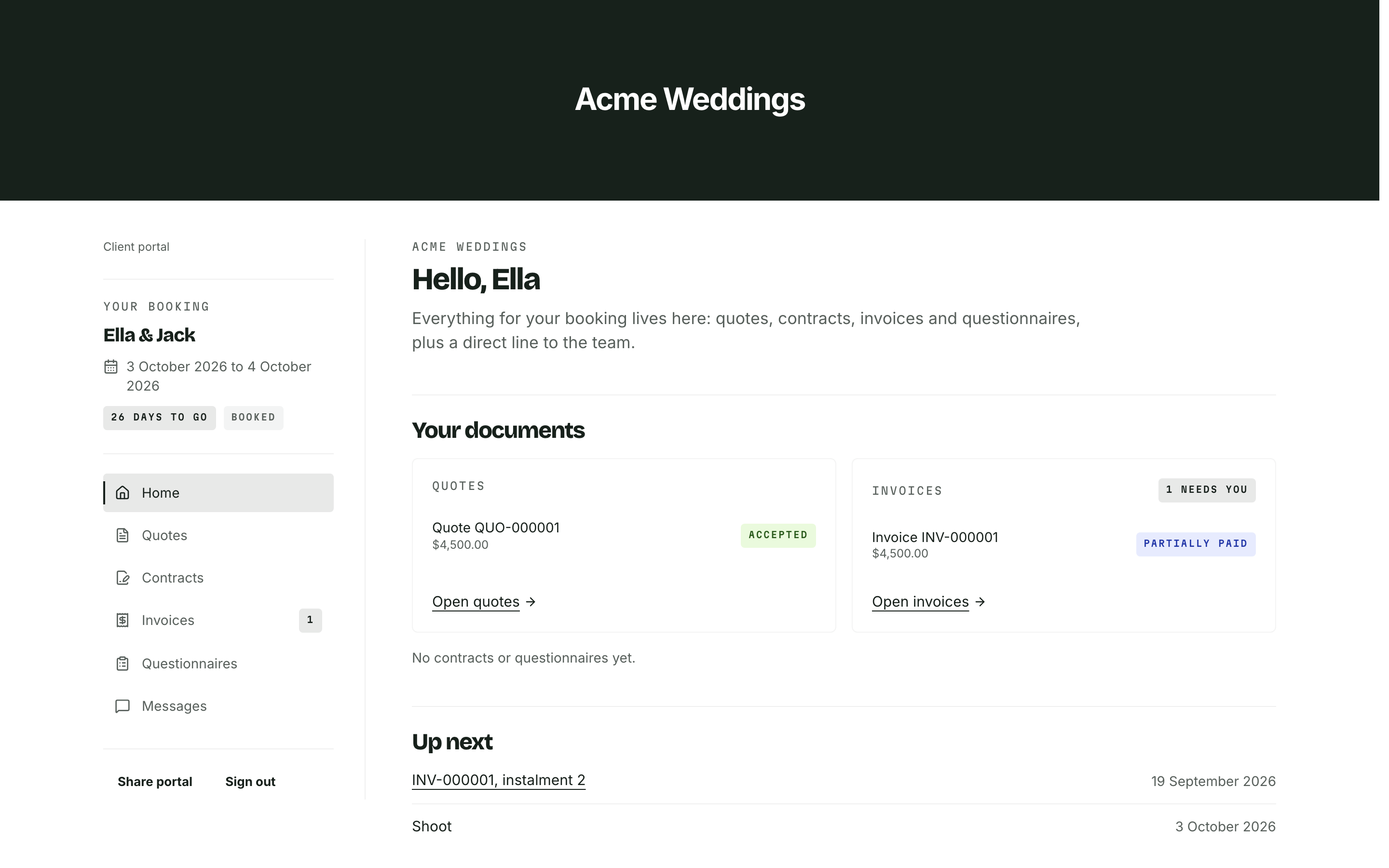
Quote status
Invoice status
Upcoming dates
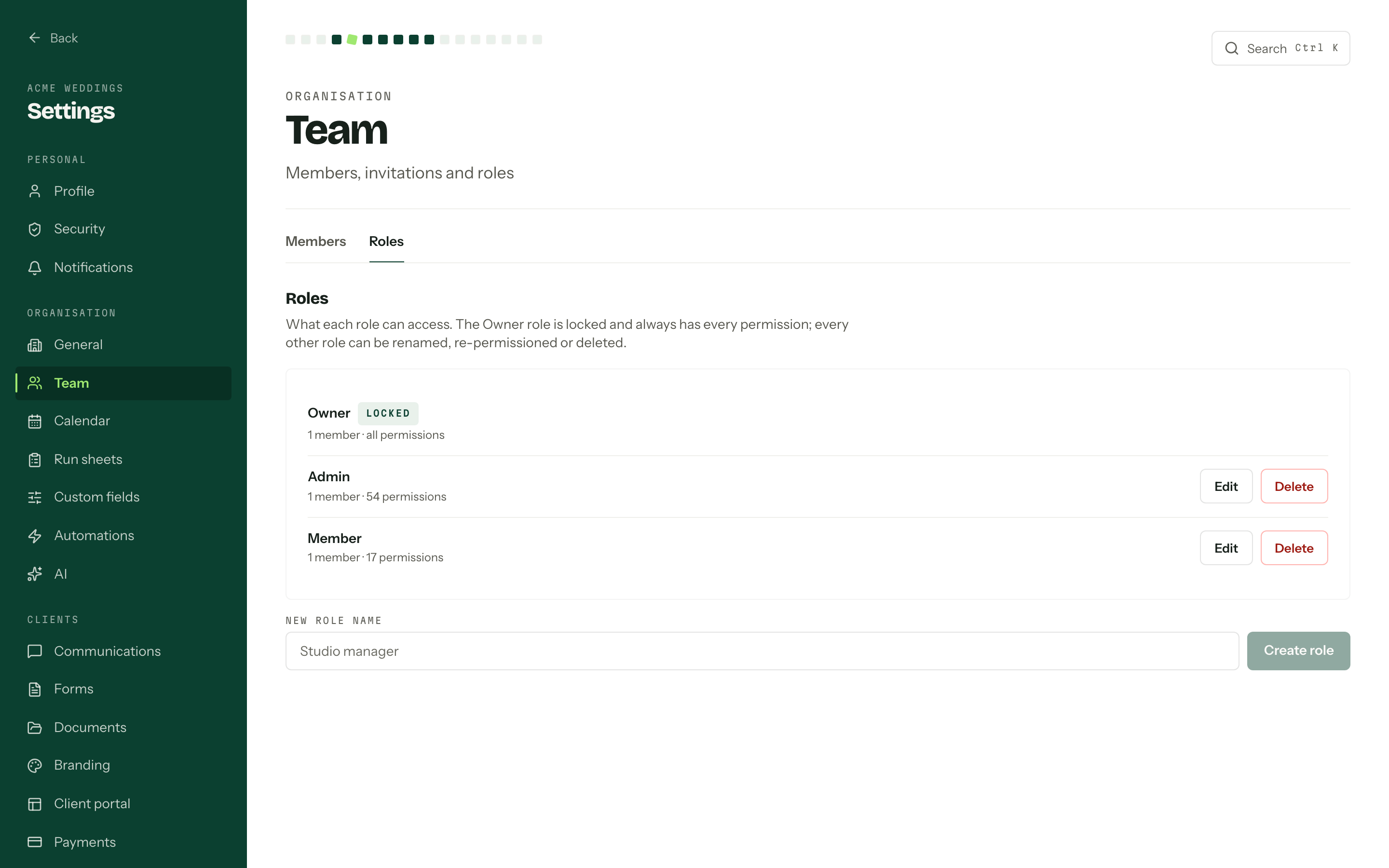
Check who can see the money
Studio Ninja's Users help page says additional company users have access to the whole account and that it does not currently provide permission restrictions for those users. Its pricing page separately sets user allowances by plan, so check the current plan limits rather than relying on an older unlimited-user statement in the help article. Confirm the access controls for your chosen plan before inviting contractors. [3] [4]
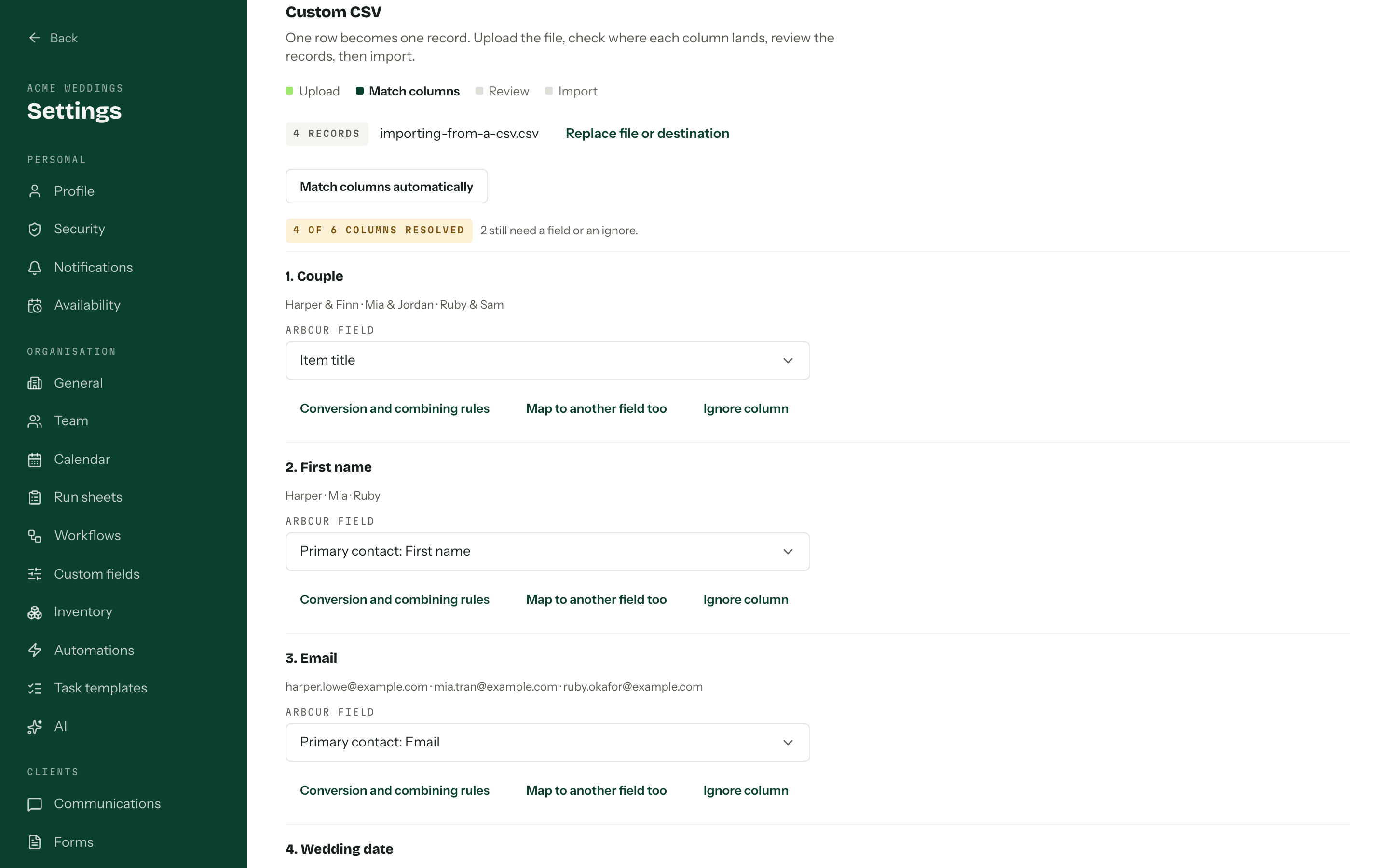
Arbour's Studio plan includes team roles and granular permissions. That matters when a crew member needs delivery information while an owner needs invoice totals. During the trial, invite a second test user and inspect the booking through that role. A setting is only useful if the person sees the right information when they open the job.
If everybody in a small studio can legitimately see the whole account, restricted access may carry little weight in your decision. If contractors work across several jobs, make it an early test.
Check access with a second login
Show full screenShow close-up: Check access with a second login
Understand what the accounting sync changes
Studio Ninja's Xero documentation says it copies invoices to Xero and can optionally synchronise recorded payments in both directions. The guide excludes Xero Cashbook and Ledger plans. That direction of travel matters if your bookkeeper reconciles payments in Xero and expects the booking system to reflect them. [5]
Arbour pushes issued invoices, payments and refunds to Xero or QuickBooks in one direction. Changes in the accounting system do not change the client's invoice in Arbour. Neither approach makes the other universally better. Your bookkeeper needs to know which system owns the client record and where corrections happen.
Test an invoice and a payment before moving live accounts. Ask your bookkeeper to check the result and handle a correction before the season's invoices go out.
The differences to put through a trial
| Check | Arbour | Studio Ninja |
|---|---|---|
| Delivery fit | Jobs and custom fields for the wider wedding vendor list. | Built for photographers and videographers, with gallery integrations. [1][2] |
| Client booking | A private job portal for quotes, signatures and payments. | A portal for quotes, contracts, questionnaires, payments and gallery links. [2] |
| Team access | Studio includes roles and granular permissions. | Users guidance describes whole-account access. Confirm the chosen plan. [3][4] |
| Accounting sync | Issued invoices, payments and refunds push to Xero or QuickBooks in one direction. | Xero invoice copying with optional payment sync in both directions. [5] |
Scroll across to compare.
Compare the plan you will actually use
Studio Ninja currently lists Starter, Pro and Master plans. Their allowances differ for brands, users, forms and jobs. Starter has an active-job limit, while Pro and Master list unlimited jobs. Its pricing page provides an AUD selector. The Starter summary and detailed table disagree on automation and online booking, so confirm those inclusions before buying. Compare the plan that accommodates your normal workload, including the jobs still open during delivery. [4]
Arbour's Solo plan is for one person and one organisation. Studio includes eight people across three organisations, with extra seats available. House is arranged with the founders. Use the current Arbour pricing for subscription totals and inclusions, rather than a copied figure in a comparison article.
Include the systems you expect to keep. A gallery subscription, an accounting subscription and staff time spent maintaining templates all affect the cost of running your business. A lower CRM bill does not tell you whether a change will be worthwhile.
Make a small migration test before moving the book
Arbour supports imports from Studio Ninja exports, with preview counts before the import writes data. That is a starting point for checking a move, not a reason to assume every attachment or historical detail will arrive exactly as expected.
Choose a completed job and a future booking. Keep the original exports, compare contact details and check the documents you need to retain. Then recreate one workflow, including the exception you handle by hand. Studio Ninja also advertises migration assistance for businesses moving into its product, so ask either provider exactly what its migration covers. [1]
Keep Studio Ninja if its photography workflow already fits and the test reveals no material gap. Trial Arbour if restricted team access, shared delivery work or broader vendor operations are causing extra administration. You can inspect Arbour's sales and delivery workflow before putting those two test jobs through it.
Sources
Sources checked on 28 October 2026. Product details and guidance can change.
- 1Features
Studio Ninja
- 2Getting started with the client portal
Studio Ninja
- 3Users
Studio Ninja
- 4Pricing
Studio Ninja
- 5Xero Integration
Studio Ninja
Published by Arbour, which makes wedding business software. Read our editorial approach.