Arbour vs HoneyBook for Australian wedding vendors
Compare Arbour and HoneyBook for Australian wedding businesses, including AUD support, booking documents, automations, crew access and delivery workflows.
Software comparisons · 6 min read
In brief
- HoneyBook now supports Australian businesses and AUD subscriptions.
- Compare smart files with the whole sales and delivery workflow.
- Include setup work, team access and payment processing in the total cost.
HoneyBook is available in Australia. It launched here in May 2026, so comparisons that still rule it out on location are out of date. Australian wedding vendors can now assess it alongside Arbour on the work each system needs to handle. [1]
The useful question is what happens to a booking after the client accepts. HoneyBook has interactive booking documents and a broader service-business audience. Arbour puts wedding-industry sales and delivery on one job record. Your trial should test both the client's experience and the work your team does afterwards.
Start with the Australian account
HoneyBook's Australian site describes AUD subscriptions, AUD currency support and local payment methods. Its bank verification guide has a separate Australian setup process through Stripe. It also says an existing account's move to AUD requires support and Australian documents, a bank account and an address. Do not assume that a North American account or an old walkthrough matches a new Australian setup. [2][3]
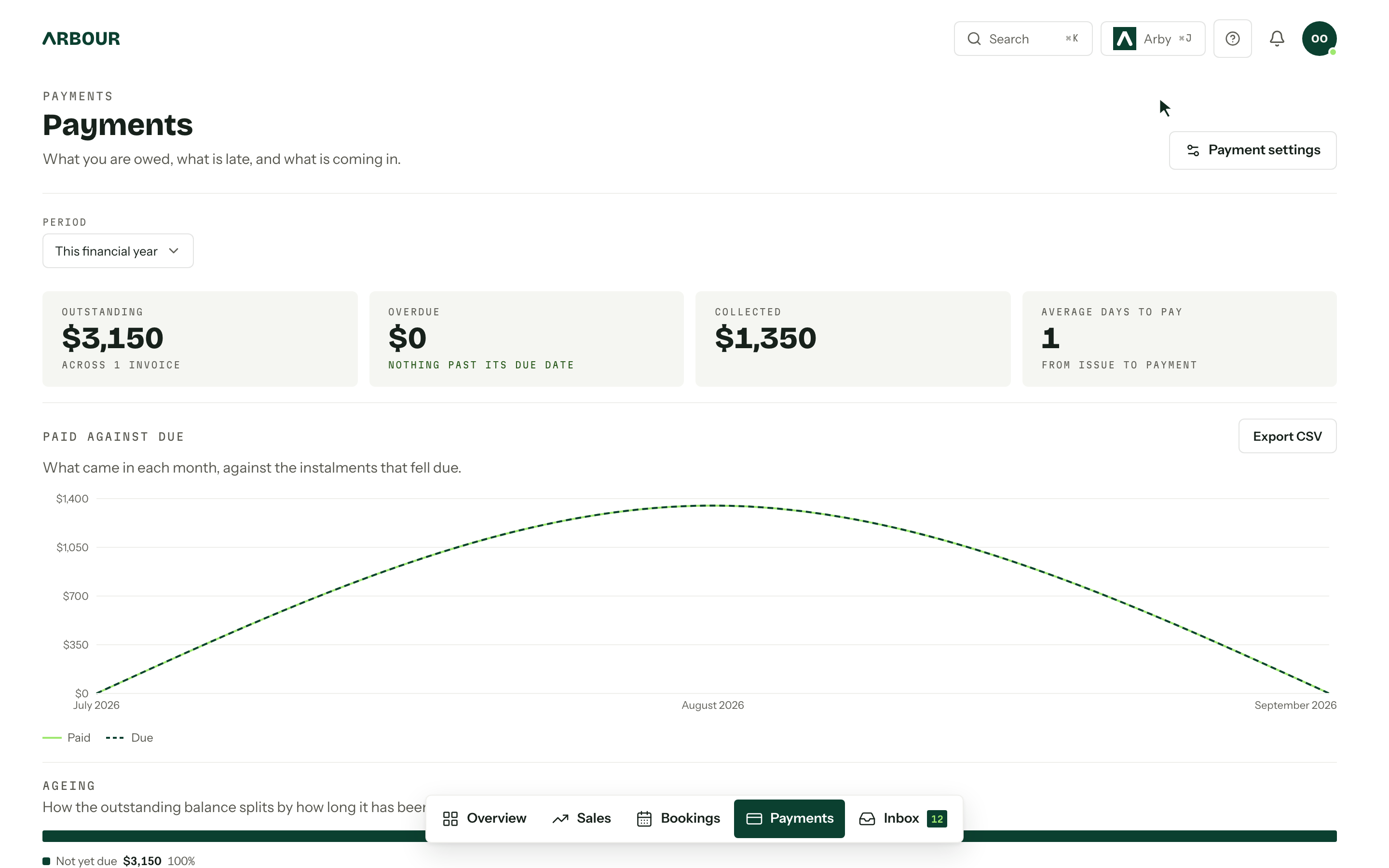
Arbour's plan catalogue is in AUD and includes GST. Tax invoices carry your ABN, and payment plans can place a deposit on acceptance with the balance before the event. Its published accounting workflow pushes issued invoices, payments and refunds to Xero or QuickBooks in one direction.
For either platform, check your actual invoice, refund process and accounting handover. Australian availability does not tell you whether a particular payment method or integration suits the way your bookkeeper works.
Compare the booking your client receives
HoneyBook's smart files combine client actions in one interactive document. A file can include service selection, a contract, questions, scheduling and an invoice. You can build a reusable template or a file for one project. That is useful when the main problem is moving a client through a considered proposal and booking process. [4]
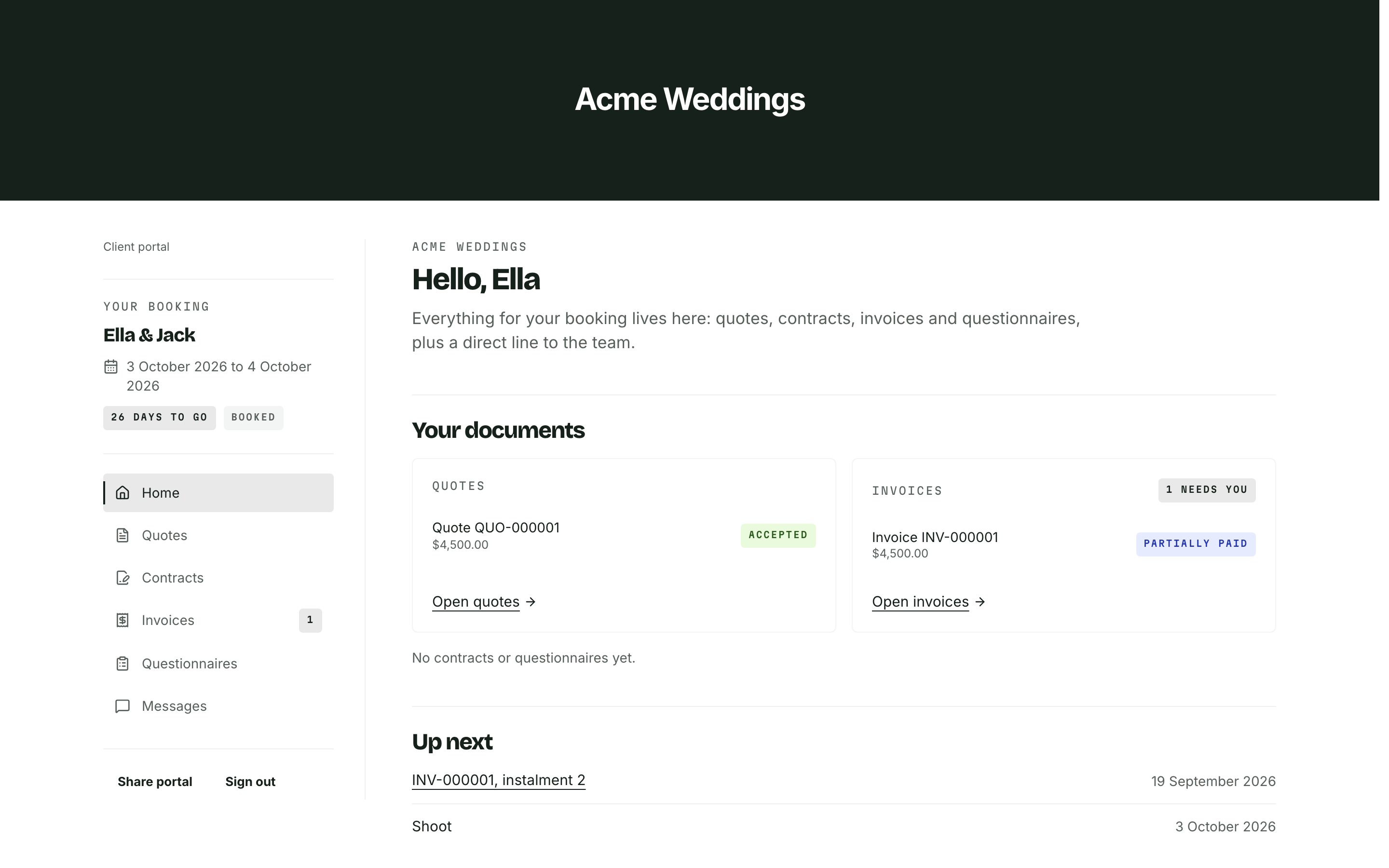
Arbour keeps the enquiry, quote, contract, payment plan and delivery information with the job. Clients use a private portal link to accept quotes, sign contracts and pay invoices without a password. Studio and House support a portal on your own domain.
Send the same sample booking to yourself in each trial. Include an optional extra and a question that needs an answer before you confirm the scope. Open it on your mobile. Check whether the accepted package and payment schedule are clear without a separate explanation email. A polished template still needs to match your terms and actual service.
Booking documents in the client portal
Show full screenShow close-up: Booking documents in the client portal
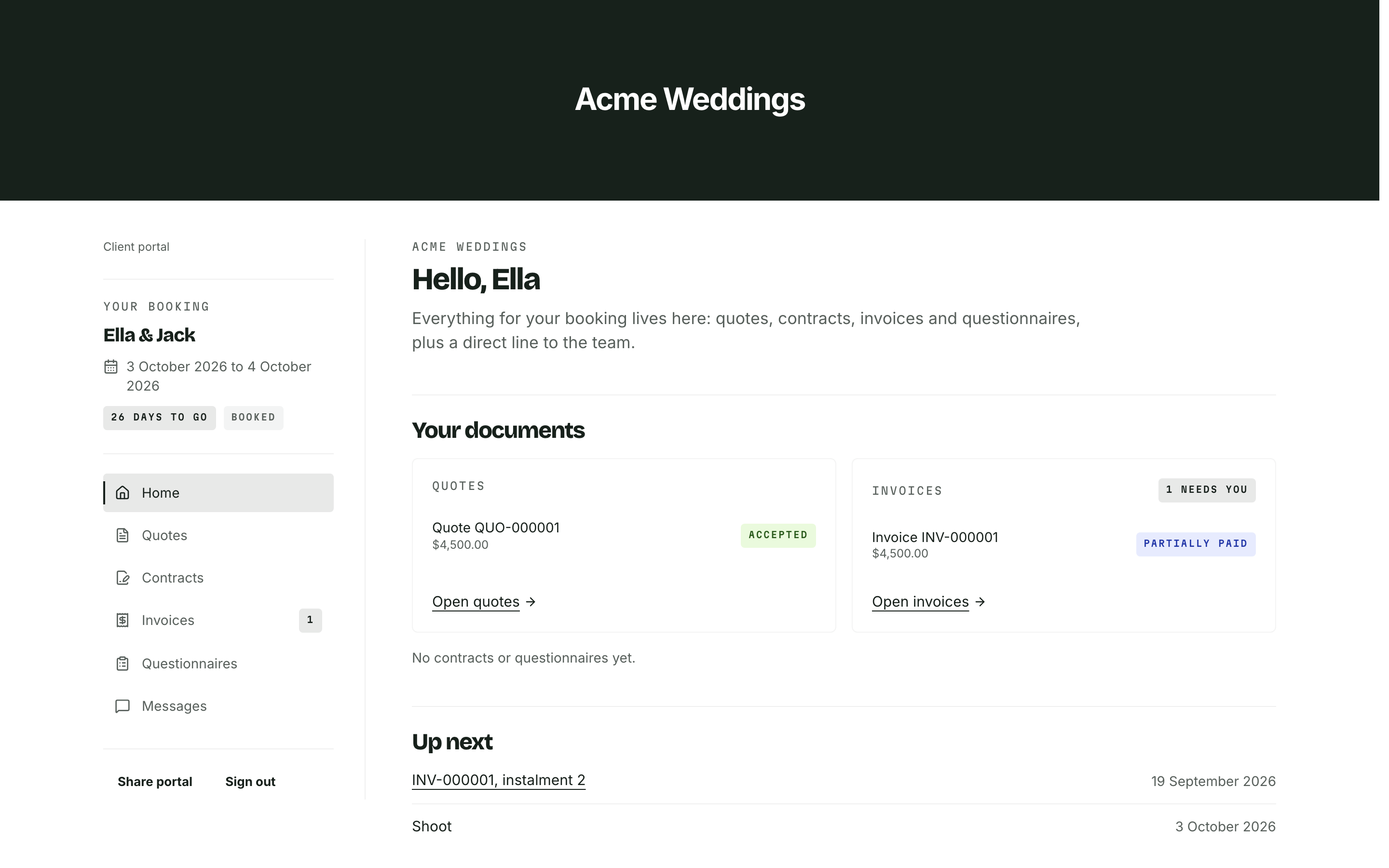
Quote status
Invoice status
Upcoming dates
Follow the job past the deposit
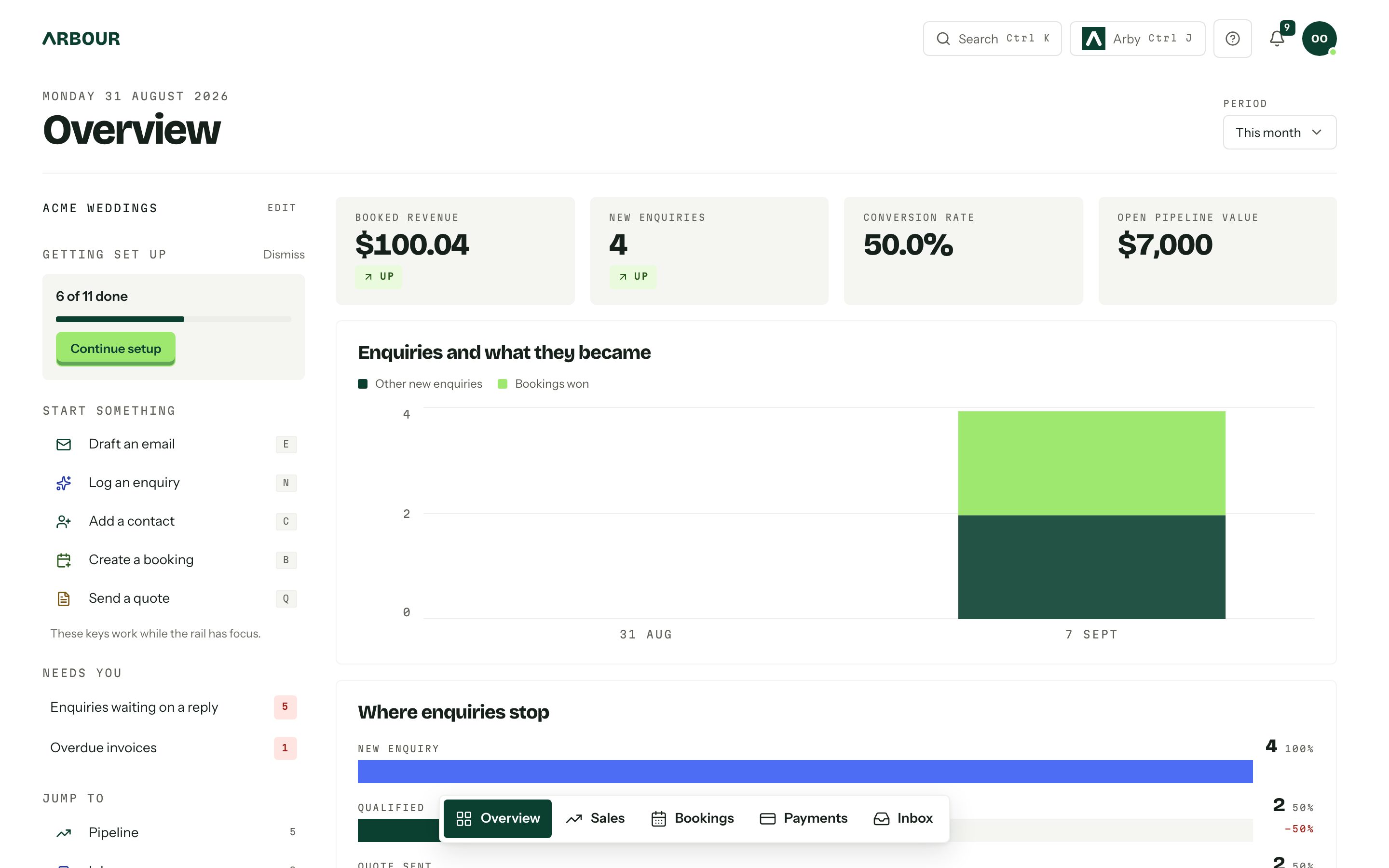
A celebrant and a venue both need contracts, but they have different delivery work. A venue may need a crew handover and a revised run sheet. A photographer may need questionnaire answers and access details. List those jobs before comparing software menus.
Arbour's published workflow includes calendars, crew, questionnaires and run sheets on the booking, with permissions controlling access to financial information. Its custom fields adapt the record to the vendor. Jobs and contacts also accommodate commercial shoots or corporate functions.
HoneyBook also has project workspaces, notes and participation-based team access, while smart files can collect questionnaire answers. [4][6] Test how those tools handle your operational handover. Change the venue access time, add a colleague and find the final client answers. Count the places that need updating in each platform. A project screen in either system is a starting point, not proof that your process is covered.
The booking after acceptance
Show full screenShow close-up: The booking after acceptance
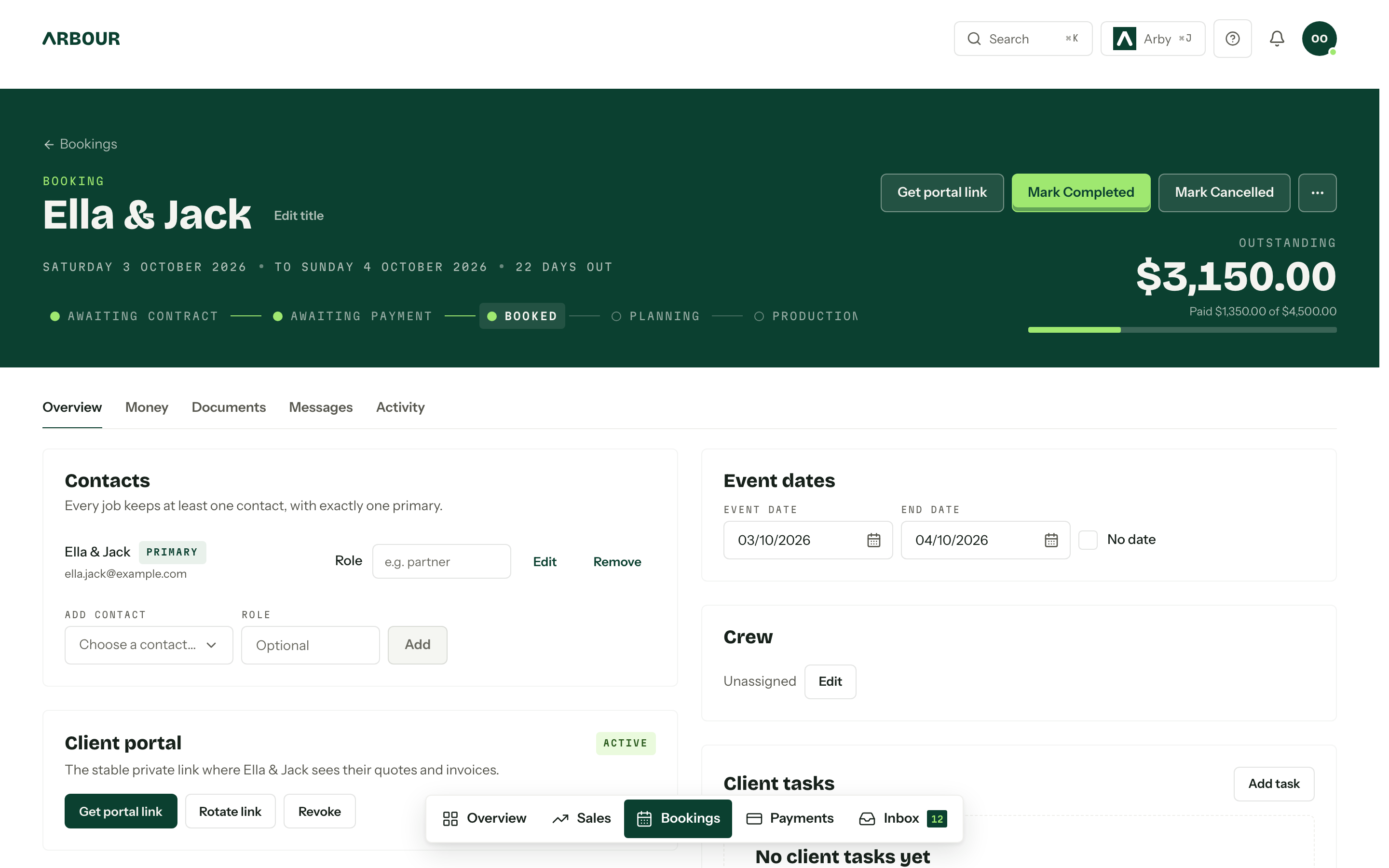
Contacts
Event dates
Crew
Payment status
Test automations and team access together
HoneyBook documents conditional automations that send files and emails, with an option to require approval before a step runs. Its booking automation guide places Automations 2.0 on Essentials and Premium. [5] Arbour uses a trigger, matching conditions and an action. Its documented actions include moving a stage, emailing a client, notifying the team, calling a webhook and waiting.
Use a changed-date booking as your test. Check what sends, what waits and who can stop it. Keep manual review where an incorrect message would promise availability or confirm an unsettled scope.
HoneyBook has several team roles, with project visibility and financial access depending on the role and participation. [6] Arbour's Studio plan includes roles and granular permissions across multiple organisations. Invite a test colleague in each system and sign in as them. Confirm that they can do the handover without seeing information they do not need.
Compare the work, including the handover
| Check | Arbour | HoneyBook |
|---|---|---|
| Australian setup | AUD plans including GST, with ABN tax invoices. | AUD subscriptions and an Australian payment setup process. [2][3] |
| Client documents | Quotes, contracts and payment plans stay with the job and portal. | Smart files combine service selection, contracts, questions and invoices. [4] |
| Delivery work | Calendar, crew, questionnaires and run sheets on the booking. | Project workspaces, notes, team participation and questionnaire answers. [4][6] |
| Automation | Rules combine a trigger, matching conditions and an action. | Conditional automations with approval options on Essentials and Premium. [5] |
Scroll across to compare.
Price the account you will actually use
Compare the current Australian HoneyBook offer with Arbour's live plans. Include billing frequency, tax treatment, team access and payment processing in your calculation. HoneyBook's Australian pricing page separates plans and payment processing information. Check the applicable local offer before subscribing. [2]
Also count setup work. Existing forms, contract templates, future bookings and open balances need checking after a move. A lower subscription is less useful if you retain another system to finish every booked job. Equally, keeping a working setup can be sensible when changing platforms would add more work than it removes.
Choose the trial that answers your problem
Put HoneyBook on the shortlist if your main need is a flexible client booking document and you want a platform aimed at several service-business categories. Put Arbour on the shortlist if the gap is wedding-industry delivery, including crew and run sheets, alongside sales on the same job.
Before moving the book, complete one sample job in each contender. Record the steps that still require another document or application, then decide whether those gaps matter to your business. You should be able to explain the choice in terms of work completed, rather than which homepage looked better.
Sources
Sources checked on 28 October 2026. Product details and guidance can change.
- 1
- 2HoneyBook Australia Pricing
HoneyBook
- 3Bank & Business Details: Setup and Verification
HoneyBook Help Center
- 4Create, build, and elevate smart files in HoneyBook
HoneyBook Help Center
- 5Start automating your booking process in HoneyBook
HoneyBook Help Center
- 6About team member roles and permissions in HoneyBook
HoneyBook Help Center
Published by Arbour, which makes wedding business software. Read our editorial approach.