Wedding deposits and payment schedules that keep the book clear
Set clear wedding deposits and payment milestones, track overdue invoices and handle changes with a practical payment workflow for Australian wedding vendors.
Business guides · 6 min read
In brief
- Agree on amounts and actual due dates before taking payment.
- Choose milestones around costs without confusing payment and cancellation terms.
- Reconcile invoices, receipts and expected supplier bills each week.
A booking worth $8,000 and $8,000 in the bank are different things. Wedding vendors often agree to work months before they buy materials, pay crew or deliver the job. A useful payment schedule tells both parties what is due, when it is due and what happens if the booking changes.
Start with the work you have promised and the costs you will commit to. Choose payment dates around those obligations, then put the same schedule in the agreement, invoices and job record. Business.gov.au recommends including payment terms in both contracts and invoices so customers know how and when to pay. [1]
Agree to the schedule before taking payment
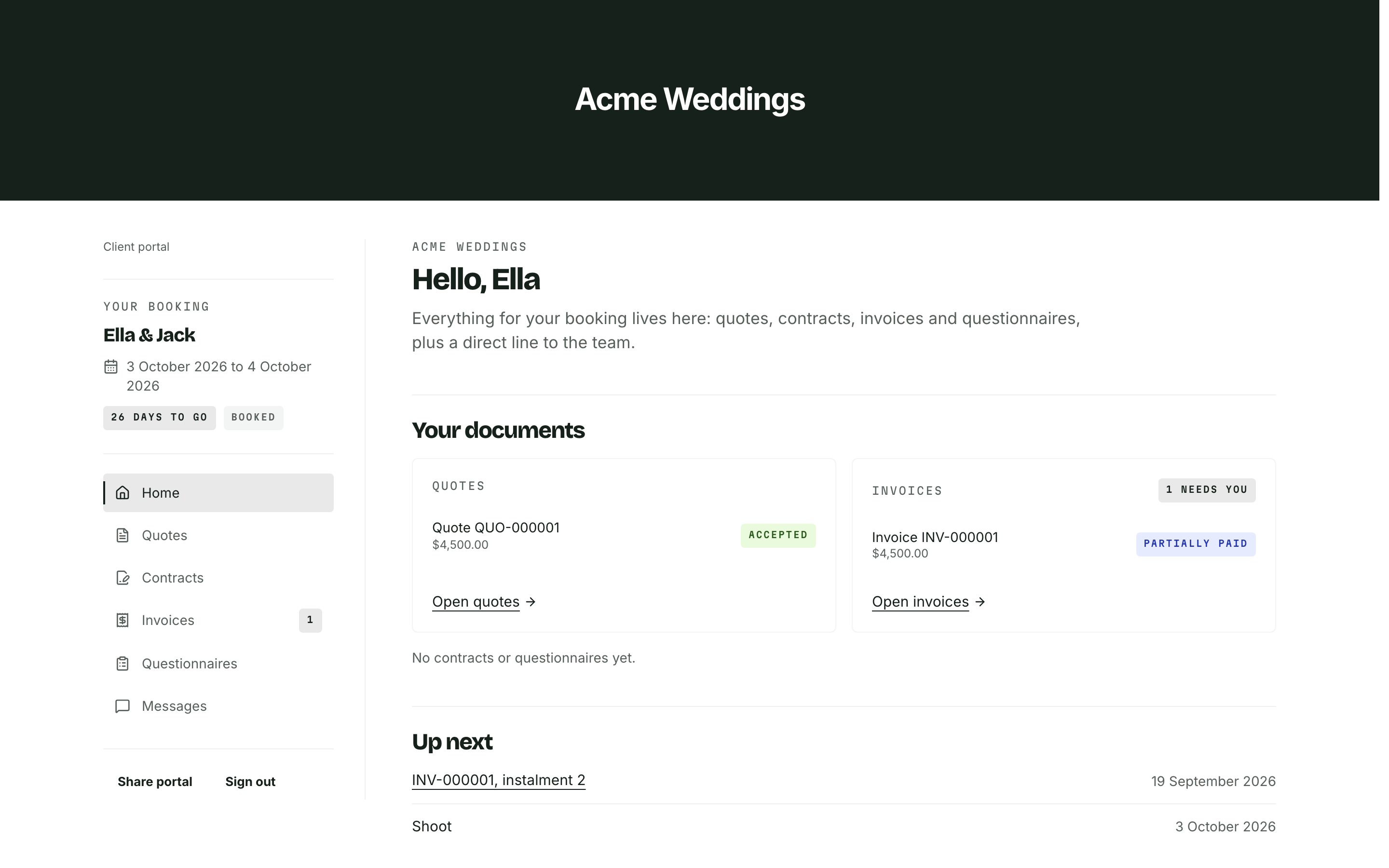
Give the client the total, inclusions, payment amounts and due dates before asking them to book. State whether a payment falls on a fixed date or a period before the event. Show the actual date once the booking is confirmed. Nobody should need to count backwards through a calendar to work out when you expect the balance.
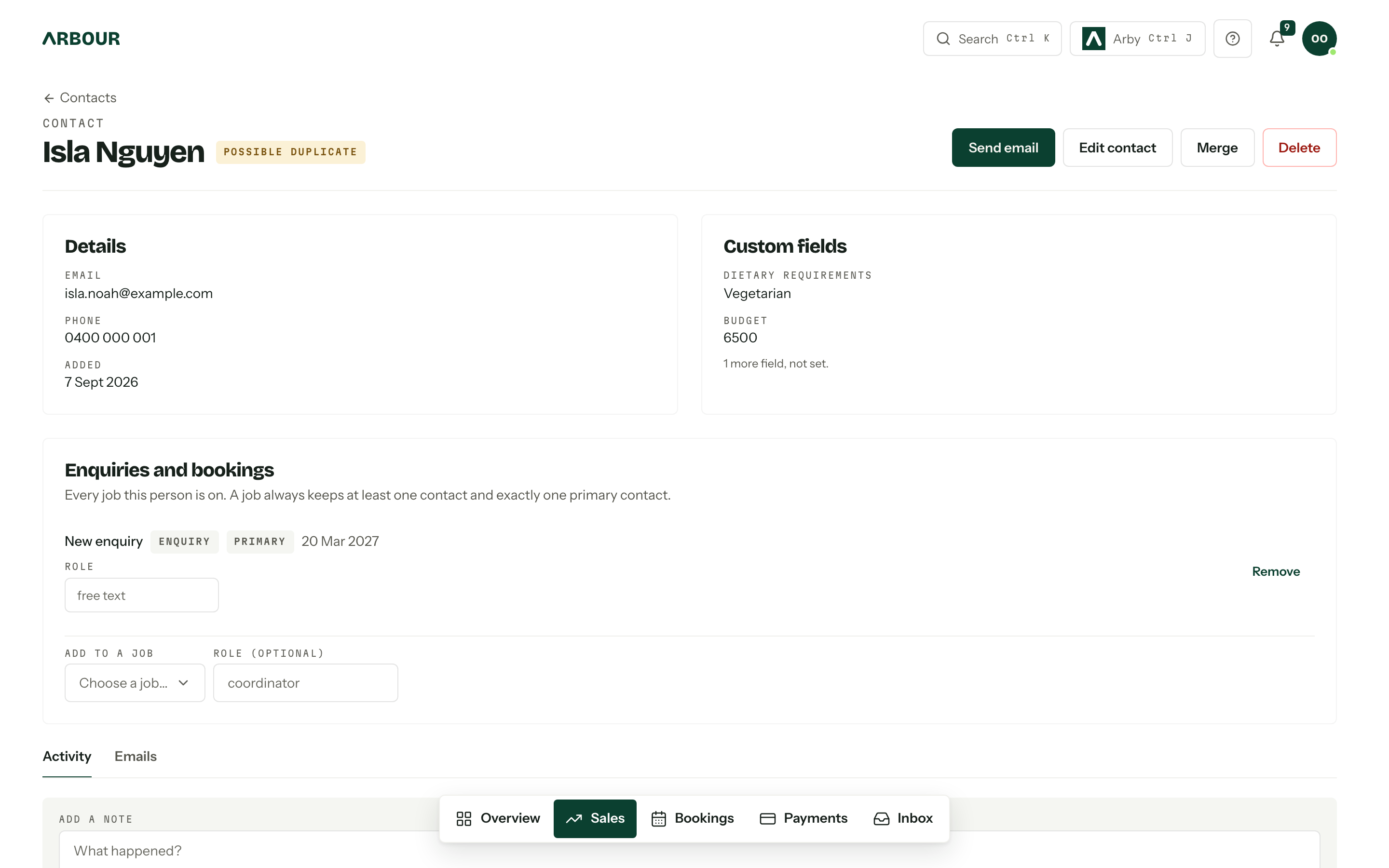
Record who receives the invoice and who pays it. They may be different people. A planner might coordinate the job while the client or an accounts team handles payment. Keep agreed variations beside the original agreement, including the effect on the outstanding balance.
Consumer Affairs Victoria recommends written booking agreements and disclosure of deposit and cancellation conditions before customers book. Its tourism guidance includes wedding functions and says terms must be fair. Use it as a review prompt, then check the requirements that apply to your own business and jurisdiction. [5]
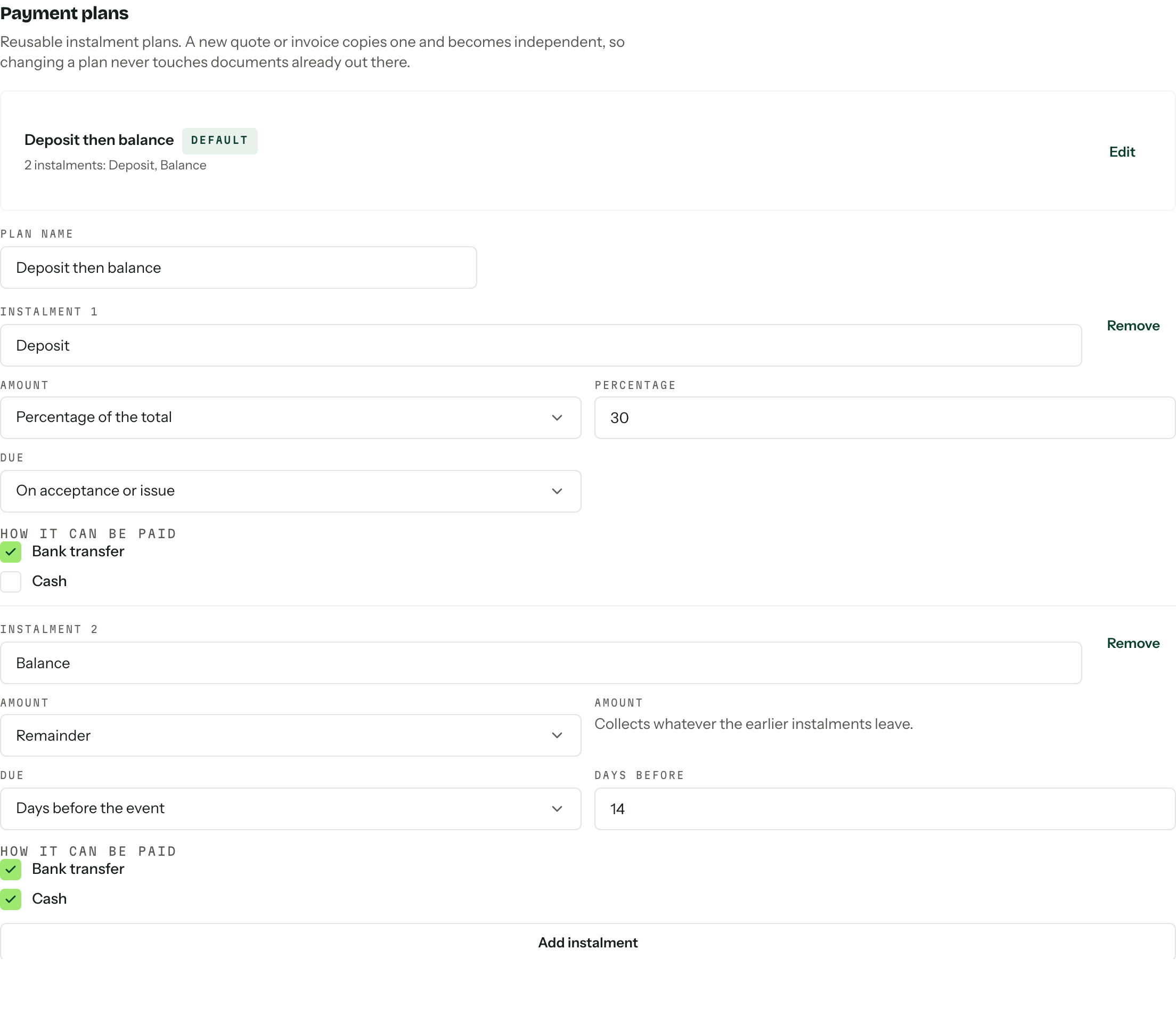
Put the due dates beside the instalments
Show full screenShow close-up: Put the due dates beside the instalments
Choose milestones around the costs of the job
List the dates you commit money. A florist might order stems and book installation crew. A photographer might reserve a second shooter and organise travel. Use those dates to test whether your proposed schedule leaves the business funding a client's job for months.
For a hypothetical $8,000 job, a business might agree to $1,000 at booking, $3,000 on an agreed planning milestone and $4,000 before the event. These amounts illustrate the arithmetic. They are not a recommended deposit percentage or a statement about what your contract can lawfully retain.
Check that the instalments add up to the agreed total. If the client adds $600 of work, record the approval and decide which payment changes. When the event date moves, review every linked due date and supplier commitment. A date change should trigger a person to check the schedule before the next reminder goes out.
Check that the instalments add up
$1,000
At booking, as agreed with the client.
$3,000
At the agreed planning milestone.
$4,000
Before the event, on the agreed date.
A deposit label does not settle cancellation rights
Do not assume that writing 'non-refundable' on an invoice settles every cancellation. The ACCC explains that contract terms cannot remove statutory consumer rights. Its guidance on standard form contracts identifies one-sided penalties for ending a contract as terms that may be unfair. The assessment considers the whole contract and whether the term is transparent. [2]
Keep the payment schedule and cancellation provisions clear about their different jobs. One tells the client when to pay. The other addresses what happens if either party cannot proceed or the client changes their plans. A booking payment, work already performed and money spent on supplies can raise different questions.
Have a lawyer review your cancellation and postponement terms for your business. Give them real examples, including a cancellation before ordering, one after committing costs, and a cancellation by you. This guide describes an administrative workflow, not a deposit clause to paste into your contract.
Keep the invoice and tax treatment consistent
An invoice should make the amount, due date and payment method easy to find. Use the invoice type appropriate to your GST registration. Business.gov.au distinguishes tax invoices for GST-registered businesses from regular invoices for businesses that are not registered. [3] Do not add GST because another vendor's template does.
Ask your accountant how to classify advance payments. The ATO's GSTR 2006/2 distinguishes a genuine security deposit from a part payment and says the name alone does not determine the treatment. [4] Do not assume every payment called a deposit has the same GST timing.
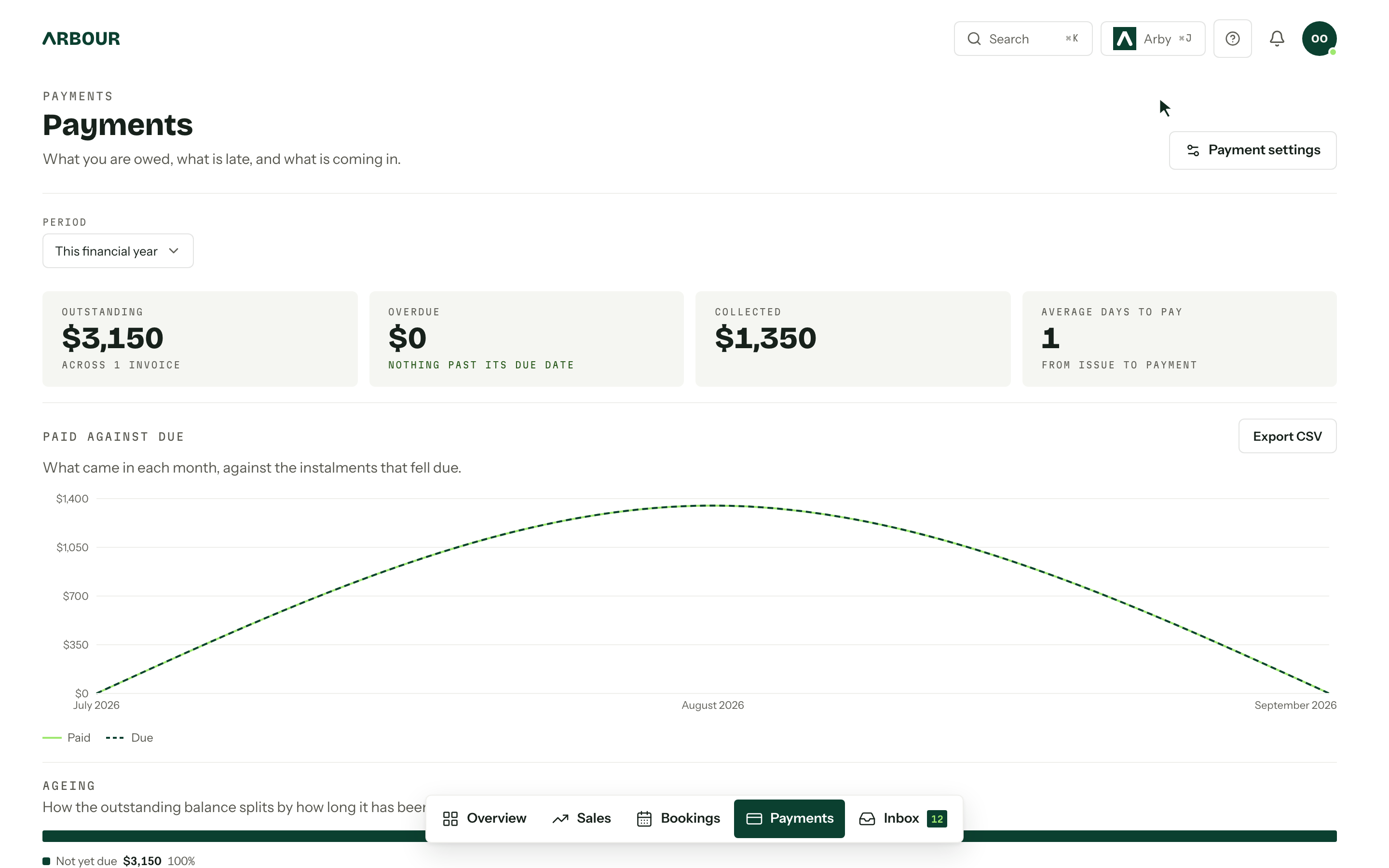
Record each payment against the correct invoice and job. Keep the gross amount, processing fee and bank settlement distinguishable, so a fee does not look like an unpaid client balance. Record refunds against the original payment trail rather than quietly reducing the job total.
Keep the remaining balance visible

Use reminders with a human exception process
A reminder needs the invoice number, amount, due date and payment link or instructions. Before sending another, check whether the client has paid by bank transfer, raised a query or agreed to revised terms. Assign one person to handle exceptions so the client does not receive a chase email while you are resolving a dispute.
Use a weekly review of invoices due soon and overdue. Contact the payer when something needs attention, record the conversation and set the next action. Leave any late fee, suspension or cancellation decision to the agreed terms and an appropriate review. An automation cannot decide whether a disputed charge is justified.
Reconcile the payment schedule against the book
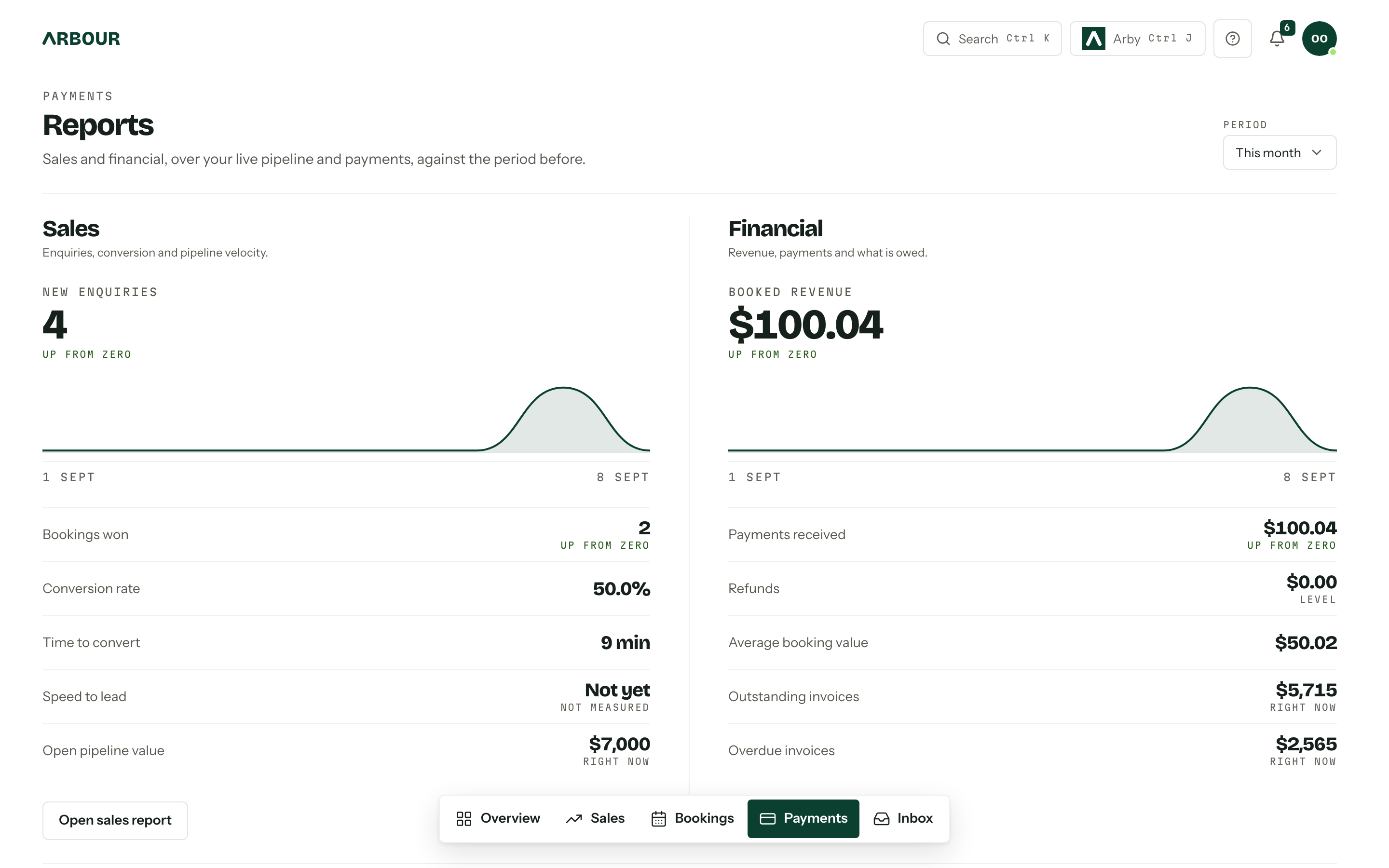
Look at expected receipts beside upcoming supplier bills and crew costs. Keep unsigned quotes separate from booked work, and unpaid invoices separate from money received. A fully invoiced season can still leave a shortfall in the week you pay several suppliers.
In Arbour, quotes, contracts, payment plans and invoices stay on the same job record. See the booking and payment workflow, then test it with a real schedule during your trial. Check a part payment, an approved change and an overdue balance. The useful result is a record that tells you what the client owes without opening four different files.
Sources
Sources checked on 28 October 2026. Product details and guidance can change.
- 1Payment terms
business.gov.au
- 2Contracts
Australian Competition and Consumer Commission
- 3How to invoice
business.gov.au
- 4GSTR 2006/2: Goods and services tax: deposits held as security for the performance of an obligation
Australian Taxation Office
- 5When customers cancel - guidance for tourism businesses
Consumer Affairs Victoria
Published by Arbour, which makes wedding business software. Read our editorial approach.