Arbour vs Dubsado for Australian wedding businesses
Compare Arbour and Dubsado for Australian wedding businesses, including automation, client portals, team permissions, delivery work and pricing structure.
Software comparisons · 6 min read
In brief
- Dubsado's configurable client flows suit owners willing to maintain the templates.
- Arbour keeps the sale, crew coordination and delivery on the same job record.
- Compare billing currency separately from Australian client payment support.
Arbour is worth trialling when the booking, crew and run sheet need to stay together. Dubsado deserves a place on your shortlist when you want to build a detailed client process around forms, proposals and automated follow-up. Both can handle the paperwork around a booking. Your decision should turn on what the team needs after the deposit arrives.
Arbour publishes this comparison and sells one of the products. We checked Dubsado's current documentation on 28 October 2026. The practical tests below are our assessment, rather than results from a customer study.
Start with the work you need to deliver
Arbour keeps enquiries, quotes, contracts, invoices, questionnaires, crew and run sheets on one job record. Contacts can have different roles on that job. The same structure works for a wedding, a commercial shoot or a corporate function. Category selection supplies starter custom fields rather than locking the business into wedding-only labels.
Dubsado's published plans cover projects and clients, invoicing, payment plans, forms, email templates and client portals. Premier adds automated workflows and scheduling. Those are substantial capabilities for a service business with a repeatable client process. [1]
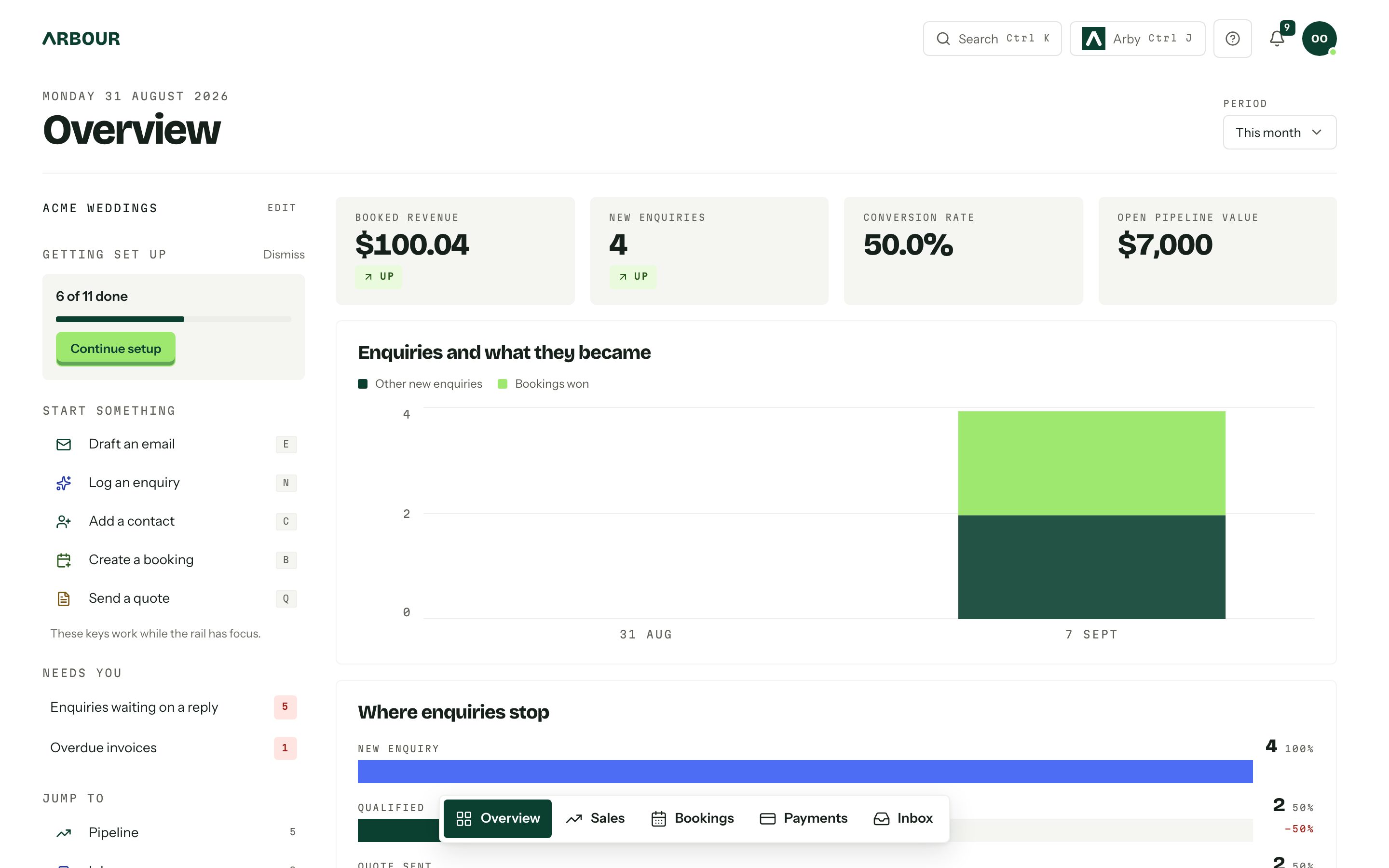
Take one recent booking into both trials. Include its awkward detail, such as a changed venue, an extra operator or a revised finish time. Check where that change lives and who has to copy it elsewhere. This is a more useful comparison than counting items on a feature page.
Compare automation with a real exception
Dubsado 3.0 calls its automations flows. Its documentation describes relative triggers tied to project events, fixed dates and manual approval on an action. Flows can send documents, create tasks and change a project status. Dubsado recommends building the underlying templates and understanding the manual process first. [2]
That approach suits an owner who wants to specify a detailed sequence and maintain it. The work includes deciding what happens when a client signs late, changes the date or needs an individual reply. Template design is part of the purchase, even when you do it yourself.
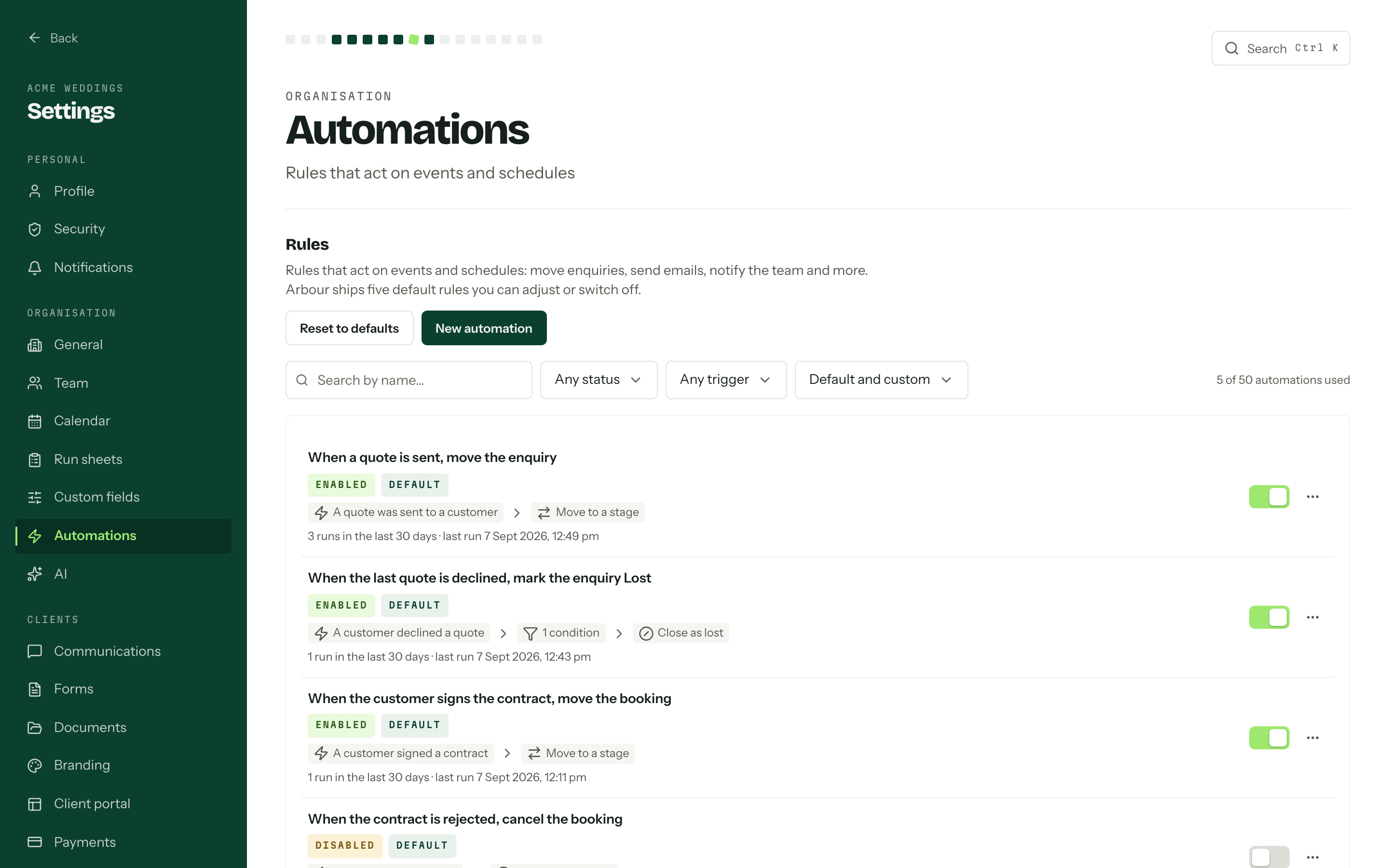
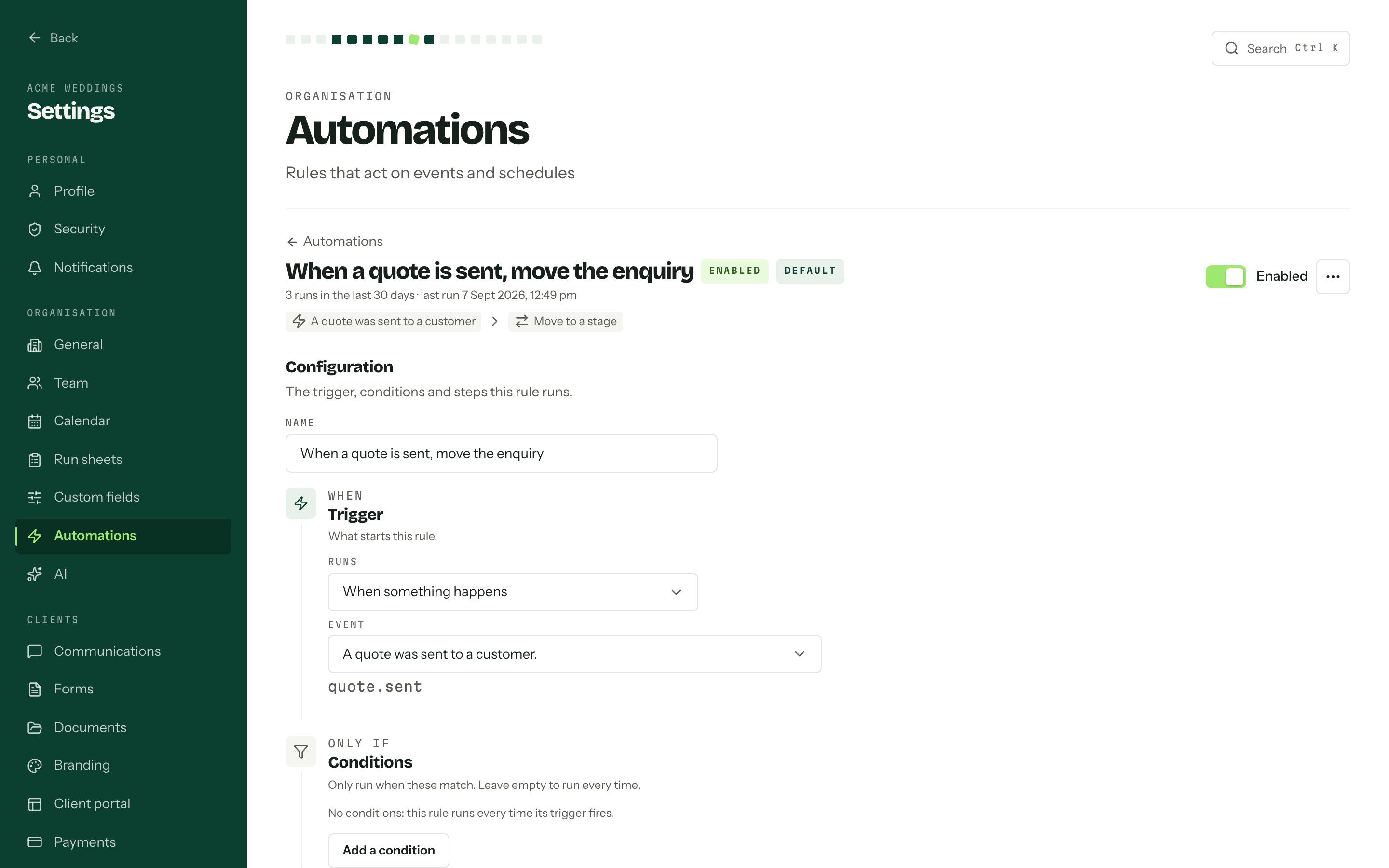
Arbour's rules use a trigger, conditions and an action. The documented actions include moving a stage, sending an email, notifying the team, calling a webhook and waiting. Test your required sequence in each product. Then pause it halfway through and change the date. Check which messages remain scheduled before involving a client.
An Arbour automation rule
Show full screenShow close-up: An Arbour automation rule
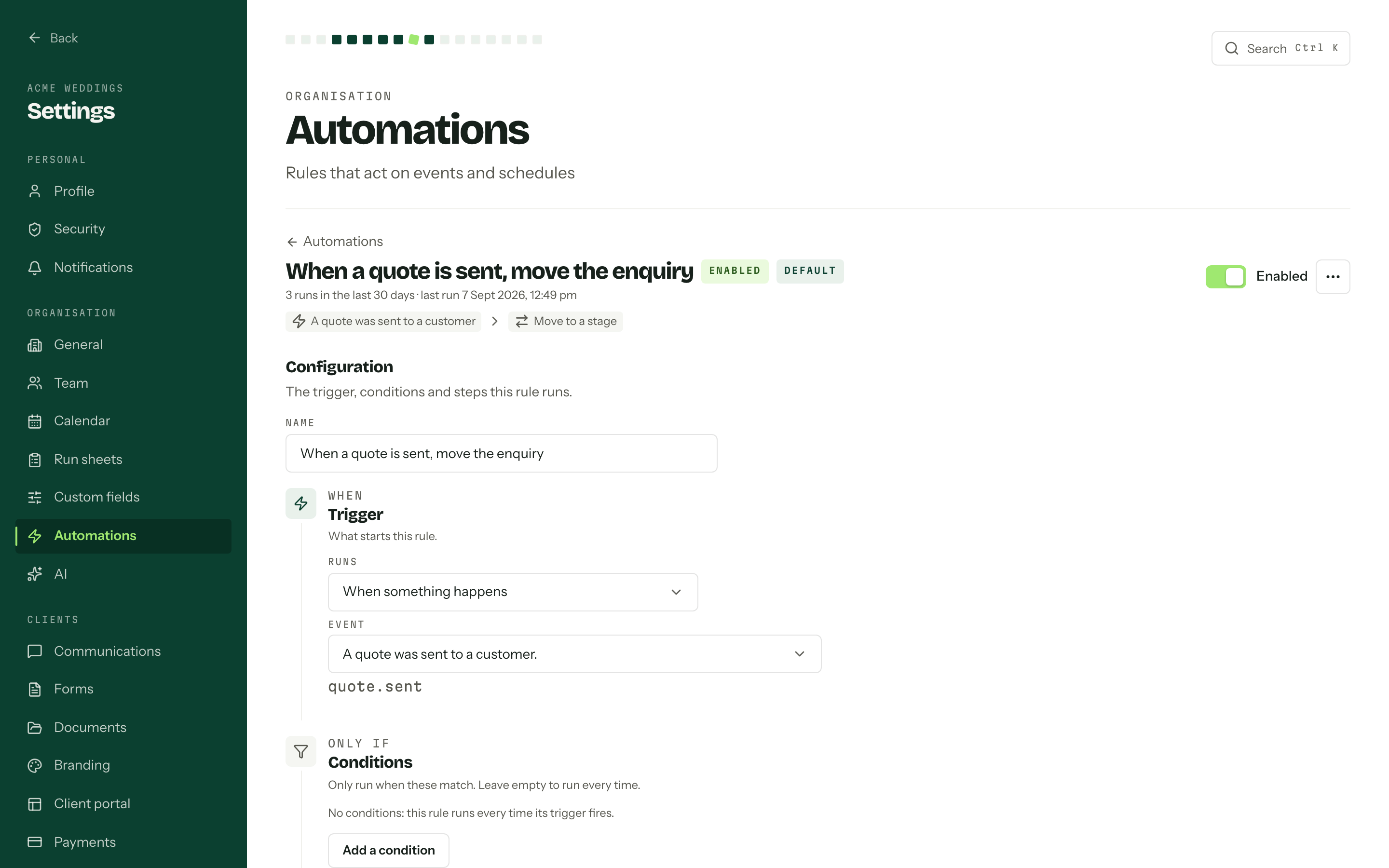
Rule name and action summary
Trigger and conditions
Check the second person's working day
Dubsado has Basic, Accountant and Admin roles. Basic users work on assigned projects and tasks, with optional permissions for contracts, invoices and templates. Its current documentation also states that only one email account connects per brand and that only the brand owner's calendar interacts with the scheduler. [3]
Those details matter if several coordinators need their own appointment availability or email identities. Ask about your exact arrangement rather than assuming that an included user has every capability the owner has.
Arbour's Studio plan includes roles and granular permissions across multiple organisations. Its crew and run sheets sit with the booking. During the trial, use a second login to check whether a crew member can find the information needed on site while financial information stays within the right roles. Confirm any scheduling requirement separately.
Open the portal as a client
Dubsado supports a public portal link or website embed that requires a portal password. Its client-specific link lets the client enter with their email address and no password. Keep that distinction in mind when comparing the client experience. [4]
Arbour provides a private portal link for each job, under your logo and colours. Clients can accept quotes, sign contracts and pay invoices without creating an account. Studio and House support a custom portal domain.
Send yourself a quote and portal invitation from each trial. Open both on your mobile and find the current quote, signed contract and next payment. If another person is involved in approving the booking, test how you will share documents with them too.
Separate subscription currency from client payments
Dubsado lists its subscription prices in US dollars. Its plans and add-ons need to be compared using your actual user and brand count. Arbour lists plans in Australian dollars including GST. Use the current Arbour plan catalogue and Dubsado's pricing page when working out the total. [1]
US-dollar subscription billing does not mean Dubsado cannot accept Australian client payments. Dubsado Payments explicitly lists Australia as a supported merchant country. Payment methods and processing fees depend on location and currency, so check the linked regional fee guidance before choosing a payment setup. [5]
Include the tools you expect to keep for delivery work and the time needed to set up templates. Avoid assigning a dollar saving to either system until you have tested your own process.
Keep these checks separate
| Check | Arbour | Dubsado |
|---|---|---|
| Subscription billing | AUD plans including GST. | US-dollar plans and add-ons. [1] |
| Australian payments | Card payments through Stripe or bank transfer. | Dubsado Payments supports Australian merchants. Check regional methods and fees. [5] |
| Automation | Trigger, conditions and action rules. | Dubsado 3.0 flows, with automated workflows on Premier. [1][2] |
| Portal access | A private job link without a client account or password. | Public links require a password; client-specific links use the client's email. [4] |
Scroll across to compare.
Choose the trial around your hardest booking
Keep Dubsado on the shortlist if its configurable client flows suit the business and you are happy to maintain the templates. Trial Arbour if your priority is carrying the sale into crew coordination and delivery on the same record. Neither recommendation replaces checking the details that matter to your team.
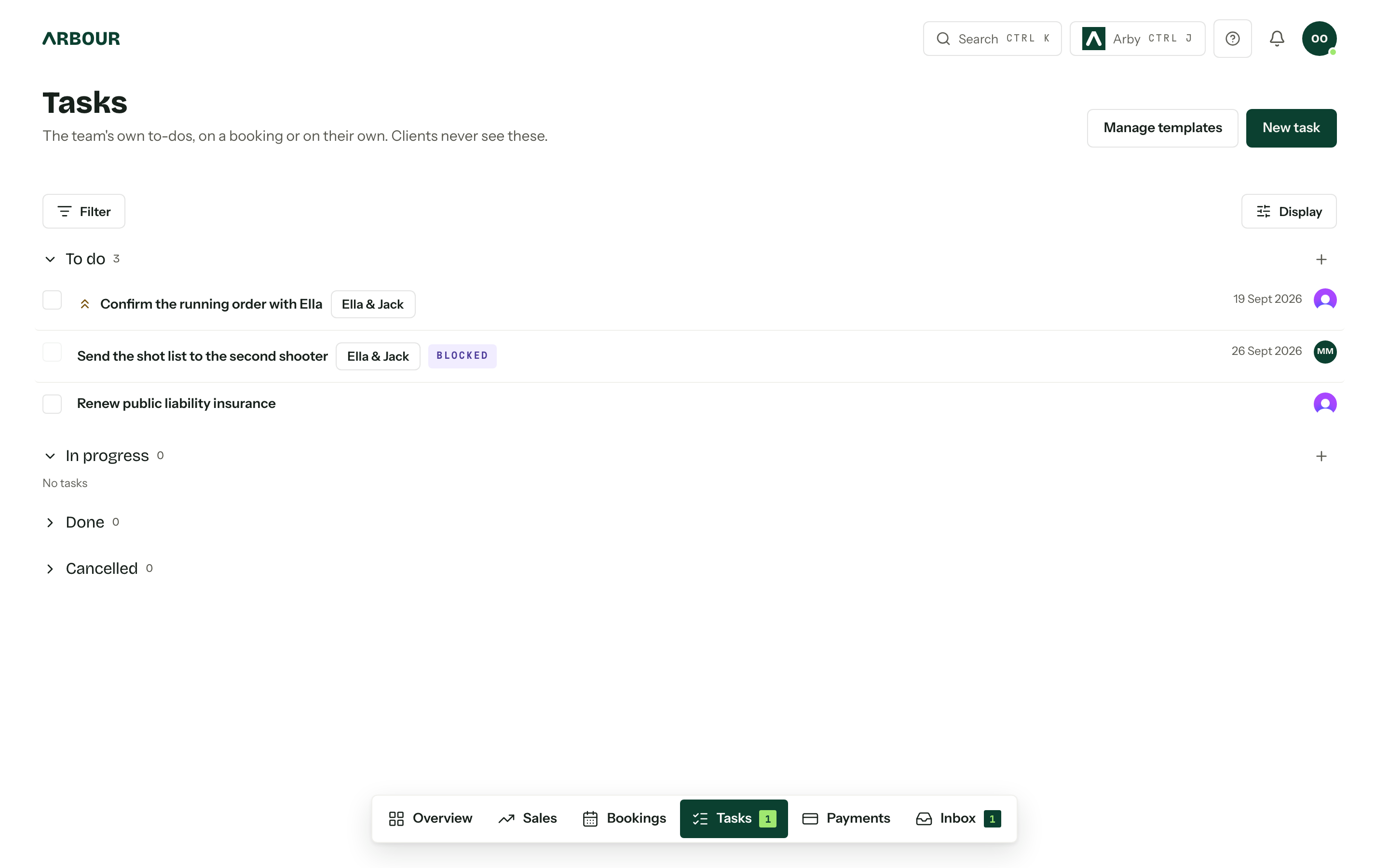
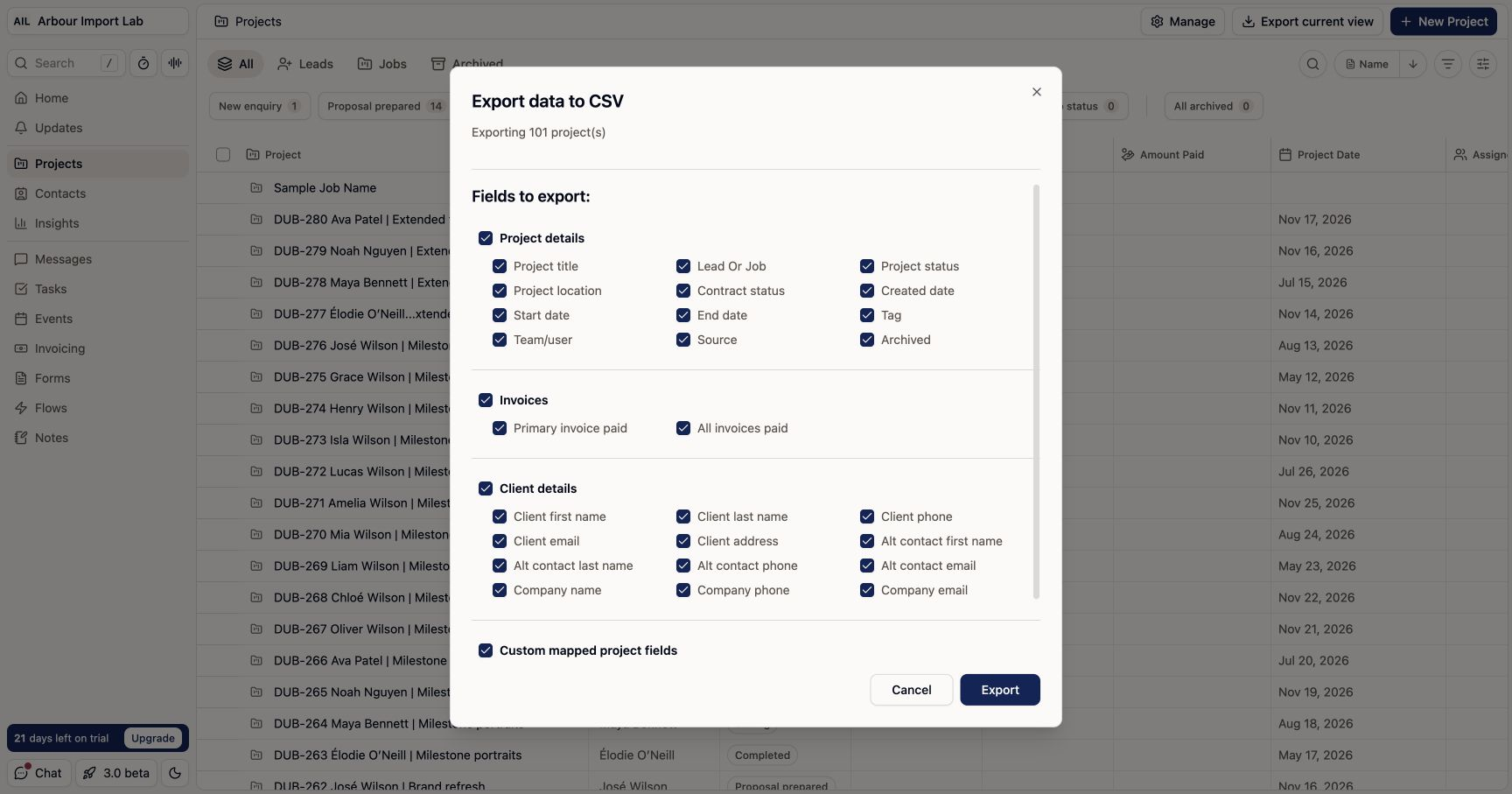
If you already use Dubsado successfully, name the problem before moving. Arbour supports imports from Dubsado exports, but an import is not proof that every document, automation or historical detail transfers. Check the preview and reconcile a sample job. Keep the original export until the new record matches what you need.
Inspect what an export contains
Show full screenShow close-up: Inspect what an export contains
Sources
Sources checked on 28 October 2026. Product details and guidance can change.
- 1Pricing
Dubsado
- 2Create a flow template
Dubsado Help Center
- 3Team member roles & permissions
Dubsado Help Center
- 4Share the client portal
Dubsado Help Center
- 5Manage payments with Dubsado Payments
Dubsado Help Center
Published by Arbour, which makes wedding business software. Read our editorial approach.